How I'd Build a One-Person Business with $50/Month of AI Tools
A practical blueprint for solo founders: which AI tools to stack under $50/month, what to cut, and how to avoid paying for features you'll never use.
You open a new browser tab to sign up for yet another AI tool — one that promises to handle your client emails, write your newsletter, schedule your posts, and maybe walk your dog. Two weeks later it’s a line item you forgot about until your card statement arrives. If that sounds familiar, you’re not alone, and it’s not a willpower problem. The AI subscription market is deliberately designed to make each individual tool feel indispensable.
This article is the opposite of that. It’s a blueprint for building a lean, functional AI-powered solo business on a hard $50/month cap — not by buying less, but by buying smarter.
Why $50/Month Is the Right Constraint
Fifty dollars a month is roughly what a solo creator or early-stage freelancer can justify before a tool needs to demonstrably replace time or money, not just feel useful. It’s also a meaningful forcing function: you can’t stack six subscriptions at that ceiling, so every dollar has to earn its place.
The goal isn’t to be cheap. It’s to avoid the sprawl where you’re paying for five tools that each do 20% of the same job, none of them well-integrated, and you spend more time managing your stack than running your business.

The Core Layer: One Capable LLM
Everything else in this stack is optional. A capable large language model is not.
ChatGPT Plus (OpenAI’s paid tier) and Claude Pro (Anthropic’s equivalent) are the two most credible options for a solo operator as of mid-2026. Both sit at approximately $20/month — verify exact current pricing on their respective sites, as both adjust periodically.
Here’s how to choose between them without overthinking it:
- ChatGPT Plus is the better pick if you do any coding, need image generation baked in (via DALL-E integration), or work heavily with data files and spreadsheets. The Code Interpreter capability alone justifies the subscription for anyone doing light data work.
- Claude Pro is the better pick if your work is primarily text-heavy — long-form writing, contract drafting, summarizing client documents, responding to detailed briefs. Claude’s context window handling and tendency to produce cleaner first drafts means less editing time.
Either way, you’re spending roughly $20 of your $50 here. That leaves $30 for everything else.
One important note: don’t subscribe to both. The overlap is near-total for most solo use cases. Pick one, learn it deeply, and use the saved $20 on a tool that does something your LLM genuinely can’t.
The Automation Layer: Make (Formerly Integromat)
If you have repeating workflows — client onboarding, lead capture to CRM, invoice triggers, social post scheduling — manual execution is a hidden tax on your time. Make (formerly Integromat) has a free tier that handles a meaningful number of operations per month at solo scale, and its paid plans start well below $20/month.
Make connects to most tools you already use and lets you build multi-step automations visually. For a one-person business, a few well-built scenarios can eliminate an hour or more of weekly admin work: routing form submissions, sending follow-up emails based on triggers, syncing data between apps.
The key discipline here is to build automations only for tasks you’re already doing repeatedly, not tasks you imagine you might do someday. The latter is how automation tools become expensive toys.
If your work doesn’t yet have repeating workflows at volume — say you’re just starting out — stay on the free tier or skip Make entirely and add it when a specific process becomes genuinely painful.
The Writing and Content Layer: Be Precise About What You Need
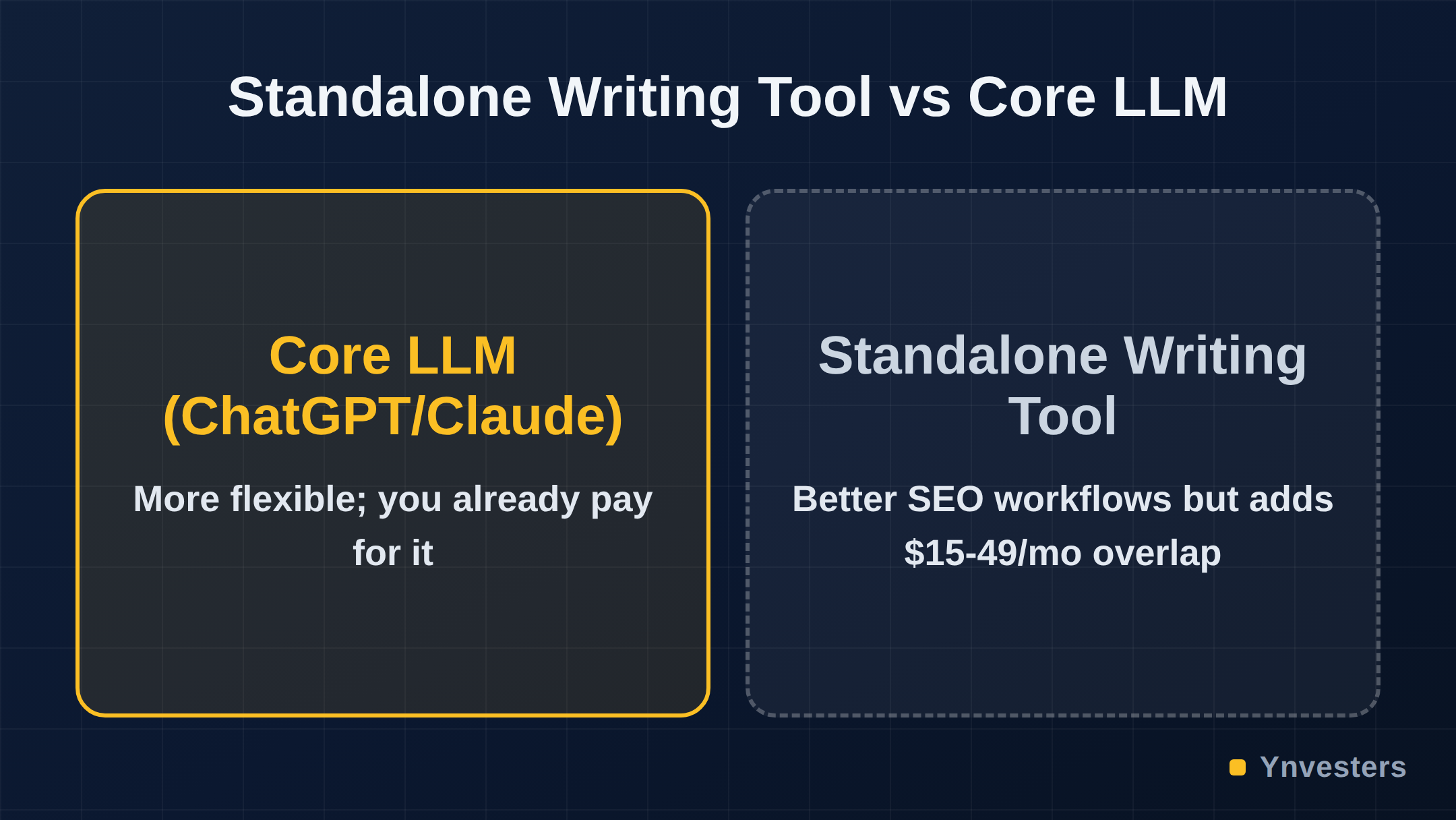
This is where most people overspend. The pitch for standalone AI writing tools (Jasper, Writesonic, Copy.ai, and their peers) is compelling: purpose-built templates, SEO integrations, brand voice settings. But here’s the honest assessment — if you already have ChatGPT Plus or Claude Pro, these tools give you marginal uplift at $15–$49/month of additional cost.
The honest use case for a dedicated writing tool is narrow:
- You publish content at high volume (multiple pieces per week) and need SEO-specific workflows baked in
- You work with a contractor or VA who needs a simpler interface than a raw chat UI
- You need specific integrations a standalone tool provides (e.g., direct CMS publishing)
If none of those apply, a well-crafted prompt in your core LLM produces comparable output. Anthropic’s prompt engineering documentation and OpenAI’s prompt engineering guide are both free and will get you further than most paid writing tool upgrades.
The Design Layer: Canva Free Tier First
Canva has a legitimately useful free tier. For social graphics, pitch decks, simple landing page visuals, and basic brand assets, the free version handles the majority of solo creator needs. Canva Pro adds brand kit management, background removal, and a larger asset library — worth it if visual output is central to how you deliver value to clients. If you’re primarily a service provider where design is peripheral, the free tier is enough.
Canva’s AI features (Magic Write, Magic Design, AI image generation) are available in the Pro tier. If you’re already paying for ChatGPT Plus with DALL-E access, the AI image generation overlap is real — factor that in before upgrading.
At the free tier: $0 of your budget. At Pro: check current pricing at canva.com, as it varies by region and is updated periodically.
The Knowledge and Operations Layer: Notion Free Tier
Notion is where your business brain lives — client notes, SOPs, project tracking, content calendar. The free personal plan is functional for solo use. Notion AI is an add-on that lets you query your own docs, draft inside Notion, and summarize pages.
Our take: Notion AI is worth it if Notion is already your operating system and you spend significant time writing inside it. If you use Notion primarily as a database and do your writing elsewhere (in your LLM’s chat interface, for example), the add-on adds cost without meaningfully changing your workflow. Check current Notion AI pricing at notion.so before deciding — pricing and bundling have shifted over time.
What the $50 Stack Actually Looks Like
Here’s a concrete allocation that leaves room for one targeted upgrade based on your specific work:
| Tool | Purpose | Approximate Monthly Cost |
|---|---|---|
| ChatGPT Plus or Claude Pro | Core reasoning, writing, analysis | ~$20 |
| Make (free tier) | Workflow automation | $0 |
| Canva (free tier) | Design and visuals | $0 |
| Notion (free personal) | Knowledge and ops | $0 |
| One targeted specialty tool | Your specific bottleneck | ~$10–$20 |
| Total | ~$30–$40 |
That “one targeted specialty tool” slot is intentional. It might be:
- A lightweight email marketing tool if outreach is your growth engine (check Brevo or MailerLite — both have free tiers with meaningful limits)
- A transcription tool like Otter.ai if you run a lot of client calls and need reliable notes
- A social scheduling tool if consistent posting is part of your business model
The discipline is to fill that slot with the tool that targets your actual bottleneck, not the one that looks most impressive in a demo.
The Tools That Aren’t Worth It at Solo Scale
Being specific about what to skip is as useful as knowing what to buy.
Enterprise-tier automation platforms. Tools like Zapier at its higher tiers, or n8n Cloud at scale, are priced for teams with complex multi-system workflows. At solo scale, Make’s free or entry tier, or even manual processes for low-frequency tasks, is more cost-efficient.
Dedicated AI meeting assistants (at full price). Tools that record, transcribe, and summarize meetings are useful — but Otter.ai’s free tier covers a meaningful number of meeting minutes monthly, and your core LLM can summarize a pasted transcript. Paying $20–$30/month for a premium meeting assistant is hard to justify until your calendar is genuinely back-to-back.
AI SEO platforms. Tools in this category (Surfer SEO, Clearscope, and similar) offer real value for content teams running at volume. At solo scale, one or two pieces per week, the cost-per-use math rarely works out. Manual keyword research with free tools plus your LLM for content structure is a more efficient allocation of your $50.
The Mindset That Makes the Stack Work
The tools above are the easy part. The harder part is using them consistently enough to get the compounding benefit.
The pattern that works: assign each tool one primary job and use it for that job every time, rather than experimenting with different tools for the same task each week. Consistency builds prompt fluency, which builds speed, which is the actual ROI.
According to research on human-AI collaboration published via MIT, the productivity gains from AI tools are most pronounced for knowledge workers when the tools are deeply integrated into existing workflows rather than used episodically. That tracks with what we observe in practice: the solo founders getting the most out of $20/month of AI are the ones who’ve stopped treating it as a novelty and started treating it as a senior collaborator.
Conclusion
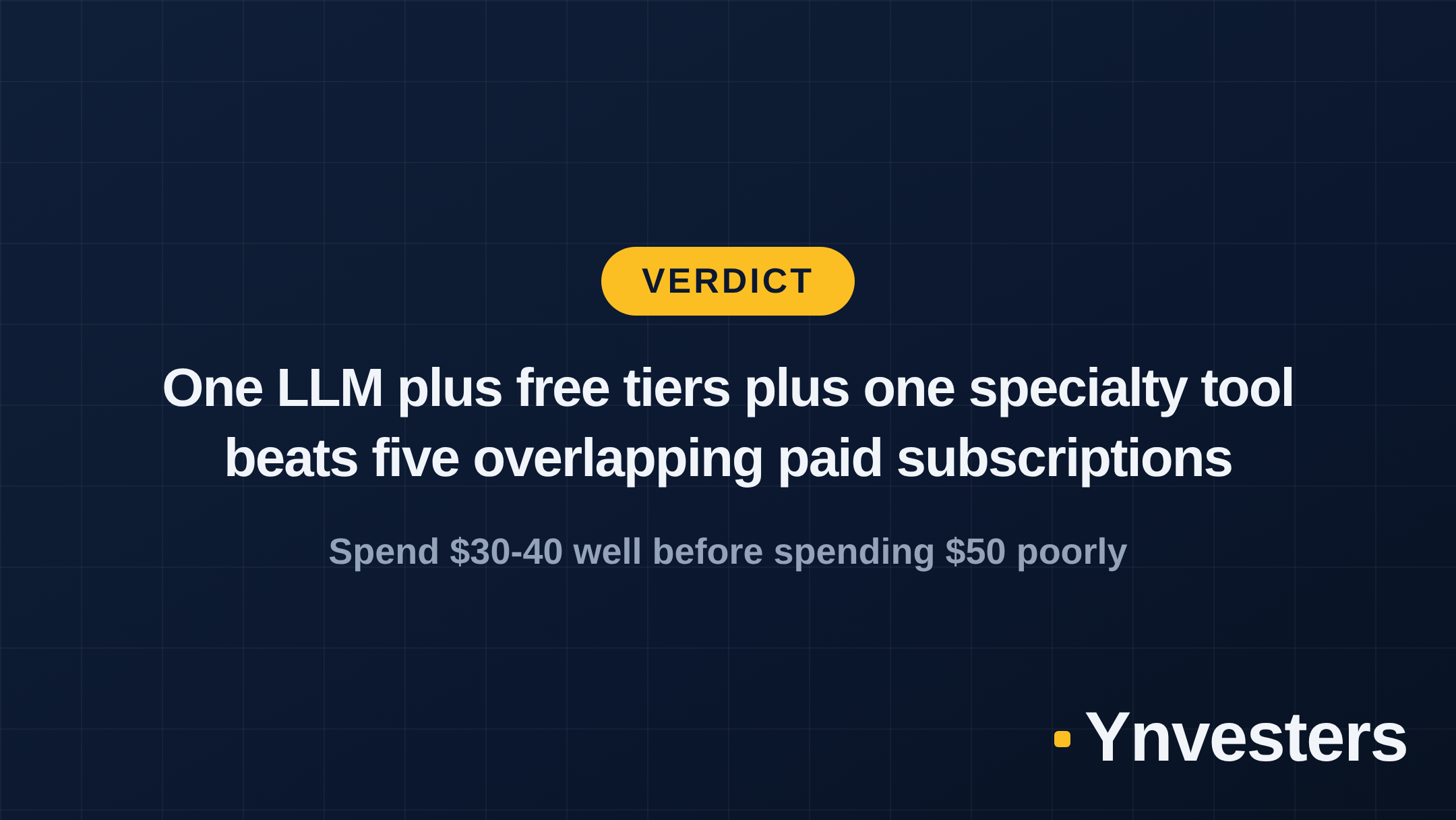
Here’s the honest verdict: you don’t need $150/month of AI subscriptions to run a capable solo business. You need one excellent LLM, free tiers on the operational tools you already use, and one targeted specialist tool for your specific bottleneck.
Who should spend the full $50: Freelancers and solo founders who are already selling, already have repeating workflows, and can identify a specific task that’s costing them 3+ hours per week or real outsourcing dollars. In that case, add the specialty tool without guilt.
Who should start at $20: Anyone in the first 90 days of building. One capable LLM plus the free tiers listed above is genuinely enough to write proposals, draft client communication, build systems, and test your offer. Add tools when a specific gap becomes painful, not before.
What to do instead of subscribing to everything: Pick your LLM this week, spend two hours learning how to prompt it for your most common tasks, and cancel any subscription you haven’t opened in 30 days. The $50 cap isn’t a limitation — it’s a quality filter.
Frequently Asked Questions
Can you really run a one-person business on $50/month of AI tools?
Yes, with careful prioritization. One capable LLM subscription (around $20/month) plus one or two targeted tools for your specific bottleneck — writing, design, or automation — covers the core workflow for most solo service businesses or content creators.
ChatGPT Plus vs Claude Pro: which is better for a solo founder?
Both are priced similarly. ChatGPT Plus has stronger code interpreter and image generation integration; Claude Pro tends to handle long documents and nuanced writing with less editing needed. Check current pricing on their official sites before subscribing, as both adjust plans regularly.
What AI tools should a freelancer avoid spending money on?
Avoid paying for tools that duplicate your core LLM's capabilities — most standalone AI writing tools do nothing ChatGPT or Claude can't do with a good prompt. Also skip enterprise-tier automation platforms until you're running repeatable workflows at real volume.
Is Notion AI worth it for a solo business?
Notion AI is a useful add-on if you already use Notion as your operating system. If you don't, the base Notion free plan plus a separate LLM is more flexible and likely cheaper. Verify current Notion AI add-on pricing at notion.so before deciding.