My $200/Month AI Stack Is Now $45 — Here's Exactly What I Cut
How one freelancer slashed their AI subscription costs from $200 to $45/month by auditing overlapping tools. A practical pros and cons breakdown.
You sign up for one AI tool, then another, then a third because someone on Reddit swore it was the one missing piece — and before you know it, you’re $200 lighter every month with three browser tabs open doing roughly the same thing. If that creeping subscription guilt sounds familiar, you’re not alone.
We went through exactly this audit at Ynvesters: a stack of AI writing, research, coding, and image tools that had ballooned well past what any solo operator could justify. What we found — and what we’re sharing below — is that most of the overlap isn’t accidental. It’s a natural consequence of how fast this market moves. New tools launch, old tools add features, and you forget to cancel. The result: you’re paying for duplication, not capability.
This article breaks down the pros and cons of the trimmed-down stack approach, the specific categories where cuts made sense, and where we think you should still pay full price.
The Original Stack: Where $200/Month Goes
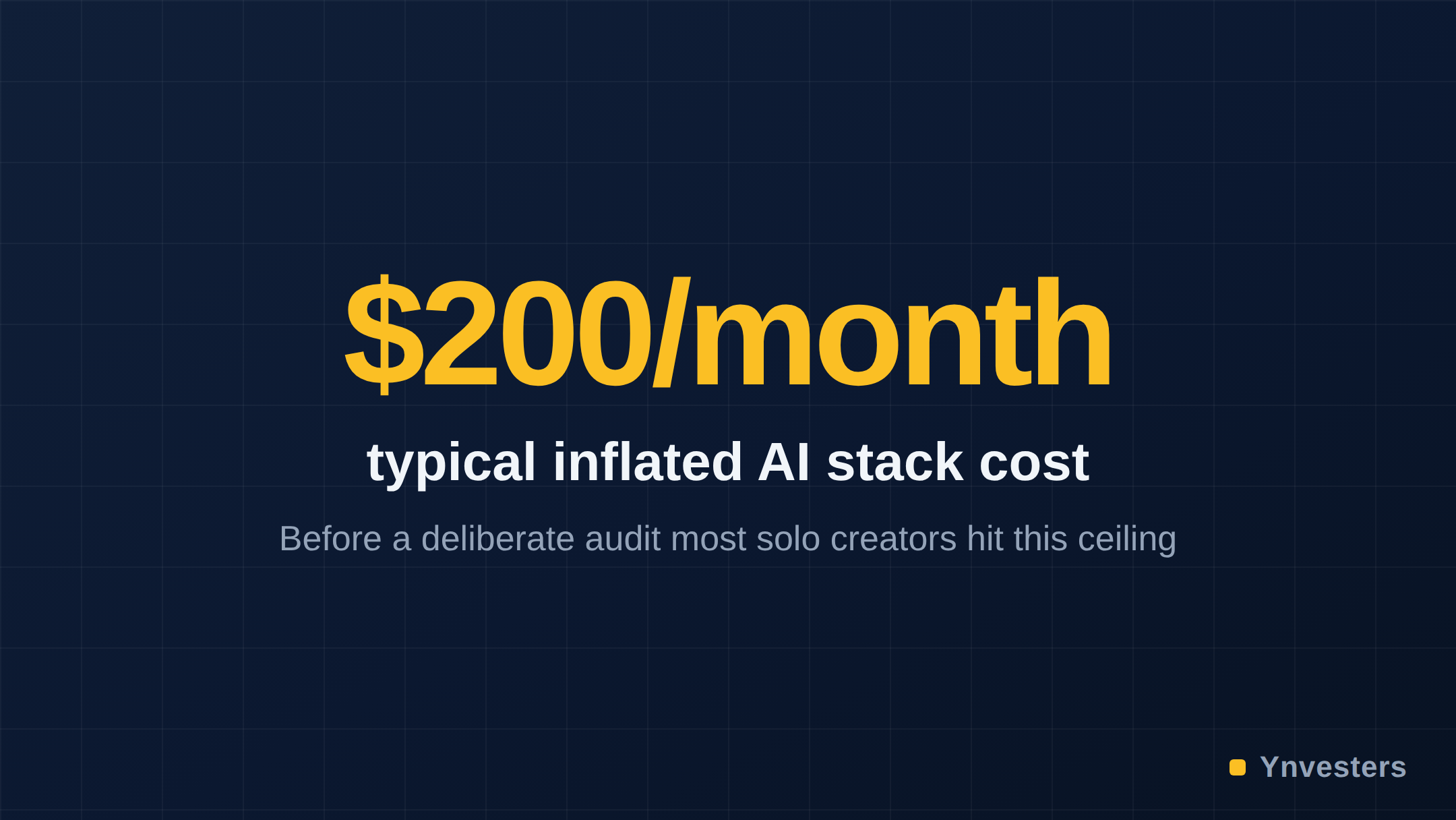
Before the cuts, a typical inflated AI stack for a solo creator or freelancer might look something like this:
| Tool Category | Example Tools | Monthly Cost Range |
|---|---|---|
| AI Writing Assistant | ChatGPT Plus + Claude Pro | ~$40 combined |
| AI Copywriting | Jasper or Copy.ai | ~$40–$59 |
| AI Image Generation | Midjourney + another image tool | ~$30–$40 |
| AI Research / Summarization | Perplexity Pro + separate summarizer | ~$20–$30 |
| AI Coding Assistant | GitHub Copilot + another IDE plugin | ~$19–$29 |
| SEO / Content Intelligence | Surfer SEO or similar | ~$29–$49 |
| Total | ~$178–$247/month |
That’s not a hypothetical. Each of those line items has a real, publicly listed price — check ChatGPT Plus pricing, Claude Pro pricing, and Midjourney’s subscription tiers to verify current figures, as prices change frequently.
What Got Cut — And Why
1. Duplicate LLM Subscriptions (Biggest Cut)
Cut: Running ChatGPT Plus and Claude Pro simultaneously.
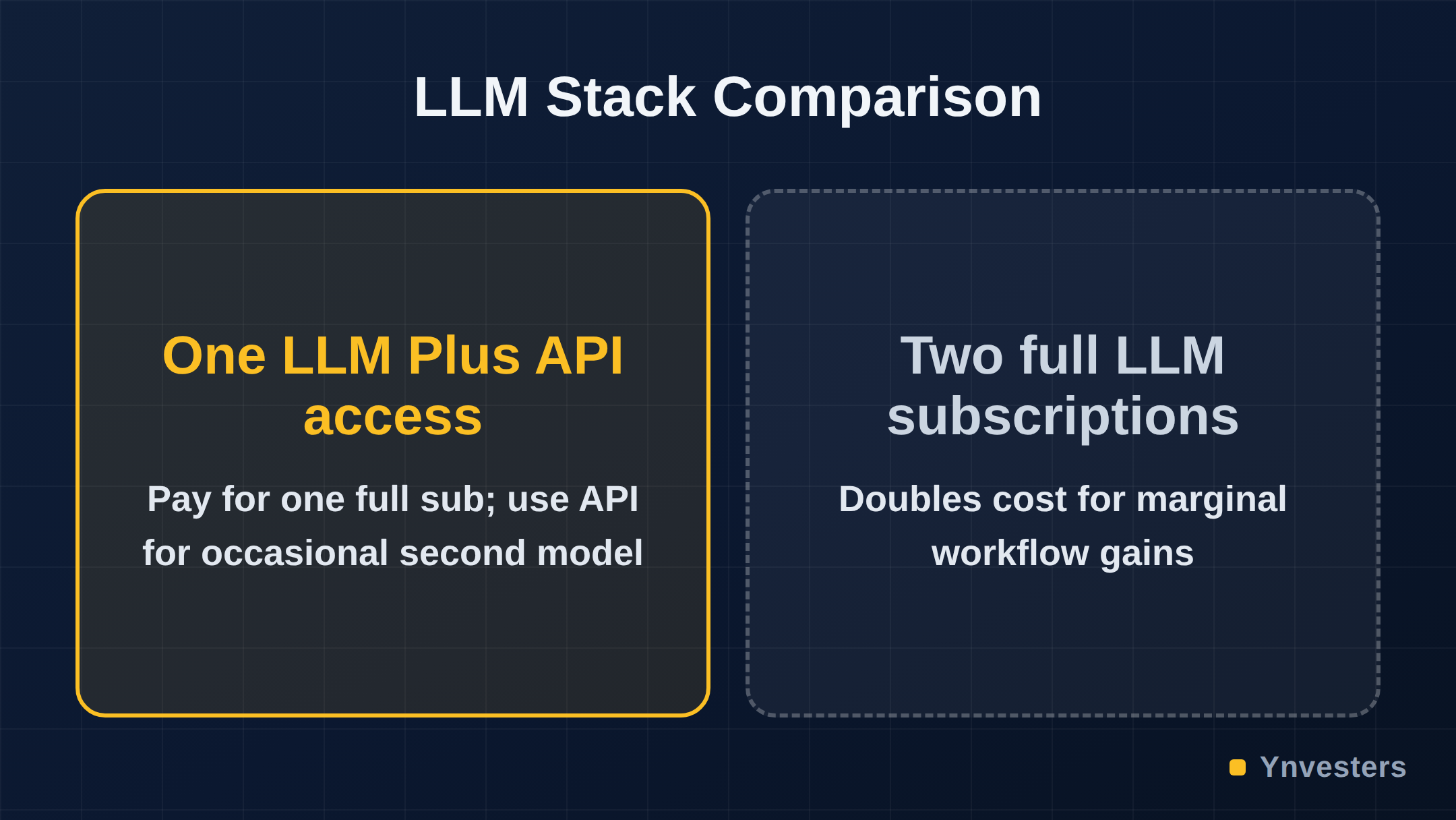
This is the single most common money leak. Both are excellent large language models. Both do writing, summarization, brainstorming, and light coding. Paying for both means you’re either switching out of habit or hedging unnecessarily.
Pros of keeping both:
- Each model has genuine strengths: Claude tends to handle longer documents and nuanced instructions well; GPT-4o has a broader plugin and tool ecosystem
- If your work has varied use cases, model diversity can improve output quality
- Switching costs are low if you later decide one isn’t enough
Cons of keeping both:
- The practical capability gap for most writing and research tasks is smaller than the marketing suggests
- You’re paying a full subscription price for what amounts to a secondary option you use maybe 20% of the time
- OpenAI’s API and Anthropic’s API both offer pay-as-you-go access — meaning occasional use of the “backup” model doesn’t require a full subscription
Our verdict on this cut: Keep the one you reach for first, 90% of the time. Use the API for the other when you genuinely need it. You will likely save $20/month minimum here.
2. Dedicated AI Copywriting Tools (e.g., Jasper, Copy.ai)
Cut: Standalone copywriting subscription.
This one is uncomfortable to say because these tools were genuinely useful in 2022–2023. But the honest assessment today is that the underlying models powering most AI copywriting platforms are the same GPT or Claude models you already have access to — often with a branded interface layered on top.
Pros of dedicated copywriting tools:
- Structured templates for specific formats (email sequences, product descriptions, ad copy) reduce prompt-writing effort
- Team workflow features and brand voice training can add real value for agencies
- Some tools offer SEO-integrated content scoring (verify specific features on each tool’s current feature page)
Cons of dedicated copywriting tools:
- At $40–$59/month on top of a base LLM subscription, you’re paying a significant premium for a wrapper
- The GPT-4o system prompt can replicate most template behavior with a well-crafted custom instruction
- Feature sets that justified the price in earlier LLM generations are now table stakes in base models
Our verdict on this cut: For solos and freelancers, this is almost always cuttable. Save the templates by building your own prompt library. Agencies with team features baked into their workflow should verify whether the collaboration tools justify the cost.
3. Redundant Image Generation Subscriptions
Cut: Running Midjourney plus a second image tool (e.g., Adobe Firefly, Leonardo.ai).
Image generation tools have genuinely differentiated outputs — Midjourney’s aesthetic is distinct from Firefly’s stock-photo-safe outputs, which is distinct again from what you get from Stable Diffusion. That said, two paid subscriptions for image generation is hard to justify unless visual content is a core, daily deliverable.
Pros of multiple image tools:
- Different tools excel at different styles: photorealism, illustration, brand-safe images for commercial use
- Adobe Firefly’s commercially safe training data matters if you’re producing client deliverables
- Backup access when one tool has downtime or generation limits
Cons of multiple image tools:
- For most freelancers, one tool covers 80–90% of image needs
- Free tiers on several competitors (including limited Firefly credits with Adobe accounts) reduce the need for a second paid subscription
- Storage, upscaling, and editing workflows rarely differ enough to justify duplicate costs
Our verdict on this cut: Pick the one that matches your primary output style. Use free tiers elsewhere for edge cases.
4. AI Research Tools With Overlapping Features
Cut: Perplexity Pro alongside a separate document summarization tool.
Perplexity Pro is a legitimate research upgrade — it offers real-time web search with cited answers, which is genuinely different from a static LLM. But pairing it with a separate PDF summarizer or research assistant creates overlap that’s hard to justify.
Pros of Perplexity Pro specifically:
- Cited sources make it far more trustworthy for research than bare LLM output
- Real-time web index means it handles current events and recent papers
- The Pro tier unlocks access to multiple underlying models (verify current model access on their site)
Cons of the dual-tool setup:
- Most document summarization is now native in ChatGPT Plus (file uploads) and Claude (long context window)
- Paying separately for a summarization tool when your primary LLM subscription already handles it is pure overlap
- Per-query API alternatives exist for occasional deep-research needs
Our verdict on this cut: Keep Perplexity Pro if you do regular research-heavy work — it’s genuinely differentiated. Cut the separate summarizer entirely; your existing LLM subscription covers it.
5. Dual Coding Assistants
Cut: GitHub Copilot plus a secondary AI coding plugin.
GitHub Copilot is the market-reference tool here — deeply IDE-integrated and widely adopted. Secondary coding assistants (Cursor’s AI layer, Tabnine, Codeium, etc.) can add value, but running two simultaneously almost never does.
Pros of GitHub Copilot:
- Native integration across major IDEs
- Trained heavily on code, with strong autocomplete and in-line suggestions
- Enterprise features for teams (verify current plan tiers at GitHub Copilot pricing)
Cons of running two coding tools:
- Context conflicts: two tools suggesting completions simultaneously creates friction, not flow
- Cursor and similar full-IDE-replacement tools include their own AI layer, making Copilot redundant if you’ve switched editors
- Free tiers exist for Copilot (for verified students and open-source maintainers) and for Codeium — check eligibility before paying
Our verdict on this cut: Pick your IDE, pick the AI layer native to it, and cancel the other. This is a clean, no-regret cut for most developers.
What We Kept (And Why)
After the audit, the surviving $45/month stack looks roughly like this:
| Tool | Why It Stayed | Approx. Monthly Cost |
|---|---|---|
| ChatGPT Plus or Claude Pro (one, not both) | Primary LLM for writing, research, brainstorming | ~$20 |
| Perplexity Pro | Real-time cited research — genuinely not replaceable by static LLM | ~$20 |
| One image tool (Midjourney or Firefly) | Primary visual output, chosen by style match | ~$10–$30 depending on tier |
Check official pricing pages for current figures — these are reference points, not guarantees.
The Audit Framework: How to Do This Yourself
Before cutting anything, run this three-question test on every tool in your stack:
- Replacement test: Can your primary LLM subscription do this with a good prompt or file upload? If yes, you’re likely paying for convenience, not capability.
- Frequency test: Did you open this tool in the last 14 days for work that generated revenue or moved a project forward? If not, it’s a liability, not an asset.
- Differentiation test: Does this tool use a genuinely different model, data source, or workflow than something you already pay for? Perplexity’s real-time web index passes this test. A branded GPT wrapper usually doesn’t.
The point isn’t to be cheap — it’s to be precise. There are tools worth every dollar of their asking price. The problem is that most stacks contain two or three that only survived because canceling feels like an admission you made a wrong call.
Pros and Cons of the Lean Stack Approach: Summary
| Lean Stack ($40–$50/month) | Maxed Stack ($180–$200/month) | |
|---|---|---|
| Monthly cost | ~$40–50 | ~$180–200 |
| Tool switching friction | Low — one tool per job | High — multiple tabs, context switching |
| Coverage gaps | Possible for edge-case needs | Minimal |
| Overlap waste | Eliminated | High — 3–4 tools doing same tasks |
| Upgrade flexibility | Easy to add one tool when needed | Already at ceiling |
| Best for | Solo creators, freelancers | Large agencies, specialized teams |
Conclusion

The lean stack isn’t about using fewer AI tools because you’re skeptical of AI. It’s about recognizing that the tool market has matured enough that duplication is now the main cost driver — not access.
Our take: If you’re a solo creator or freelancer spending more than $60/month on AI subscriptions, run the three-question audit above on every line item before your next billing cycle. You will almost certainly find one or two tools that fail all three tests.
Keep the LLM you actually open first. Keep Perplexity Pro if research is part of your work. Pick one image tool that matches your output style. Cancel everything else and give yourself six weeks — if you hit a genuine gap, add back exactly one tool to fill it.
What you should not do is keep paying for a $200 stack because switching felt like too much effort in January. That’s not a workflow decision — it’s inertia with a monthly invoice attached.
Frequently Asked Questions
Is running both ChatGPT Plus and Claude Pro worth it?
According to the article, no — for most writing and research tasks the practical capability gap is smaller than the marketing suggests, and you end up using the secondary model only about 20% of the time. The recommendation is to keep whichever one you reach for first and access the other via its pay-as-you-go API when genuinely needed.
Is a dedicated AI copywriting tool like Jasper or Copy.ai worth it for freelancers?
The article says it is almost always cuttable for solos and freelancers, because the underlying models are the same GPT or Claude models already in a base subscription with a branded interface layered on top. Building a personal prompt library replicates most template functionality without the $40–$59/month premium.
How much does the lean AI stack cost compared to a full stack?
The article puts the lean stack at roughly $40–$50/month (one primary LLM, Perplexity Pro, and one image tool) versus a maxed stack running $180–$200/month, though it notes prices change frequently and recommends checking official pricing pages for current figures.
Is Perplexity Pro worth keeping in a trimmed AI stack?
Yes, according to the article — Perplexity Pro is considered genuinely differentiated because its real-time web index with cited sources is not replicable by a static LLM, making it worth keeping for anyone who does regular research-heavy work.