Stop Buying AI Courses: The $0 Way to Learn Every Tool in This List
Learn every major AI tool for free with official docs, sandbox environments, and community resources. No $200 Udemy course required.
You’ve probably been there: you see a flashy Udemy course promising to make you an “AI power user,” it’s on sale for the price of a coffee, and you buy it — then never open module three. Meanwhile, the tool has already shipped three major updates, and half the interface screenshots in the course look nothing like what you see on screen today.
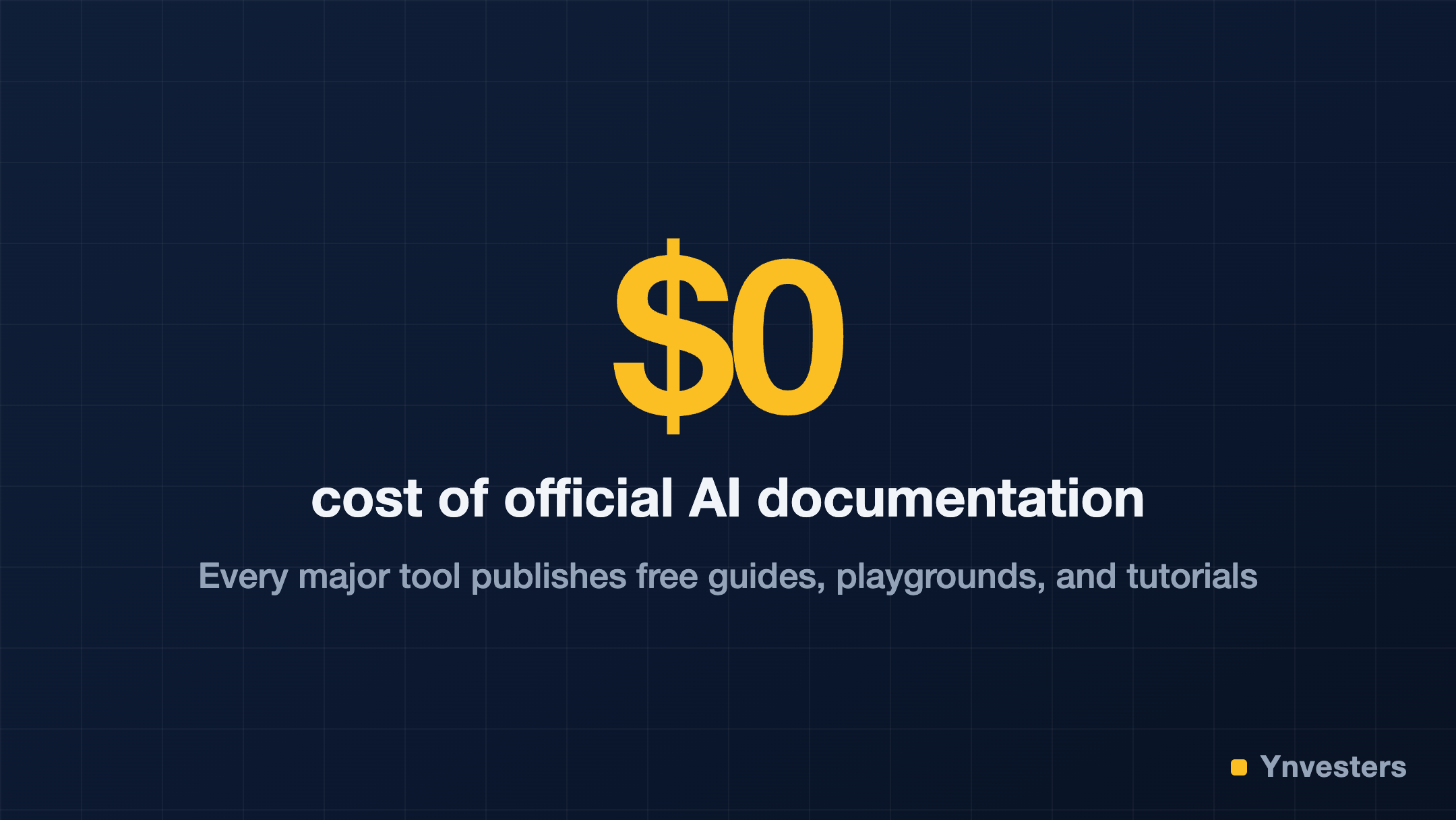
Here’s the thing nobody selling those courses wants you to know: the companies building these AI tools have already done the teaching for you, and they’ve published it for free. This guide shows you exactly where to find it — for every major tool — so you can stop collecting course certificates and start actually getting useful work done.
Why AI Courses Go Stale So Fast
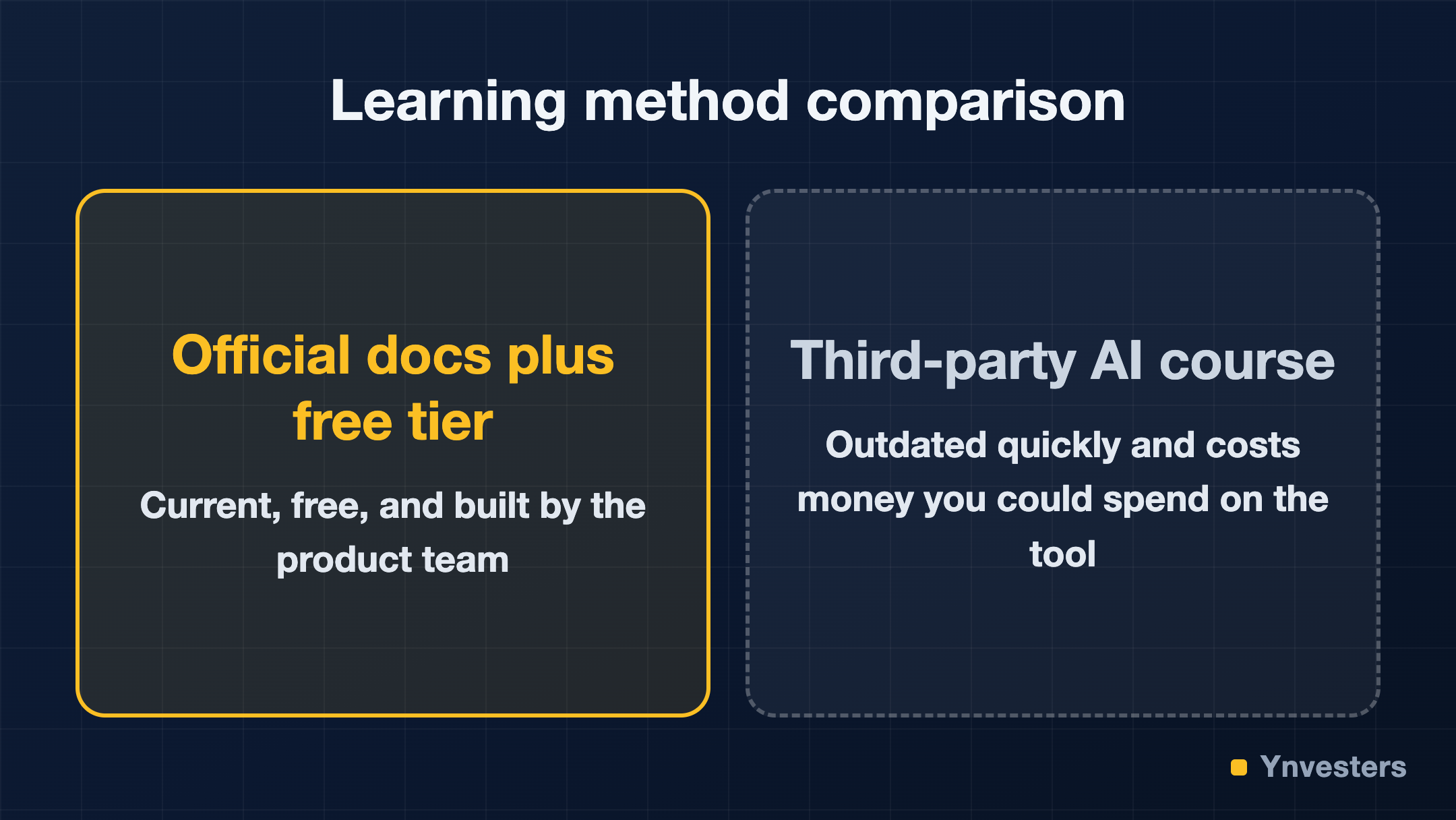
AI tools update on a cadence that no course creator can match. OpenAI, Anthropic, Google, and the rest ship new features, change interfaces, and deprecate old behaviors on a rolling basis. A course recorded even six months ago can be functionally misleading by the time you watch it.
Official documentation, by contrast, is maintained by the same teams shipping the features. It is updated when the product changes. That is a structural advantage no third-party course can compete with.
The Free Learning Stack That Actually Works
Before we get tool-specific, here is the general framework that works for any AI tool on this list:
- Free tier first. Sign up and use the product on a real task within your first hour.
- Official docs second. Read the “getting started” and “best practices” pages — these are written for new users and are kept current.
- Community third. Find the official Discord, subreddit, or forum. Real users post real problems and real workarounds faster than any curriculum.
- YouTube for mental models. Use YouTube to understand why something works, not to follow step-by-step tutorials that will be outdated.
Now, here is where to go for each major tool.
ChatGPT and the OpenAI Ecosystem
OpenAI publishes a full Help Center and documentation portal covering ChatGPT, the API, and the playground. The OpenAI Cookbook on GitHub is a particularly underused resource — it is a living collection of example scripts and prompt patterns maintained by OpenAI engineers, updated regularly, and completely free.
The free tier of ChatGPT gives you access to GPT-4o with usage limits that are more than enough for learning. You do not need a Plus subscription to develop real skill. Spend your first week doing one real work task inside ChatGPT every day — summarizing a document you actually need summarized, drafting an email you actually need to send. That beats any module.
Claude (Anthropic)
Anthropic publishes Claude’s official documentation including a prompt library, model comparison guides, and best-practice pages for common use cases. The free tier at claude.ai exposes the core model capabilities.
Anthropic’s documentation is notably well-written for beginners — clearer than most competitor docs. Their prompt engineering guide in particular is worth reading even if you plan to use it mainly through the chat interface, because understanding how the model processes instructions makes you dramatically better at using it.
Google Gemini
Google offers Gemini’s documentation and API guides through Google AI Studio, which has a free tier that lets you experiment with models directly in a browser-based playground — no code required to start. Google AI Studio is genuinely one of the better free sandboxes available for beginners because it shows you what the model is “thinking” in a way that builds intuition fast.
For non-technical users, the Gemini interface inside Google Workspace is free to explore through the standard free Google account tier.
Image Generation: Midjourney, DALL·E, and Stable Diffusion
| Tool | Free Option | Best Free Learning Resource |
|---|---|---|
| Midjourney | Limited free trial (verify current status on their site) | Midjourney Docs and the official Discord |
| DALL·E 3 | Free credits via ChatGPT free tier | OpenAI Help Center |
| Stable Diffusion | Fully open source and free | Stability AI Docs and Hugging Face |
Stable Diffusion deserves special mention: it is open source, meaning you can run it locally for free indefinitely. The learning curve is steeper, but the Hugging Face documentation and model hub are excellent free resources that also cover dozens of other open-source AI models.
Writing and Productivity Tools
For tools like Notion AI, Grammarly, and similar writing assistants, the free tiers are genuinely functional for learning purposes. More importantly, each of these tools publishes its own tutorial library:
- Notion AI: Notion’s Help & Support center covers AI features with examples directly inside the app.
- Grammarly: The Grammarly Blog doubles as a practical guide to using their features well.
For any writing AI tool, the fastest learning method is to bring a real draft you care about and let the tool work on it. Correction and refinement on real writing beats practice prompts every time.
Where Community Learning Beats Everything
Two community resources outperform most paid courses for staying current:
Reddit. Subreddits like r/ChatGPT, r/ClaudeAI, and r/StableDiffusion are active with daily posts about new techniques, feature changes, and workarounds. The upvote system surfaces what actually works.
Official Discord servers. Midjourney’s Discord is the most famous example — it is where both beginners and experts share outputs and techniques in real time. Most major AI tools now have official or community Discord servers worth joining on day one.
The key insight: in a field that changes this fast, peer learning in live communities is structurally more current than any recorded curriculum.
The One-Tool-at-a-Time Rule
The most common beginner mistake is buying access to — or trying to learn — five AI tools at once. Competence comes from repetition with real tasks, not from broad exposure. Pick one tool that addresses a problem you have right now. Use it daily for two to four weeks. Then add another.
This is not an exciting framework to sell, which is exactly why course marketers do not teach it. But it is how skill actually develops.
Comparison: Free Learning vs. Paid Courses
| Dimension | Free Official Resources | Paid AI Course |
|---|---|---|
| Cost | $0 | Varies — check current listings |
| Up-to-date accuracy | High — maintained by product teams | Low — recorded at a point in time |
| Depth on your specific use case | Variable | Often generic |
| Community and Q&A | Excellent (Discord, Reddit) | Limited to course forum |
| Credential value | None | Minimal — rarely recognized by employers |
The one area where a paid course can add value: structured curriculum for complete beginners who genuinely cannot self-direct. If you need someone to sequence the material for you, a course has pedagogical value. But for most solo creators, the free path is not just cheaper — it produces better, more current skills.
Conclusion
Our take: buying an AI course in 2026 is almost always the wrong move for a solo creator or freelancer. The official documentation, free tiers, and community resources available for ChatGPT, Claude, Gemini, Stable Diffusion, and every other major tool are better maintained, more current, and more practical than anything a third-party course can offer at any price.
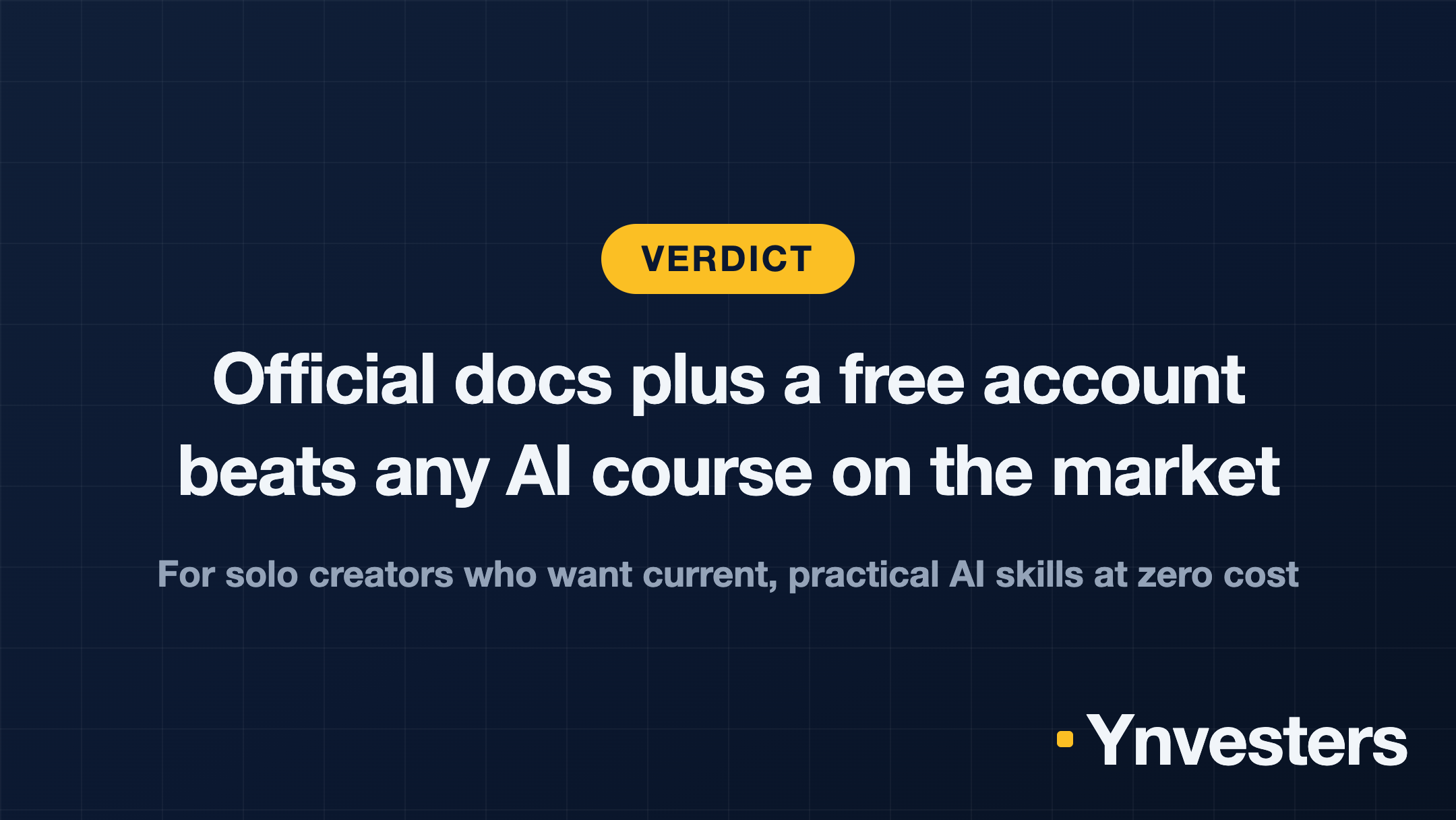
If you should skip buying a course: you are a solo creator, freelancer, or professional who learns by doing. Go to the official docs, sign up for the free tier, bring a real project, and join the Discord. You will be more capable in a month than any course would make you.
If a paid course might make sense: you are a complete beginner who needs hand-holding through basic computer literacy before touching an AI tool — in which case a structured curriculum has value. But even then, start with the free official tutorials first and only pay if you genuinely hit a wall.
The best AI education is already free. Stop waiting for a sale notification and start using the tools.
Frequently Asked Questions
Do I really need to pay for an AI course to learn these tools?
No. Every major AI tool publishes its own free documentation, tutorial libraries, and sandbox environments. Third-party courses often repackage that same material at a markup — and they go stale faster than the official docs do.
What is the best free way to learn ChatGPT as a beginner?
Start with OpenAI's own Help Center and prompt library at platform.openai.com, then practice daily in the free ChatGPT tier. Real projects beat passive video watching every time.
Is the free tier of AI tools good enough to actually learn on?
Yes. Free tiers for ChatGPT, Claude, and Gemini all expose the core features you need to build real skill. You only need a paid plan once a specific workflow demands a higher usage limit.
How long does it take to become competent with a new AI tool?
Most solo creators reach a working level of competence within two to four weeks of daily use on a real project — far faster than finishing a multi-module course.