The Only 3 AI Subscriptions Worth Paying For in 2026 (and 5 to Cancel)
We cut through the noise to name the 3 AI subscriptions worth keeping in 2026 and the 5 draining your budget every month.
You open your bank statement and count four, maybe five recurring AI charges — and you genuinely can’t remember the last time you opened half of them. That creeping sense that you’re paying for overlap, hype, and features you never actually use is not paranoia. It’s pattern recognition. This guide is for solo creators and freelancers spending somewhere between $20 and $60 a month on AI tools who want to stop funding someone else’s growth round and start getting real value from every dollar.
We’ve spent time stress-testing the most widely subscribed AI tools available right now — running real workflows, hitting real limits, and checking real pricing pages. What follows is our honest take on what deserves a permanent line in your budget and what you should cancel before the next billing cycle.
The Criteria We Used
Before naming names, here’s how we scored every tool:
- Daily utility: Does it save you meaningful time on tasks you actually do every day?
- Output quality vs. free tier: Is the paid tier noticeably better, or are you paying for a badge?
- Pricing transparency: Can you find what you’ll pay in under 30 seconds on their official pricing page?
- Redundancy risk: Does another tool on your list already cover this job adequately?
Any tool that failed two or more of these criteria landed in the “cancel” column.
The 3 AI Subscriptions Worth Keeping
1. ChatGPT Plus (OpenAI)
If there is one paid AI subscription that justifies itself almost immediately for a working freelancer, it’s ChatGPT Plus. The paid tier unlocks access to OpenAI’s most capable models, priority availability during peak hours, and — critically — the ability to use custom GPTs, the Advanced Voice Mode, and integrations with tools like browsing and code execution.
The free tier of ChatGPT is genuinely good in 2026. So why pay? Because the free tier throttles you to older or less capable model versions during busy periods, and the moment you’re mid-project at 11pm and the service degrades, you feel it. The Plus tier’s consistent access to the latest models is the actual product.
What it’s worth paying for: Long-form drafting, research synthesis, coding assistance, and anything requiring the most capable reasoning available. Check OpenAI’s official pricing page for current figures before subscribing — they’ve adjusted tiers over the past year.
What it won’t do: Replace a dedicated SEO tool, a real design workflow, or a specialized coding IDE. It’s a generalist, and that’s its strength.
2. Claude Pro (Anthropic)
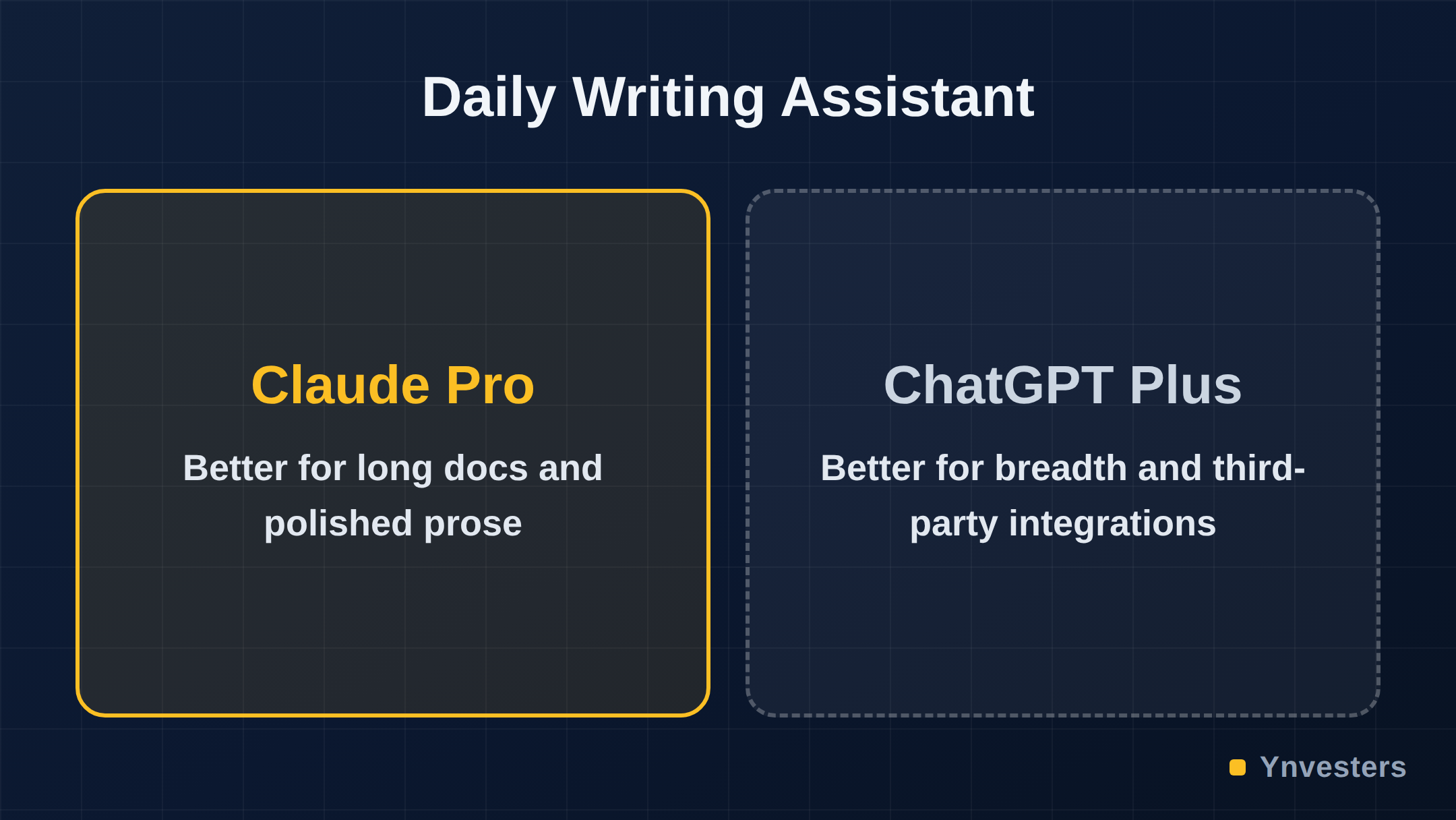
Claude Pro earns its place not by competing with ChatGPT feature-for-feature, but by being the better tool for a specific, high-value job: working with long, complex documents. If your work involves contracts, research papers, lengthy client briefs, or multi-chapter drafts, Claude’s extended context window is a genuine competitive advantage over the free alternatives.
Anthropic’s approach to model behavior also tends to produce outputs that require less cleanup — the writing style is less “AI-flavored,” which matters when you’re turning in work with your name on it. The free tier exists but imposes usage limits that make it impractical for daily professional use.
What it’s worth paying for: Summarizing and interrogating long documents, drafting polished prose, and any workflow where you need to feed in large amounts of context at once.
What it won’t do: The integrations ecosystem is thinner than OpenAI’s. If you rely heavily on plugins or third-party tool connections, verify current integration support on Anthropic’s site before committing.
3. Perplexity Pro
Perplexity Pro is the one that surprises most people who haven’t tried it. Think of it as a research assistant that cites its sources inline — every answer links back to the primary source, which means you can verify claims in seconds rather than hunting through tabs.
For freelancers who do any research-heavy work — writing, consulting, content strategy, market analysis — Perplexity Pro’s ability to pull current, sourced information gives it an edge over static model knowledge. The Pro tier unlocks access to more powerful underlying models (including the option to query with GPT-4 class or Claude-class models depending on the task), higher usage limits, and the ability to upload files for analysis.
The pricing is competitive relative to the other tools listed here — check the Perplexity pricing page for the latest figures. The free tier is usable but the Pro model access and upload features are the reason to pay.
What it’s worth paying for: Real-time sourced research, competitive analysis, fact-checking, and any workflow where you need verifiable outputs rather than plausible-sounding ones.
What it won’t do: It is not a long-form writing or code generation tool. Don’t subscribe expecting it to replace the two above.
The 5 AI Subscriptions to Cancel
This is the harder list to write — not because we’re shy about opinions, but because several of these tools are genuinely good products. The case for canceling them isn’t that they’re bad. It’s that, for the solo freelancer already paying for the three above, they are redundant, overpriced for the marginal gain, or outpaced by free alternatives.
1. Jasper AI
Jasper was an early leader in AI writing assistants and built a loyal following. But its pricing — positioned at a premium above ChatGPT Plus — is difficult to justify when the underlying models Jasper routes through are available directly at lower cost. Jasper’s templates and marketing-specific workflows have value, but in our assessment, a freelancer who has invested a few hours in ChatGPT custom instructions can replicate most of that workflow without the additional subscription cost. Verify current pricing at jasper.ai/pricing — it shifts frequently.
Cancel if: You’re already proficient with ChatGPT and don’t specifically need the team collaboration features Jasper markets to agencies.
2. Copy.ai
Similar story to Jasper. Copy.ai built its brand on short-form marketing copy — ads, product descriptions, email subject lines. Those templates are still solid. But the free tier is now generous enough for occasional use, and the paid tier’s value proposition narrows significantly once you have ChatGPT Plus in your stack. The overlap is nearly total for solo operators.
Cancel if: You’re a solo freelancer rather than a marketing team running high-volume copy workflows.
3. Writesonic
Writesonic competes in the same lane as Jasper and Copy.ai, with a content generation focus and SEO features. It’s a legitimate tool, but the SEO functionality — the most defensible differentiator — is better served by dedicated SEO platforms, and the writing quality doesn’t meaningfully exceed what you can get from the first three tools on the keep list. Paying for a third writing-focused AI subscription when you already have ChatGPT Plus and Claude Pro is the definition of redundant spend.
Cancel if: You’re already on both ChatGPT Plus and Claude Pro.
4. Midjourney (for non-visual freelancers)
Midjourney is genuinely excellent at what it does. If your work is visual — you’re a designer, art director, or content creator who needs custom imagery regularly — it can absolutely justify its subscription cost. But for writers, consultants, developers, and analysts, a Midjourney subscription is an expensive nice-to-have. Free tiers on competing image generation tools have improved substantially. Check whether you’ve generated more than a handful of images in the last 60 days before renewing.
Cancel if: You can’t point to at least weekly use cases that require quality beyond what free image tools provide.
5. Notion AI (as a standalone AI spend)
Notion AI is an add-on to a Notion subscription, not a standalone product. If Notion is your primary workspace, the AI add-on has real convenience value — summaries, action items, and writing assistance without leaving your docs. But if you’re already paying for ChatGPT Plus, Notion AI is mostly duplicating capabilities you’ve already paid for. The convenience of in-app integration is real, but it may not be worth the additional monthly charge.
Cancel if: You’re already on ChatGPT Plus and use Notion AI primarily for writing assistance rather than database-level automation features.
Side-by-Side: Keep vs. Cancel
| Tool | Monthly Cost (verify at source) | Keep or Cancel | Primary Reason |
|---|---|---|---|
| ChatGPT Plus | Check openai.com | ✅ Keep | Best generalist AI, consistent access |
| Claude Pro | Check anthropic.com | ✅ Keep | Best for long docs and clean prose |
| Perplexity Pro | Check perplexity.ai | ✅ Keep | Sourced real-time research |
| Jasper | Check jasper.ai | ❌ Cancel | Redundant with ChatGPT Plus for solo users |
| Copy.ai | Check copy.ai | ❌ Cancel | Free tier now covers most solo use cases |
| Writesonic | Check writesonic.com | ❌ Cancel | Third writing tool; fully redundant |
| Midjourney | Check midjourney.com | ❌ Cancel (for non-visual work) | Low ROI without regular visual output |
| Notion AI | Check notion.so | ❌ Cancel (if on ChatGPT Plus) | Convenience add-on, not distinct capability |
A Note on Free Tiers in 2026
The free tiers of AI tools are meaningfully better in 2026 than they were two years ago. Google’s Gemini, Meta’s AI integrations, and the free tiers of Perplexity and ChatGPT cover casual use cases competently. The argument for paid AI subscriptions is specifically about professional-grade daily use — consistent availability, maximum model capability, and usage limits that don’t interrupt your workflow. If you’re a light user, the honest answer is that one paid subscription (ChatGPT Plus) may be all you need, and even that is worth evaluating honestly against your actual usage logs.
Conclusion
Our take is direct: for a solo creator or freelancer in 2026, the right AI subscription stack is ChatGPT Plus for general work, Claude Pro for document-heavy tasks, and Perplexity Pro for research — and nothing else. That’s a focused stack that covers the realistic range of professional AI use cases without bleeding you dry on overlapping capabilities.
Everything in the cancel column is either functionally redundant once you have those three, meaningful only for teams or agencies, or coverable by free alternatives that have matured significantly. Cancel the redundant subscriptions, run your actual workflows through the three keepers for 30 days, and reassess only if a specific gap emerges.
The worst outcome here isn’t paying too much — it’s paying too much and still having gaps in your workflow because you funded the wrong tools. Make your stack intentional.
Frequently Asked Questions
Is ChatGPT Plus worth paying for in 2026?
Yes, according to the article it is the single most justifiable paid AI subscription for freelancers, offering consistent access to the latest capable models, custom GPTs, Advanced Voice Mode, and integrations like browsing and code execution — benefits the free tier withholds or throttles during peak hours.
Claude Pro vs ChatGPT Plus — which should I choose?
The article recommends keeping both if your work warrants it: ChatGPT Plus is the better generalist tool for drafting, coding, and reasoning, while Claude Pro specifically excels at working with long, complex documents and producing less 'AI-flavored' prose that needs less cleanup.
How much do these AI subscriptions cost?
The article deliberately does not state specific prices, noting that tiers have shifted over the past year, and directs readers to verify current figures directly on each tool's official pricing page before subscribing.
Is Perplexity Pro worth it compared to just using ChatGPT Plus for research?
The article says yes for research-heavy freelancers, because Perplexity Pro provides real-time sourced answers with inline citations for quick verification — a capability distinct from ChatGPT Plus's static model knowledge — along with file upload and access to more powerful underlying models on the Pro tier.