5 Underrated AI Tools That Quietly Beat ChatGPT and Claude at Specific Jobs
Discover 5 underrated AI tools that outperform the big names for specific tasks. Real features, real pricing, and honest verdicts for solo creators.
You’ve paid for ChatGPT Plus, maybe Gemini Advanced too, and yet you find yourself copy-pasting the same mediocre output into three different tabs trying to wrestle it into something usable. The big names have the brand recognition, the investor backing, and the Reddit threads — but for specific, repeatable professional tasks, they’re often the wrong tool at the wrong price. The five tools below don’t trend on X or get breathless Product Hunt launches. They just work, for the exact job they were built for, at a price that doesn’t sting at renewal time.
Why “Best General AI” Rarely Means “Best for Your Job”
General-purpose large language models are optimized to be passable at everything. That breadth is a genuine engineering achievement — and a genuine practical limitation. When your actual job is writing client-facing proposals, cleaning up a messy dataset, or turning a transcript into a polished newsletter, a specialized tool trained or tuned for that single workflow will usually produce better output with less prompting, less iteration, and fewer surprises.
The five tools below were selected using three criteria: they address a specific professional task better than a general LLM, they have transparent public pricing, and their limitations are documented rather than hidden. We’ve organized them by use case so you can skip straight to what’s relevant.
1. Perplexity AI — Real-Time Research Without the Hallucination Tax
Best for: Journalists, consultants, and researchers who need cited answers fast.
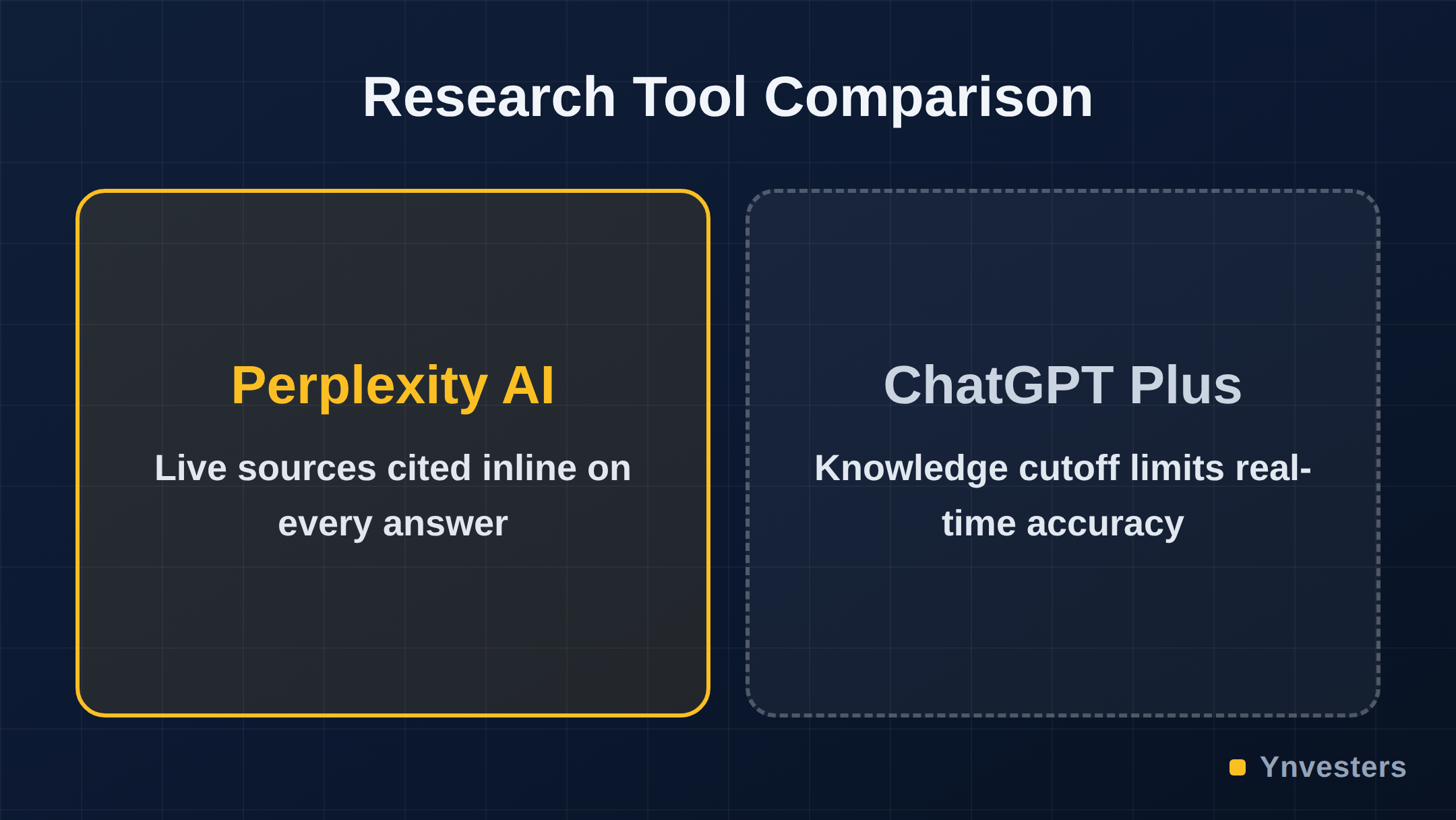
ChatGPT’s knowledge cutoff means you’re often getting yesterday’s news dressed up as today’s analysis. Perplexity AI solves this directly: every answer surfaces live web sources, cited inline, so you can click through and verify. The model doesn’t just retrieve; it synthesizes across multiple sources and flags when sources conflict.
What it actually does differently:
- Answers cite specific URLs, not vague “according to sources” hedging
- The “Focus” feature lets you restrict searches to Academic papers, Reddit, YouTube, or the open web — genuinely useful for domain-specific research
- Pro Search mode performs multi-step reasoning across multiple queries before answering
Pricing: Perplexity offers a free tier with daily Pro Search limits. The paid Pro plan is priced at a monthly rate — check Perplexity’s pricing page for current figures, as it has changed with feature additions.
Limitations: It struggles with tasks requiring creative generation or long-form structured writing. It is a research and synthesis tool, not a drafting tool. Don’t expect it to write your landing page.
2. Wispr Flow — The Dictation Tool That Actually Understands Context
Best for: Freelancers, solopreneurs, and executives who think faster than they type.
If you’ve tried OS-level dictation and spent more time correcting “their” vs. “there” errors than actually writing, Wispr Flow is worth your attention. It runs as a system-wide dictation layer on macOS and Windows, meaning it works inside Gmail, Notion, Slack, your CRM — anywhere you type. The key differentiator isn’t raw transcription accuracy (which is broadly good across tools now). It’s that Wispr Flow applies a context-aware cleanup pass: filler words are removed, sentence structure is corrected, and your personal writing style is learned over time.
What it actually does differently:
- Works in virtually any text field on your OS — not locked to a proprietary editor
- A “Tone” setting lets you dial from casual to formal without re-dictating
- Personalization improves over weeks of use, reducing correction time materially
Pricing: Wispr Flow offers a free tier with usage limits and a paid plan. Verify current pricing at their website — tiers have shifted since launch.
Limitations: Privacy-conscious users should review their data handling policy carefully, since audio is processed in the cloud. It also currently favors macOS; the Windows version is newer and has fewer features.
3. Otter.ai — Meeting Intelligence, Not Just Transcription
Best for: Consultants, agency owners, and team leads who sit in too many meetings.
The generic “AI meeting recorder” category is crowded, but Otter.ai has quietly built a layer on top of transcription that most competitors haven’t matched: it identifies action items, generates meeting summaries by speaker, and syncs highlights directly to tools like Salesforce and HubSpot. If your workflow lives in a CRM or project management tool, Otter can push structured notes there automatically — saving the manual data entry that usually kills follow-through.
What it actually does differently:
- Real-time live captions during Zoom, Google Meet, and Teams calls
- “OtterPilot” joins meetings autonomously and delivers a summary to all participants
- Action item extraction flags tasks with the name of the person responsible
Pricing: Otter has a free tier (with minute limits per month), a Pro tier, and a Business tier. Check Otter’s pricing page for current limits, as minute caps have been adjusted over time.
Limitations: Transcription accuracy drops noticeably with heavy accents, crosstalk, or poor audio quality — a real issue in international teams. The AI summary is only as good as the audio input.
4. Rows — Spreadsheet Analysis for People Who Don’t Write Formulas
Best for: Marketers, operations freelancers, and small business owners who live in spreadsheets but hate them.
Excel and Google Sheets require formula syntax that most non-analysts find opaque. Rows is a spreadsheet tool with a native AI layer that lets you type plain-language questions — “which clients had the highest average order value last quarter?” — and get a calculated answer with the formula visible and editable. You’re not just getting a chatbot response; you’re getting an actual working formula you can audit and modify.
What it actually does differently:
- Natural language query generates working spreadsheet formulas, not prose answers
- Built-in data sources let you pull live data from Stripe, Google Analytics, and other APIs without code
- Charts and dashboards are generated from the same plain-language interface
Pricing: Rows offers a free plan for individuals and paid plans for teams. Visit Rows pricing to confirm current tiers — they’ve expanded their feature set with pricing updates.
Limitations: If your existing workflow is deeply embedded in Excel or Google Sheets, migrating formulas and data pipelines has friction. Rows is best adopted for new projects rather than retrofitting old ones.
5. Fathom — The Free Meeting Recorder That Challenges Paid Competitors
Best for: Solo freelancers and consultants who need meeting notes but won’t pay per seat.
Fathom is aggressively priced for what it delivers. Its free tier includes unlimited recording and AI-generated summaries — no per-minute cap, no artificial limit forcing an upgrade. Where it stands out against paid competitors is in the highlight-clipping feature: during a call, you can press a button to flag a moment, and Fathom turns that clip into a shareable video snippet automatically. For sales and consulting professionals who send follow-up videos, this removes an entire post-call editing step.
What it actually does differently:
- Free tier with genuinely unlimited recording (verify current limits at Fathom’s site)
- In-call highlight clipping with automatic clip generation post-call
- CRM sync to HubSpot and Salesforce on paid tiers
Pricing: The free tier is notably generous. Paid tiers unlock team features and deeper CRM integrations. Always confirm current pricing at their website as startup pricing is subject to change.
Limitations: Fathom currently supports Zoom, Google Meet, and Microsoft Teams — if your calls happen on another platform, verify compatibility before relying on it. The free tier doesn’t include all CRM integrations.
Comparison at a Glance
| Tool | Primary Job | Beats the Big Names Because | Free Tier? | Best For |
|---|---|---|---|---|
| Perplexity AI | Research & synthesis | Cited live sources, no hallucination on facts | Yes (limited Pro searches) | Researchers, consultants |
| Wispr Flow | System-wide dictation | Context-aware cleanup, learns your style | Yes (usage limits) | Fast thinkers, executives |
| Otter.ai | Meeting intelligence | Action items, CRM sync, live captions | Yes (minute limits) | Agency owners, team leads |
| Rows | Spreadsheet analysis | Natural language formulas, live data sources | Yes (individual plan) | Marketers, ops freelancers |
| Fathom | Meeting recording | Unlimited free recording, highlight clipping | Yes (unlimited recording) | Solo freelancers, consultants |
The Pattern Worth Noticing
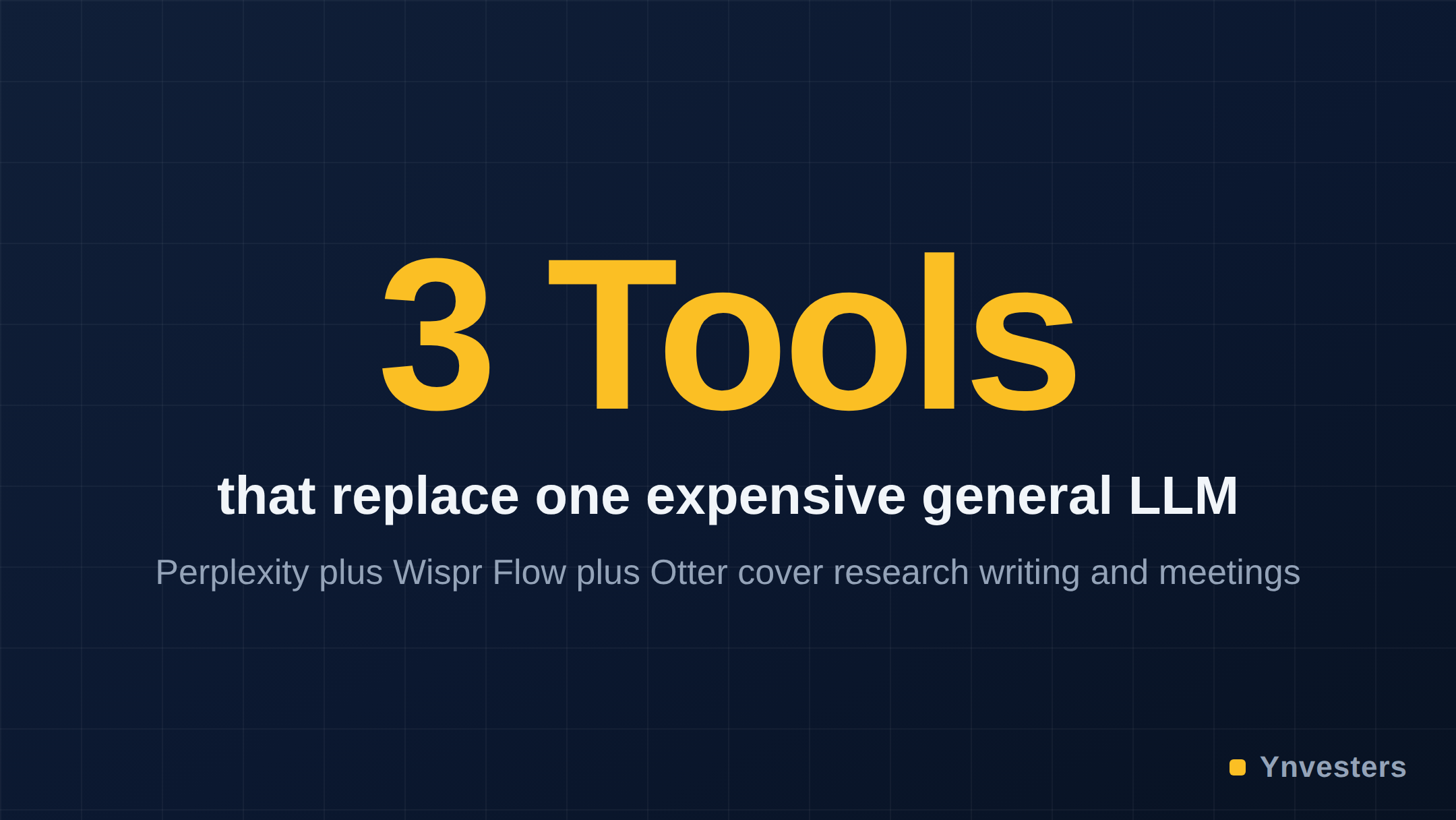
Every tool on this list wins by narrowing scope rather than broadening it. They made a deliberate decision not to compete with GPT-4 on general intelligence — and that decision made them more useful for the specific professionals they serve. The broader takeaway: your AI stack probably shouldn’t be one $20/month general tool. It should be one or two general tools for open-ended thinking, and two or three specialized tools for the repetitive, high-stakes tasks where quality and reliability actually matter.
The landscape of specialized AI tools is expanding faster than any single review can track. The correct habit is to audit your actual weekly workflows — the tasks you do repeatedly, where output quality directly affects client satisfaction or your own time — and ask whether a specialized tool exists for that exact job.
Conclusion
Our take: if you’re spending $20–40 per month on a single general-purpose AI subscription and feeling lukewarm about the return, the problem probably isn’t the amount of money — it’s the mismatch between a general tool and a specific need.
Pay for these tools if you have a clearly repetitive professional task — research, meeting notes, spreadsheet analysis, or writing from voice — where you currently lose hours to cleanup and correction. Any single tool on this list will likely recover its monthly cost in time saved within the first two weeks of consistent use.
Don’t pay if you’re still in an exploratory phase of adding AI to your workflow. Start with the free tiers across all five. Perplexity’s free tier is fully functional for light research; Fathom’s free tier is one of the most generous in the meeting-recorder category. Use paid tiers only when you’ve hit a free-tier limit that is actually slowing you down.
What to do instead of another ChatGPT subscription: Map the three tasks you do most often that currently require significant AI interaction. Check whether a specialized tool exists for each. In most solo creator workflows, the answer is yes — and the specialized tool is either cheaper, better, or both.
Frequently Asked Questions
Is Fathom worth it for solo freelancers who don't want to pay per seat?
Yes, according to the article. Fathom's free tier includes unlimited recording and AI-generated summaries with no per-minute cap, making it a strong option for solo freelancers and consultants before considering any paid upgrade.
Perplexity AI vs ChatGPT — which is better for research?
The article favors Perplexity AI for research tasks because every answer cites specific live web sources inline, allows domain-focused searches via its 'Focus' feature, and reduces hallucination on facts — limitations that affect ChatGPT due to its knowledge cutoff.
How much do these five AI tools cost?
The article does not publish specific dollar figures for most tools, noting that pricing has changed over time. It recommends checking each tool's official pricing page directly, and confirms that all five offer free tiers.
Is Otter.ai better than generic AI meeting recorders?
The article argues yes for users whose workflow involves a CRM, because Otter.ai goes beyond transcription to extract action items by speaker, generate meeting summaries, and sync structured notes directly to tools like Salesforce and HubSpot — a layer most competitors haven't matched.