AI Tools for Freelancers in 2026: The Short List That Pays for Itself
The best AI tools for freelancers in 2026 — a curated short list of tools that earn back their subscription cost fast.
You’ve got three client deliverables due this week, a proposal to write, and an inbox that looks like a small disaster. You open four AI tools, pay for two of them, and somehow still feel like none of them are saving you as much time as they should. Sound familiar?
The problem isn’t that AI tools don’t work. It’s that the market in 2026 is bloated with subscriptions that overlap, underdeliver outside their demo, or only shine for use cases that aren’t yours. This list cuts through that. Every tool here earns its spot by being genuinely useful for the kind of work freelancers do every single week — writing, research, communication, and organizing the chaos.
1. ChatGPT Plus — The Swiss Army Knife You Actually Use
Best for: Writing, drafting, editing, client communication, code snippets
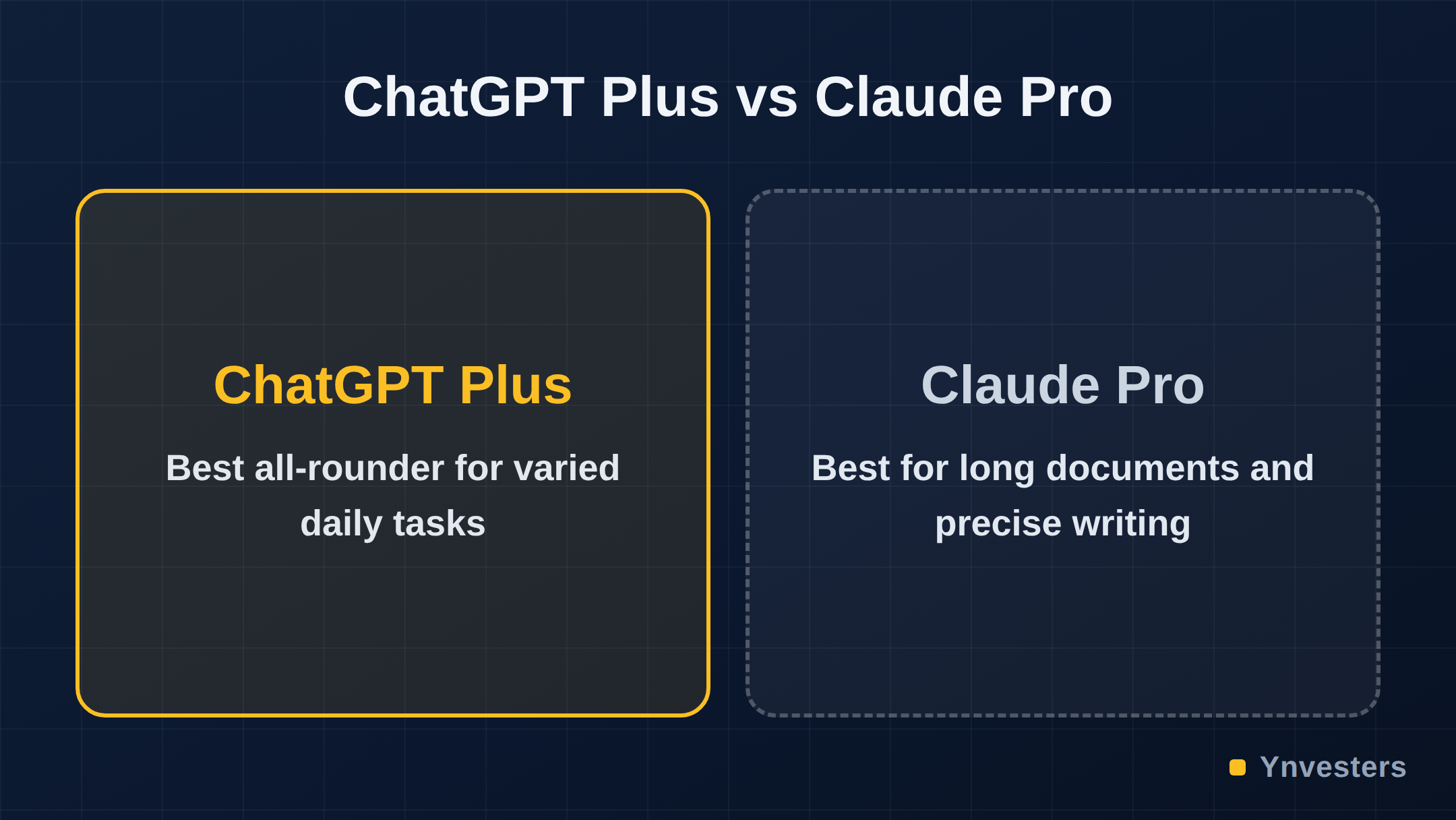
ChatGPT Plus from OpenAI is still the most versatile AI tool a freelancer can buy. The reason it holds up isn’t hype — it’s breadth. From drafting a client proposal to debugging a Zapier formula to rewriting an email that sounds too blunt, it handles context switches without you having to open a different tool.
The GPT-4o model that powers the Plus tier is meaningfully better than the free tier at following nuanced instructions, maintaining tone across a long draft, and working with uploaded files like PDFs and spreadsheets. For freelancers, that last feature alone — the ability to paste in a client brief and have a conversation about it — changes how you prep for projects.
What it won’t do: It’s not a research tool you can trust for real-time facts without verification. It can hallucinate sources. Use it for generation and editing; use something else for live research.
Pricing: Check openai.com/pricing for current figures — pricing has shifted and the official page always reflects the latest.
2. Claude Pro — For When the Brief Is Longer Than Your Patience
Best for: Long documents, complex briefs, nuanced writing tasks
Claude Pro by Anthropic is the tool to reach for when the job involves a lot of text at once — a 40-page research document, a lengthy client spec, or a multi-chapter content project. Claude’s context window handles large inputs without losing the thread, which is where ChatGPT can occasionally stumble on very long sessions.
The writing tone Claude produces tends toward the careful and precise, which makes it particularly strong for industries like legal, financial, or technical writing where careless phrasing is a liability. Freelancers who write in those verticals consistently find Claude’s output requires less heavy cleanup.
What it won’t do: Claude does not have native web browsing in the same consistent way as some competitors. For real-time sourced research, you’ll want a dedicated tool.
Pricing: Verify current plan costs at claude.ai — Anthropic adjusts tiers periodically.
3. Perplexity Pro — Research That Cites Its Sources
Best for: Factual research, staying current on a topic, competitive analysis
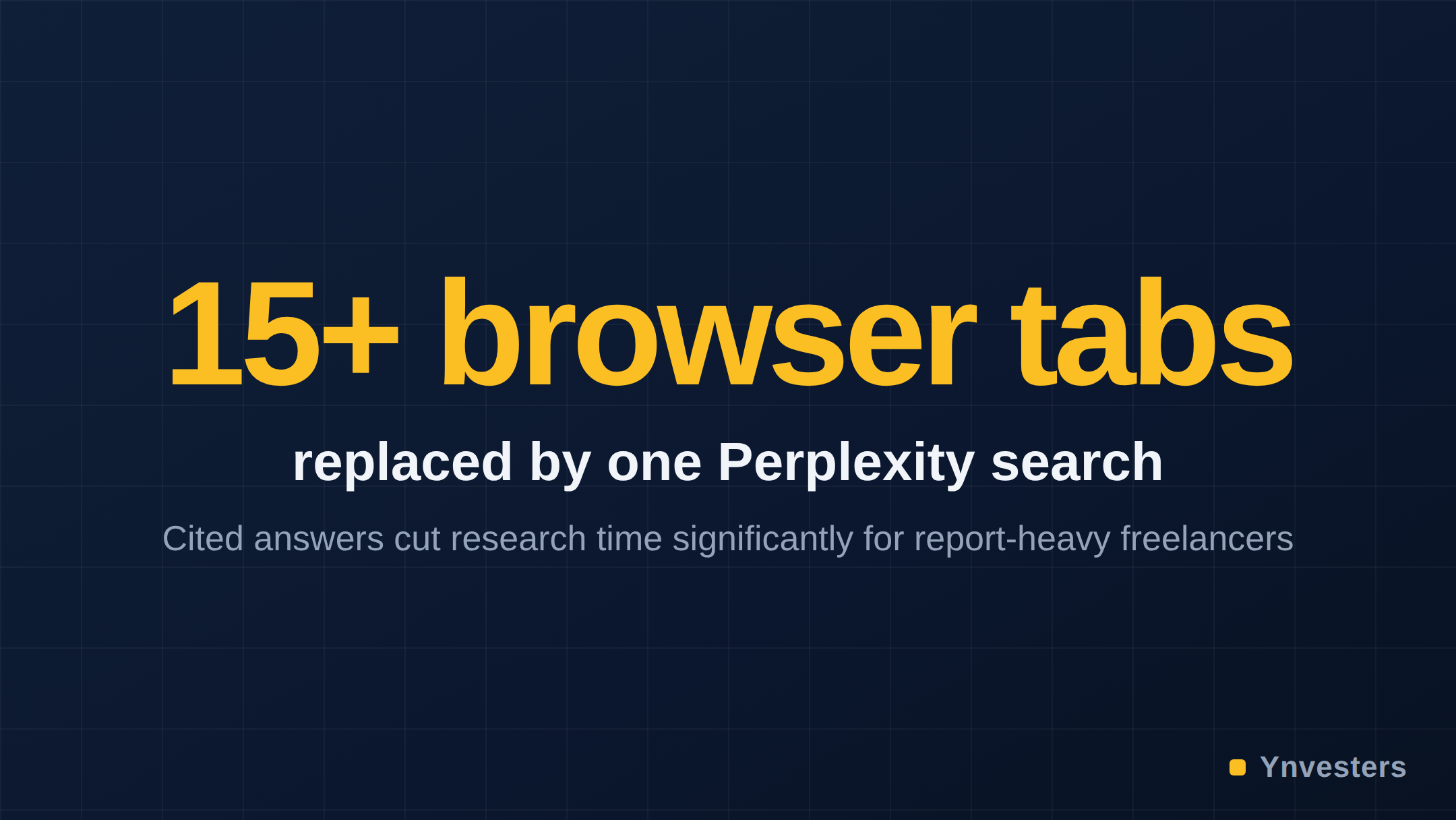
Every freelancer has spent an embarrassing amount of time opening fifteen browser tabs, trying to triangulate whether something is actually true. Perplexity Pro is built for exactly that workflow. It returns answers with inline citations to real, live sources — so instead of a wall of plausible-sounding text, you get a direct answer and the receipts to back it up.
For freelancers who bill for research-heavy work — content strategy, journalism, report writing, or competitive analysis — Perplexity Pro pays for itself the first week you use it seriously. The Pro tier unlocks more powerful underlying models and higher usage limits compared to the free version.
What it won’t do: It’s a research and retrieval tool, not a content generator. Don’t expect it to write polished drafts — that’s not its job.
Pricing: Check perplexity.ai for current Pro pricing before subscribing.
4. Notion AI — Only If Notion Is Already Your Home Base
Best for: Freelancers already using Notion for project management and notes
Notion AI is genuinely useful — if and only if Notion is already the center of your work life. It lets you summarize meeting notes, draft content blocks, and ask questions about your own documents without leaving the app. For someone who lives in Notion, that frictionlessness has real value.
The catch: Notion AI is an add-on cost on top of whatever Notion plan you already pay for. If you’re already paying for ChatGPT Plus or Claude Pro, Notion AI’s writing features are largely redundant. You’d be paying twice for overlapping capabilities.
Our take: Audit whether you’d actually use it weekly before adding it to your stack. The test is simple — if you currently copy text out of Notion to paste into ChatGPT, Notion AI removes that friction. If you don’t use Notion heavily, skip it entirely.
Pricing: Verify the current add-on cost at notion.so/pricing.
5. Otter.ai — For Freelancers Who Live in Client Calls
Best for: Transcription, meeting summaries, client call notes
If a significant portion of your work involves client calls, discovery sessions, or interviews, Otter.ai is the one tool on this list that most freelancers are sleeping on. It transcribes meetings in real time, identifies speakers, and generates a summary you can send to a client or drop into your notes immediately after the call ends.
The practical gain: you stop trying to type notes while also actually listening. You show up more present in calls, and the summary means you have a defensible record of what was agreed — useful when scope creep becomes a conversation.
What it won’t do: Transcription accuracy varies with audio quality and heavy accents. Review the summary before sending it to a client.
Pricing: Otter.ai has a free tier with limits. Check otter.ai/pricing for current Pro and Business plan costs.
Comparison Table: The Short List at a Glance
| Tool | Primary Use Case | Best For | Overlaps With |
|---|---|---|---|
| ChatGPT Plus | Writing, editing, versatile tasks | All-round daily use | Claude Pro |
| Claude Pro | Long documents, precise writing | Technical/legal/content writers | ChatGPT Plus |
| Perplexity Pro | Cited research, live web answers | Research-heavy freelancers | None directly |
| Notion AI | In-app writing and summarization | Existing Notion users only | ChatGPT, Claude |
| Otter.ai | Call transcription and summaries | Client-call-heavy freelancers | None directly |
What to Cut If You’re Paying for Too Many
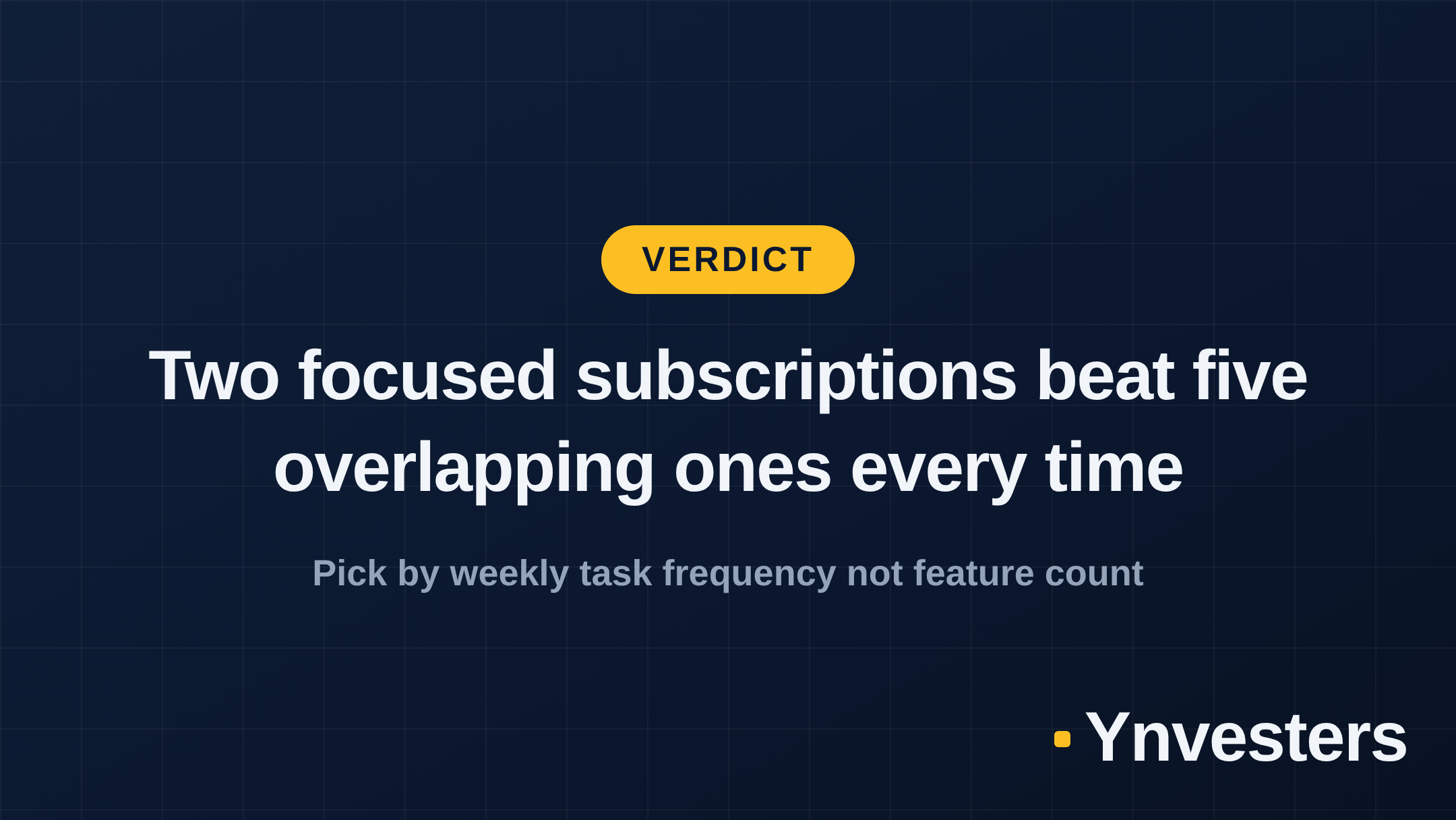
The honest version of AI tool advice for freelancers is this: most people who feel like their AI subscriptions aren’t paying off are running two or three tools that do the same thing. The overlap between ChatGPT Plus and Claude Pro is real — if budget is tight, pick one based on your most common task type (breadth vs. long-form depth) and put the savings toward a tool that covers a different job entirely, like Perplexity or Otter.
According to research on knowledge worker productivity, the productivity gains from AI tools are most pronounced for tasks performed repeatedly, not occasionally. That principle is your filter: if you’d use a tool’s core feature fewer than three times a week, it probably won’t earn its subscription cost.
Conclusion
The tools that pay for themselves are the ones that match your actual weekly workflow — not the ones with the most impressive demo. For most solo freelancers in 2026, the right stack is one versatile writing AI (ChatGPT Plus or Claude Pro, not both), Perplexity Pro if research is core to your billable work, and Otter.ai if client calls are a regular part of your week.
Skip Notion AI unless Notion is already your command center. Skip any tool you’ve been meaning to “explore properly” for more than a month — that’s a signal it doesn’t fit your workflow.
If you’re currently paying for more than three AI subscriptions, cancel the least-used one this week and put that money toward a higher tier of the tool you actually open every day. That’s the move that compounds.
Frequently Asked Questions
Which AI tool is best for freelance writers in 2026?
ChatGPT Plus remains the most versatile option for freelance writers, handling drafts, edits, outlines, and client emails in one place. Claude Pro is worth adding if you regularly work with long documents or detailed briefs.
Is Perplexity Pro worth it for freelancers?
Yes, if research is a core part of your work. Perplexity Pro delivers cited, up-to-date answers that replace significant tab-switching and source-verification time. Check the current price at perplexity.ai before subscribing.
How much should a freelancer spend on AI tools per month?
One or two focused subscriptions in the $20–$40 range is the practical ceiling for most solo freelancers. Beyond that, you need to track whether the time saved translates to billable hours recovered or new revenue.
Is Notion AI worth it if I already pay for Notion?
Only if you are deeply embedded in Notion as your primary workspace. Notion AI is an add-on cost on top of your existing plan, and its writing features duplicate what ChatGPT or Claude already do — so verify the current add-on pricing before committing.