Canva Pro vs Adobe Express: Which $120/Year Is the Better Spend?
Canva Pro and Adobe Express both cost around $120/year. We break down features, limits, and who should pay for which — no fluff.
You’ve got a client deliverable due tomorrow, three social posts to schedule this week, and a pitch deck that still looks like a Google Slides accident. You know you need a design tool — a real one, not just a free tier with watermarks. So you go hunting, and you end up staring at two tabs: Canva Pro and Adobe Express, both sitting at roughly the same annual price. Which one do you actually buy?
This isn’t a beauty contest between logos. It’s a practical question about where $120 of your own money goes furthest, every year, for the kind of work real freelancers and solo creators actually do.
What Each Tool Actually Is
Before comparing features, it’s worth being precise about what you’re evaluating.
Canva Pro is the paid tier of Canva — a browser-first design platform built around a drag-and-drop editor, a massive template library, and an expanding suite of AI-powered tools it calls Magic Studio. It’s designed to be usable by people with zero formal design training, which is both its strength and occasionally its ceiling.
Adobe Express (formerly Adobe Spark) is Adobe’s entry-level, simplified design tool — intentionally distinct from Photoshop and Illustrator. It sits between “free Canva” and “full Creative Cloud” in Adobe’s product stack. The Premium tier adds generative AI features powered by Adobe Firefly, brand controls, and deeper access to Adobe’s asset libraries.
Neither tool is a professional production environment. Both are built for speed and volume. The question is which one fits your specific workflow.
Pricing: Close, But Not Identical
Both tools come in around the $120/year range, but the exact numbers matter.
Canva Pro is priced at approximately $119.99/year for a single user (check Canva’s pricing page for the current figure — Canva adjusts pricing periodically). There’s a 30-day free trial, which is a genuine advantage: you get full Pro access before committing.
Adobe Express Premium is listed at approximately $99.99/year as a standalone subscription, though Adobe frequently bundles it into Creative Cloud All Apps plans at no additional cost. If you already pay for any Creative Cloud plan, you may already have Express Premium — verify on Adobe’s Express pricing page before spending anything extra.
The practical implication: if you’re a Creative Cloud subscriber, Adobe Express is effectively free for you. That alone can settle the decision before you read another word.
Template Libraries and Design Assets
This is where Canva’s lead is most visible.
Canva Pro unlocks access to what the company describes as millions of templates across formats — social posts, presentations, videos, documents, websites, whiteboards, and more. The template quality ranges from generic to genuinely polished, and the sheer volume means you can almost always find a starting point without building from scratch. Canva also includes a library of stock photos, videos, audio tracks, and graphics, with Pro users getting access to a significantly larger pool than free users.
Adobe Express Premium also offers a substantial template library and pulls in assets from Adobe Stock — a catalog widely regarded as high quality. However, the template volume and format variety don’t match Canva’s breadth, particularly for niche content types. Where Adobe Express pulls ahead is in asset quality: its stock imagery tends to skew more professional, and its font library — which taps into Adobe Fonts (formerly Typekit) with thousands of licensed typefaces — is a genuine differentiator for anyone who cares about typography.
If you’re producing content at volume across many formats, Canva’s library wins on quantity. If you’re producing fewer pieces where quality and typographic precision matter more, Adobe’s asset ecosystem is stronger.
AI Features: Magic Studio vs. Firefly
Both tools have leaned hard into generative AI, and the feature sets are more similar than their branding suggests.
Canva’s Magic Studio includes:
- Magic Write — an AI text generator for copy, captions, and content ideas
- Magic Design — generates design layouts from a text prompt or uploaded image
- Magic Eraser and Magic Edit — object removal and AI-powered image editing within the canvas
- Background Remover — one-click background removal (a feature that used to cost money separately and is now standard in Pro)
- Text to Image — generates images from prompts
Adobe Express with Firefly includes:
- Text to Image powered by Adobe Firefly — Adobe’s commercially safe generative AI model
- Generative Fill — add or remove elements from images using text prompts
- Text Effects — apply AI-generated styles to text directly
- Remove Background — equivalent to Canva’s background remover
The meaningful distinction here is commercial safety. Adobe Firefly is trained exclusively on licensed content and public domain material, making it explicitly safe for commercial use. Adobe has been transparent about this positioning. Canva’s AI image generation has faced more scrutiny around training data provenance — if you’re producing work for clients who ask about AI content licensing, this matters.
For most freelancers doing social content or internal marketing, both tools work fine day-to-day. For client deliverables in regulated industries or for clients with strict IP policies, Firefly’s commercial safety framing is a real differentiator.
Brand Kits and Collaboration
Both Pro tiers support brand kits — saved colors, fonts, and logos you can apply across designs.
Canva Pro gives you multiple brand kits (the exact number has varied; verify on their current feature list), which is useful if you’re managing more than one brand or client identity. The interface for setting up and applying brand kits is fast and intuitive — you can lock brand elements so they can’t be accidentally altered by collaborators.
Adobe Express Premium also supports brand kits with saved colors, fonts, and logos. Its brand controls are solid but feel slightly more constrained in how many separate identities you can maintain at the single-user tier.
On collaboration: Canva Pro allows you to invite team members and set permissions. Adobe Express supports collaboration but its native workflow is more individual-focused — deeper team features are part of Adobe’s enterprise offerings. If you’re a solo operator, this barely matters. If you’re managing a small team of two to three people sharing assets, Canva’s collaboration layer is more developed.
The Workflow Question Nobody Asks First
Here’s the variable that most comparison articles underweight: your existing toolchain.
If your daily workflow runs through Google Docs, Notion, Slack, and web-based tools, Canva’s browser-first architecture fits naturally. Its integrations with Google Drive, Dropbox, and social scheduling tools are smooth and well-documented.
If you work in the Adobe ecosystem — even occasionally opening Photoshop or Illustrator — Adobe Express becomes a different proposition. You can open Express-created assets in Photoshop. Your Adobe Fonts follow you across apps. Your Creative Cloud Libraries sync across the whole suite. The integration isn’t just a checkbox; it genuinely reduces friction.
What’s Missing From Each
No tool covers everything, and knowing the gaps matters.
Canva Pro limitations:
- Video editing is basic — fine for social clips, not for anything requiring precise timeline control
- No native integration with Adobe’s font or asset ecosystem
- AI image generation training data transparency is less clear than Adobe’s
Adobe Express Premium limitations:
- Smaller template library, especially for niche formats
- Less developed collaboration tools at the individual tier
- Some advanced features (like Generative Fill) have usage credits that can run out — verify current credit limits on Adobe’s help pages
- The interface can feel more constrained than Canva’s open canvas
Neither limitation is a dealbreaker by itself, but both tell you something about where each product team is investing.
Comparison Table
| Feature | Canva Pro | Adobe Express Premium |
|---|---|---|
| Annual price (approx.) | ~$119.99/yr | ~$99.99/yr (standalone) |
| Free trial | 30 days | Free tier available |
| Template volume | Very large (millions) | Large (quality-focused) |
| AI image generation | Magic Studio (Text to Image) | Firefly (commercially licensed) |
| Background removal | Yes | Yes |
| Brand kits | Multiple | Yes |
| Adobe Fonts access | No | Yes (thousands of typefaces) |
| Adobe CC integration | No | Yes |
| Collaboration | Yes (strong) | Yes (basic) |
| Video editing | Basic | Basic |
| Best for | Non-Adobe solo creators | Adobe ecosystem users |
Conclusion
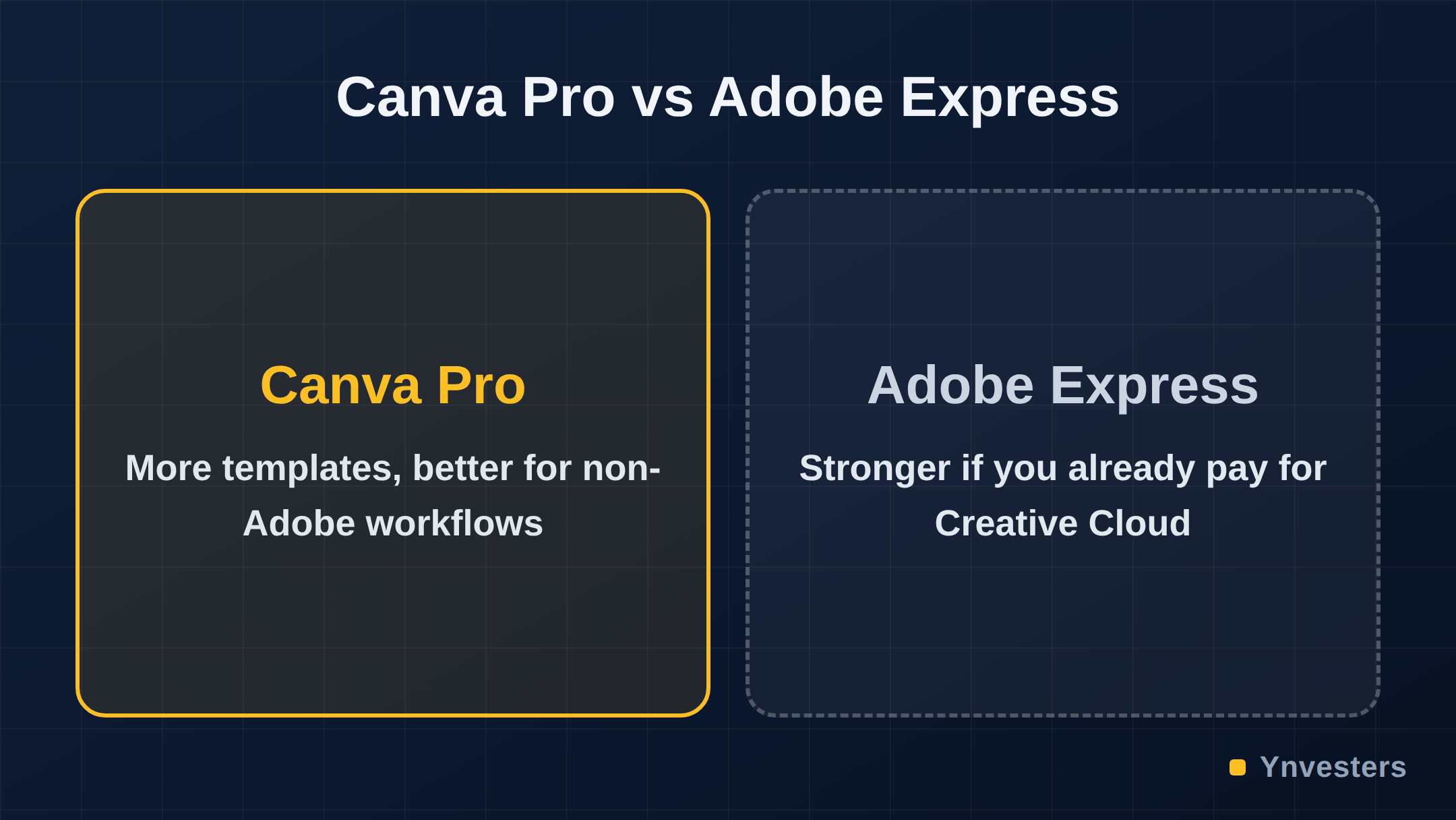
Our take: for most solo creators and freelancers who aren’t already paying for Adobe Creative Cloud, Canva Pro is the better $120/year spend. The template volume is genuinely larger, the interface is faster to work in, the collaboration tools are more developed, and the 30-day trial means you can validate that opinion with your own work before committing.
Buy Canva Pro if: You produce content across many formats regularly, you’re not in the Adobe ecosystem, and you want the fastest path from brief to finished asset.
Buy Adobe Express instead if: You already subscribe to Creative Cloud (in which case you may already have it), you need commercially bulletproof AI-generated imagery for client work, or you live inside Adobe’s font and asset ecosystem and switching contexts creates friction.
Skip both if: You’re producing fewer than a handful of designs per month. The free tiers of both tools — and alternatives like Microsoft Designer — may be enough for light usage without the annual commitment.
At the same price point, this decision comes down to one question: do you already pay Adobe for anything? If yes, check whether Express Premium is already included. If no, Canva Pro is the more versatile, better-integrated tool for the way most independent creators actually work.
Frequently Asked Questions
Is Canva Pro worth $120 a year?
For solo creators and freelancers who produce regular social, marketing, or presentation content, yes. The brand kit, Background Remover, and Magic Studio AI tools are genuinely time-saving features that justify the annual cost.
How does Adobe Express compare to Canva Pro?
Both tools offer templates, AI-powered design features, and brand controls at a similar price point. Adobe Express has a tighter integration with the Creative Cloud ecosystem; Canva Pro has a larger template library and a more beginner-friendly interface.
How much does Adobe Express cost?
Adobe Express Premium is priced at approximately $99.99/year as a standalone plan, though pricing can vary and is sometimes bundled with Creative Cloud subscriptions. Always verify current pricing on Adobe's official site.
Can I use Canva Pro for free first?
Yes. Canva offers a 30-day free trial of Canva Pro, which gives you full access to Pro features before committing to the annual subscription.