Freelancers Are Charging $300 per Deck with Gamma — Here's the Playbook
Can Gamma really turn a $30/month AI tool into $300 decks? We break down the real pros, cons, and pricing so freelancers can decide.
You quote a client $300 for a pitch deck, spend two hours in Gamma, and walk away with a polished, on-brand presentation — and a margin that finally makes freelancing feel worth it. That scenario is real, but it comes with conditions most enthusiastic Twitter threads skip over. Before you restructure your service menu around Gamma, you need an honest look at what the tool actually does well, where it quietly falls short, and how the math holds up at scale.
What Is Gamma, Briefly
Gamma is an AI-native presentation and document tool. You give it a prompt or paste an outline, and it generates a structured, designed deck in roughly one to two minutes — complete with layouts, imagery suggestions, and formatted text blocks. It outputs work that lives on the web (shareable via link) but can also be exported to PDF or PowerPoint. It is not a thin wrapper on Google Slides. It has its own design engine, its own template system, and its own editing interface.
That distinction matters for freelancers, because it changes both the workflow and the client conversation.
The Pros: Why Gamma Is Genuinely Powerful for Freelancers
1. Speed That Changes Your Economics
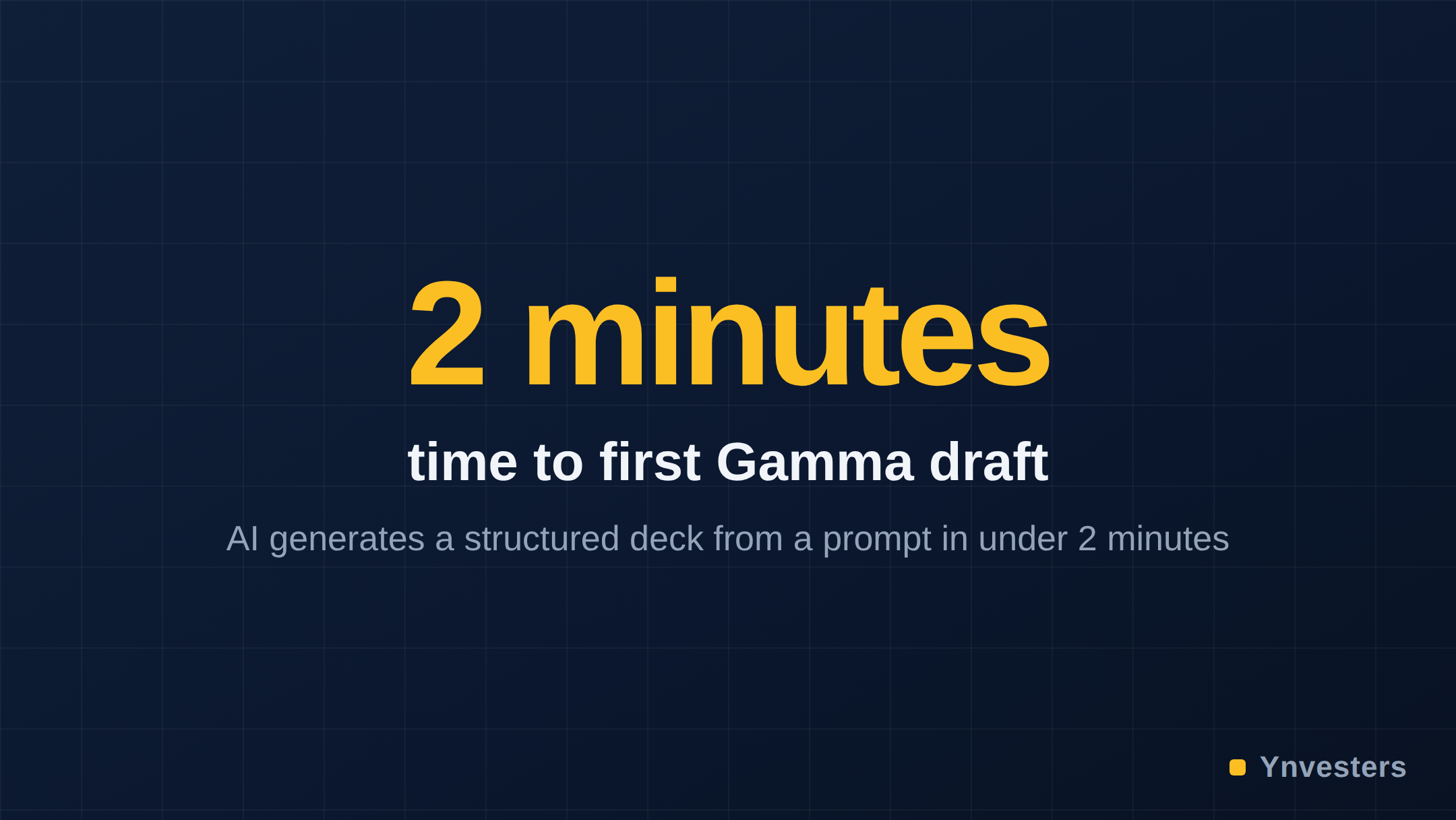
The single most important thing Gamma does is compress production time. A deck that takes three to five hours in PowerPoint — building slides, sourcing images, formatting — can exist in a rough but usable state in under five minutes with Gamma’s AI generation. That is not hype; it is the core product promise, and in our testing it holds for content-heavy decks like investor pitches, service overviews, and proposal decks.
For a freelancer charging $300 per deck, cutting production time from five hours to two (including revisions and client communication) means your effective hourly rate climbs sharply. The tool’s value is not that it does the thinking for you — it is that it eliminates the mechanical formatting work that was eating your margin.
2. Outputs That Look Professional by Default
Gamma’s design system produces layouts that are clean and contemporary. Unlike raw PowerPoint where every new slide is a blank liability, Gamma’s engine maintains visual consistency across the deck automatically. For freelancers who are strong strategists but not trained designers, this is a genuine equalizer. You spend your energy on narrative structure and client-specific content rather than alignment guides and font pairing.
3. Web-Native Sharing Is a Differentiator
Clients who receive a Gamma deck get a link, not a file. The presentation loads beautifully in any browser, tracks views, and can be updated live after delivery. For freelancers, this is a soft upsell opportunity: you can offer a “living deck” revision package because updating the source is trivial. That kind of client experience is difficult to replicate with a PowerPoint attachment.
4. The Free Plan Lets You Validate Before Committing
Gamma’s free tier gives you enough AI credits to build and share decks, which means you can land your first paid project and confirm the workflow fits before upgrading. That is a low-risk way to test a new service offering. Most comparable tools (Tome, Beautiful.ai) require a paid plan before you can deliver professional output.
5. Broad Format Support
Gamma is not just slides. It generates documents and webpages in the same interface, meaning a freelancer can bundle a deck with a one-page brief or a project summary page — all from one tool — and charge accordingly.
The Cons: Where Gamma’s Limits Bite
1. You Are Working Inside Gamma’s Design System
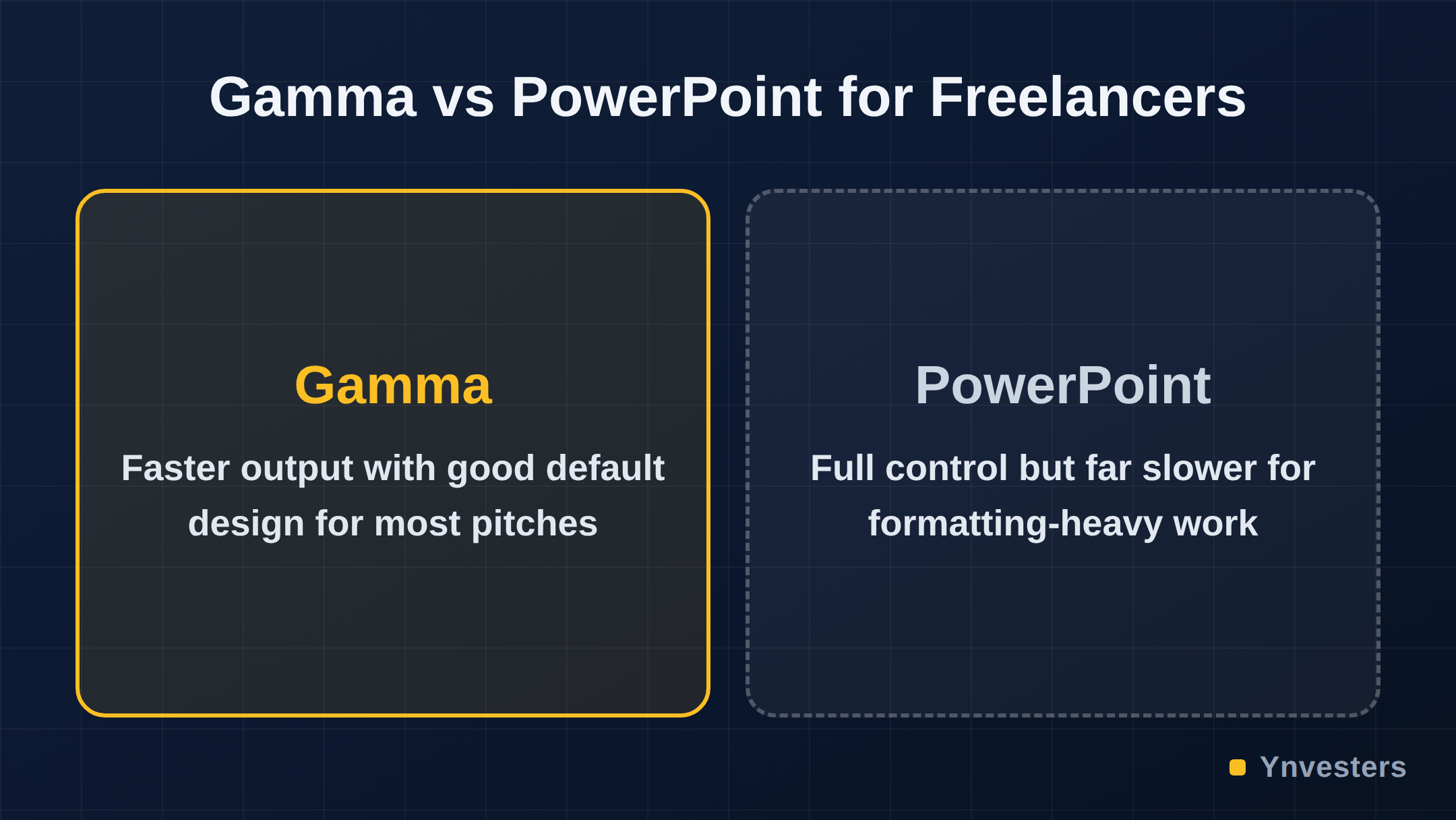
This is the most important limitation to understand. Gamma’s layouts are controlled by its own engine. You can customize colors, fonts (within a curated set), and content, but you cannot move elements with pixel precision, set exact margins, or build slides from scratch the way you can in PowerPoint or Figma. For clients with strict brand guidelines — a specific typeface, a logo placement rule, a complex grid — Gamma will require workarounds or simply will not meet the brief.
2. AI Branding on the Free Plan
Free plan exports carry Gamma branding. You cannot charge $300 for a deck that says “Made with Gamma” in the footer. The paid plan removes this, but it is a hard gate — if you are testing the workflow with a real client on the free tier, you need to disclose that or upgrade first. Check gamma.app/pricing for current plan details before you commit.
3. The AI Output Needs Editing — Always
Gamma’s first-draft AI output is a starting point, not a deliverable. The tool generates placeholder-quality copy in many cases, defaults to generic imagery from its built-in library, and occasionally produces slide structures that do not match your actual narrative logic. Every professional deck still requires a meaningful editing pass. Freelancers who try to deliver AI first drafts as finished work will damage their reputation quickly.
4. Export Quality Has Trade-offs
Exporting to PowerPoint produces a functional file, but some layouts and effects do not translate perfectly — what looks clean in Gamma’s native web view can become messier in the .pptx. If your client needs to edit the deck in PowerPoint themselves (common in corporate settings), test the export workflow before promising a seamless handoff.
5. Pricing Opacity at Scale
Gamma’s credit system for AI generations on lower-tier plans can run out faster than expected if you are building multiple decks per week. The economics of the tool shift depending on which plan you are on. Always verify current plan limits at gamma.app/pricing rather than relying on third-party summaries — the plans have changed since launch and will likely continue to evolve.
The $300/Deck Math: Does It Actually Hold?
Let’s be direct about the playbook. Charging $300 per deck with Gamma is not about hiding that you used AI — it is about what you bring on top of the tool.
Freelancers who successfully charge at this rate are selling:
- Discovery and strategy: a client brief, a narrative arc, a clear point of view on what the deck needs to achieve
- Copywriting: not Gamma’s placeholder text, but punchy, client-specific language
- Brand alignment: matching the deck to the client’s actual visual identity within Gamma’s constraints
- Delivery and revisions: a professional process, not a file drop
The tool’s speed is what makes the margin work, not what justifies the price. If you try to charge $300 for a lightly edited Gamma first draft, you will get one client and no referrals. If you use Gamma to free up two hours that you spend on strategy and copy instead of slide formatting, the price is easy to defend.
Comparison: Gamma vs. Key Alternatives
| Tool | AI Generation | Design Control | Web Sharing | Export to PPTX | Free Plan |
|---|---|---|---|---|---|
| Gamma | Yes, strong | Moderate (own system) | Yes, native | Yes (some loss) | Yes, with branding |
| Tome | Yes | Moderate | Yes | Limited | Yes |
| Beautiful.ai | Partial | Moderate | Limited | Yes | No |
| PowerPoint + Copilot | Yes (via Copilot) | Full | No (SharePoint) | Native | No (M365 required) |
| Google Slides + Gemini | Yes (via Gemini) | Full | Yes | Yes | Yes |
For pure speed and out-of-the-box visual quality, Gamma leads this field for freelancers. For brand precision and client-side editability, PowerPoint with Copilot or native Google Slides remain more flexible — at the cost of significantly more manual work.
Conclusion
Gamma is a legitimate professional tool, not a shortcut that will catch up with you. Our take: if you deliver pitch decks, proposal decks, or internal presentations for clients more than twice a month, the paid plan pays for itself on the first project — and the $300/deck pricing is defensible if you are selling strategy alongside the output.
Who should pay for Gamma: freelancers who want to expand into presentation services without adding hours to their workload, consultants who produce decks as part of a broader deliverable, and strategists who want to stop losing margin to formatting.
Who should skip it: freelancers whose clients require pixel-perfect brand compliance, heavy animation, or full PowerPoint editability — Gamma’s design system will fight you on every slide.
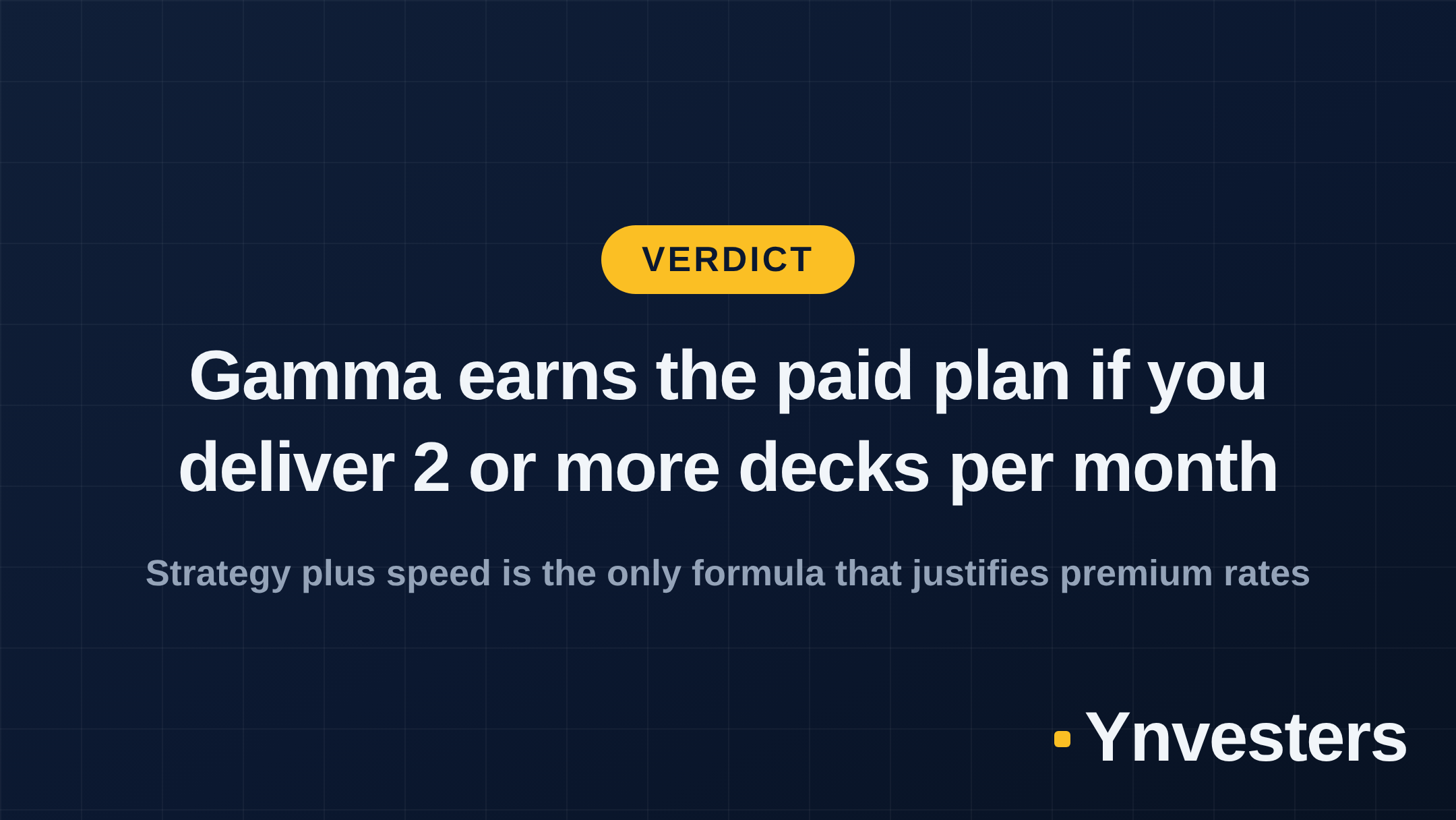
The $300/deck number is real — but the playbook is not “use Gamma.” It is “use Gamma for the deck; sell your brain for the price.”
Frequently Asked Questions
Is Gamma worth it for freelancers?
Yes, if you deliver presentation decks regularly. Gamma's AI generation cuts production time dramatically, making even modest per-deck rates highly profitable. The paid plan removes branding and unlocks full customization.
How much does Gamma cost?
Gamma offers a free tier with limited AI credits and branding on exports. Paid plans start at a monthly rate — check gamma.app/pricing for current figures, as pricing updates periodically.
Can Gamma replace PowerPoint or Google Slides?
For most client pitch decks and internal presentations, yes. For highly branded or animation-heavy work that requires pixel-level control, PowerPoint or a dedicated design tool is still stronger.
What is the main limitation of Gamma for professional work?
Gamma's templates and layout engine are opinionated — you work within its design system. Deep brand customization (custom fonts, precise spacing, complex animations) is limited compared to native PowerPoint or Figma.