HeyGen vs Synthesia: Don't Buy Either Until You Read This (2026)
HeyGen vs Synthesia compared on pricing, avatar quality, use cases, and limits. Find out which AI video tool is actually worth your money in 2026.
You record a solid explainer video, upload it to your course platform, then realize half your audience speaks Spanish, Portuguese, or Mandarin — and you’re back to square one. Or you spend an afternoon in a virtual studio trying to produce a professional-looking training video, only to discover that the avatar blinks like it’s buffering. These are the exact friction points that pushed thousands of creators toward AI avatar video tools. HeyGen and Synthesia are the two names that keep coming up. But they are not interchangeable, and for a solo creator spending $20–60 a month on AI subscriptions, picking the wrong one is an expensive mistake.
What Each Tool Actually Does
Both HeyGen and Synthesia let you generate talking-head videos using AI avatars — no camera, no studio, no talent fees. You type a script, pick an avatar, and export a video. That’s where the similarity ends.
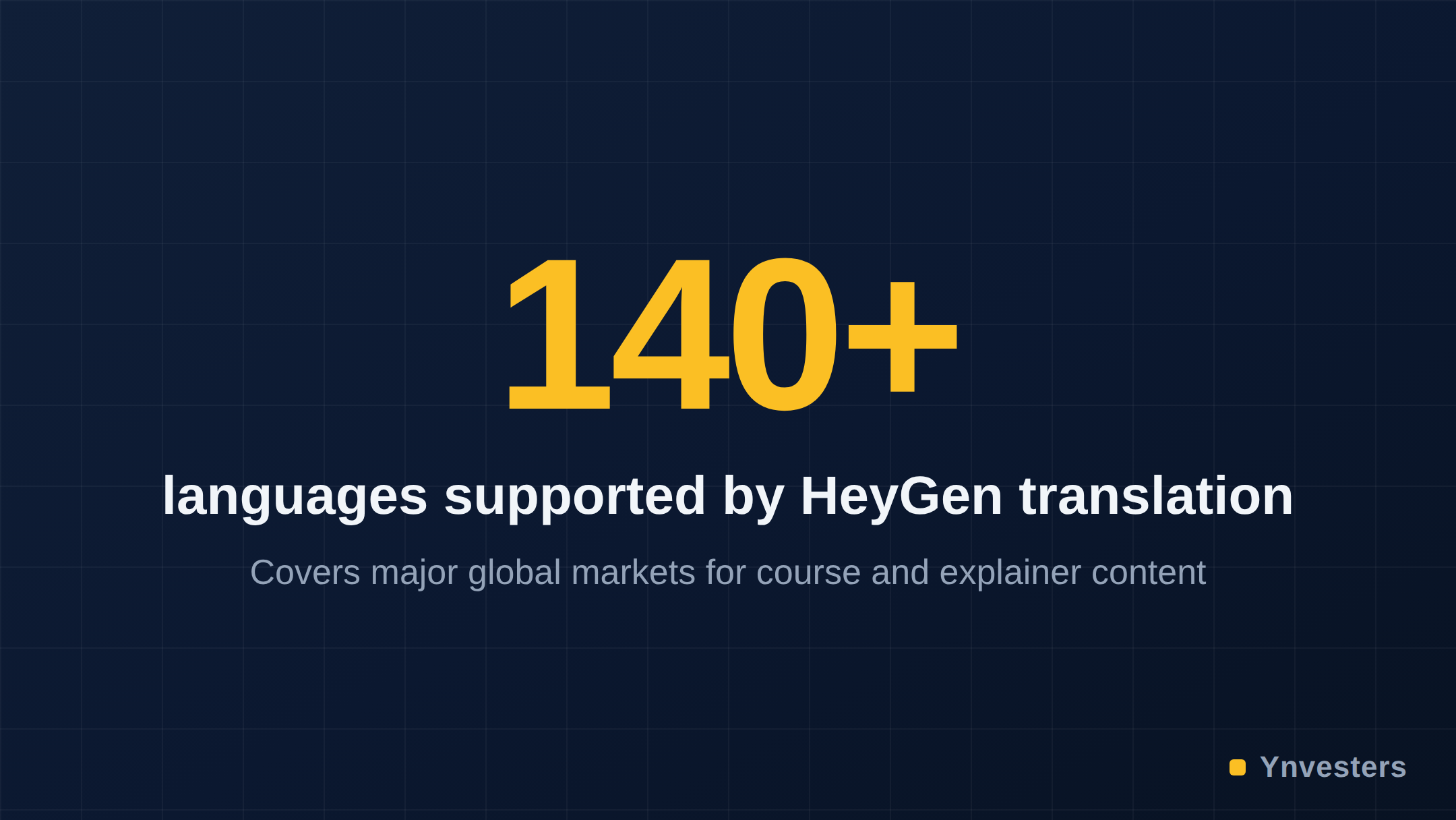
HeyGen was built with a creator-first mentality. Its headline differentiator is video translation: upload an existing video and HeyGen will re-dub it in another language, matching lip movement to the new audio. For anyone producing content for multilingual audiences, this single feature is worth examining in isolation. HeyGen also puts significant emphasis on expressive custom avatar creation — you can train a personal avatar from a short video clip, and the result captures more nuanced facial movement than most competitors.
Synthesia was architected from the start for enterprise learning and development. Its interface feels like a slide deck tool crossed with a video editor. It ships with a large library of stock “Studio Avatars,” a branded template system, and collaboration features designed for teams. The platform has historically marketed itself to HR departments, compliance training teams, and internal communications leads at mid-to-large companies.
Pricing: What You Actually Pay
Pricing changes frequently at both companies, so treat every number here as a directional guide and verify at the official pages before purchasing.
HeyGen’s pricing as of mid-2026 tiers roughly from a free plan (limited credits per month) through a Creator-level plan aimed at individuals, up to a Team plan. The Creator plan is positioned below $30/month on annual billing at many points in time — check HeyGen’s pricing page for the current figure.
Synthesia’s Starter plan has historically been priced higher per video minute than HeyGen’s comparable tier. Their Enterprise tier is custom-quoted. Check Synthesia’s pricing page for current numbers.
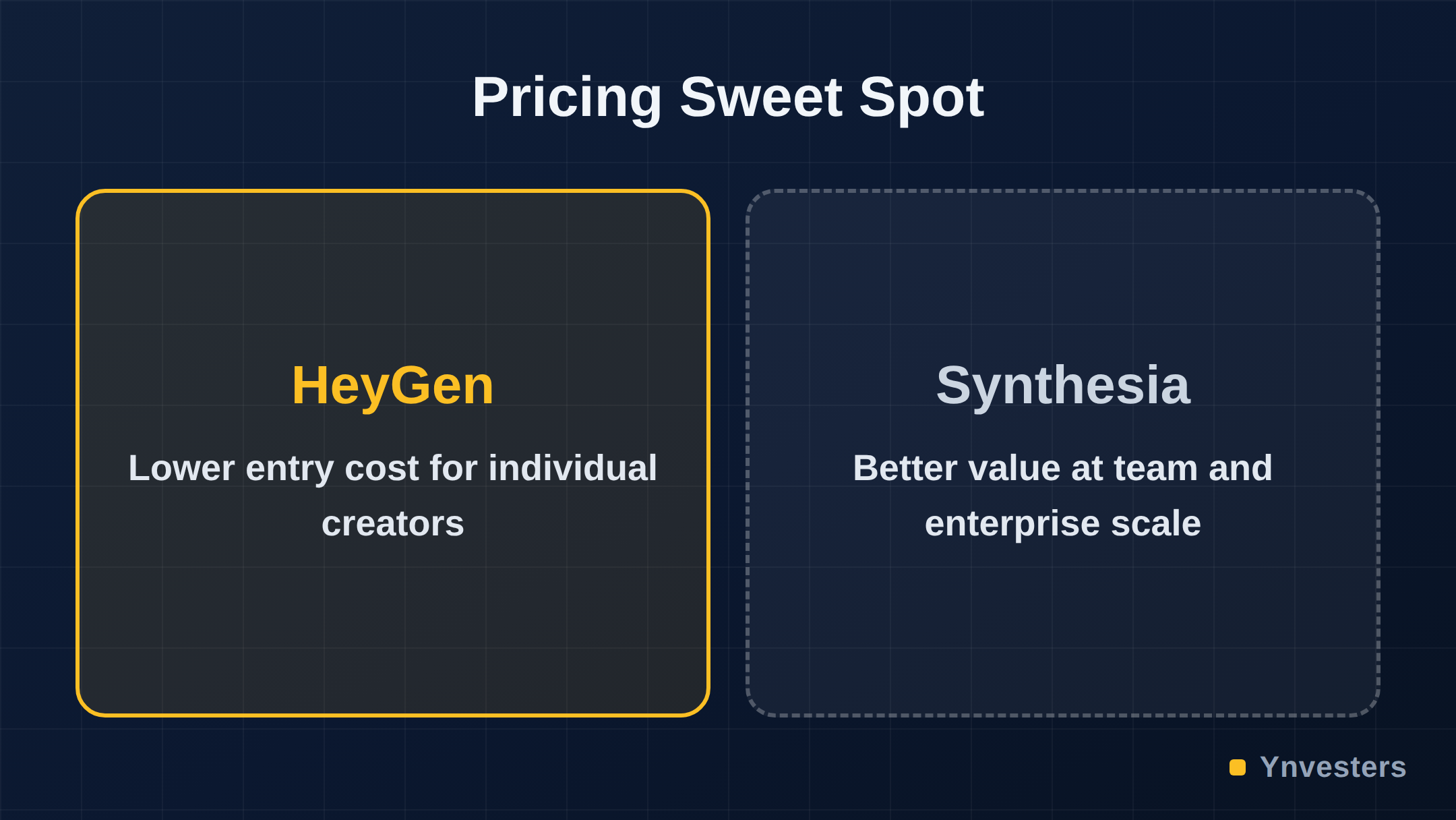
The more important pricing question isn’t the monthly fee — it’s the credit structure. Both tools limit output by video minutes or credits per month. If you produce video in bursts (heavy one month, nothing the next), a monthly subscription is a poor fit for either. HeyGen has offered top-up credit options; Synthesia has offered similar flexibility at higher tiers. Irregular producers should run the math on annual credit packages versus monthly plans before committing.
Avatar Quality and Realism
This is where use-case matters enormously.
HeyGen’s custom avatars are among the most expressive available in a self-serve product. The training process requires you to record a short clip in good lighting, but the resulting avatar replicates subtle head movement and lip sync at a quality that holds up in medium-length videos. For a freelancer whose face is the brand — coaches, consultants, educators — this matters.
Synthesia’s Studio Avatars are polished, professional, and deliberately neutral. They’re designed to be the face of a brand, not a person — ideal for corporate training where you don’t want a specific individual to be the face of a compliance module that will be watched for three years. The trade-off is expressiveness: Synthesia avatars can read as slightly flat compared to HeyGen’s custom option.
Neither tool has fully solved the uncanny valley problem for close-up, long-form video. Both work best when the avatar is mid-frame, the video is under five minutes, and the audience expects a “produced” (rather than “authentic”) aesthetic.
Video Translation: HeyGen’s Defining Edge
HeyGen’s video translation capability deserves its own section because it changes the ROI calculation entirely for certain users.
The workflow: upload a source video (your face, your voice), select target languages, and HeyGen outputs dubbed versions with synchronized lip movement. The quality is not perfect — complex mouth shapes and rapid speech create artifacts — but for standard-paced explainer or course content, the results are usable without manual cleanup in most cases.
Synthesia does not offer an equivalent self-serve video translation feature at the same fidelity as of mid-2026. If multilingual content is central to your workflow, this alone may settle the debate.
Where Synthesia Genuinely Wins
Synthesia’s template and scene system is meaningfully more mature. If you’re producing a library of 50 training modules that all need to look consistent — same lower-thirds, same brand colors, same chapter structure — Synthesia’s workflow is faster and more scalable than HeyGen’s.
The platform also integrates with SCORM-compliant LMS platforms, which is a non-negotiable requirement in many corporate L&D environments. HeyGen exports video files; Synthesia can package content for direct LMS upload in some configurations. For an instructional designer at a mid-size company, that difference is significant.
Synthesia’s avatar library also sidesteps a common awkwardness: using a stock avatar means no one is asking “whose face is that?” — important when video will be translated or repurposed across markets with different cultural expectations.
Head-to-Head Feature Comparison
| Feature | HeyGen | Synthesia |
|---|---|---|
| Custom avatar (your face) | Yes — strong quality | Yes — available on higher tiers |
| Video translation / dubbing | Yes — core feature | Limited / not equivalent |
| Stock avatar library | Yes | Yes — larger, more diverse |
| Template / scene system | Basic | Advanced |
| LMS / SCORM export | No (video file only) | Yes (on applicable plans) |
| Team collaboration tools | Available on Team plan | Built into workflow |
| Free tier | Yes — limited credits | Yes — limited credits |
| Pricing entry point | Lower (verify at heygen.com) | Higher (verify at synthesia.io) |
| Best fit | Solo creators, multilingual content | Corporate L&D, training teams |
The Cases Where You Should Buy Neither
Before you reach for a credit card, audit your actual workflow:
You’re making short-form social video. Neither tool is optimized for 30-second reels or TikTok-style content. Tools like Runway or even native platform AI features will serve you better and cost less.
You need video once a quarter. Monthly subscriptions at either tool will bleed you dry. Look for one-time credit purchases or consider whether a human freelance video editor on a per-project basis is cheaper for your volume.
You want hyper-realistic video that passes as authentic. Neither tool is there yet for close-up, unscripted-feeling video. If your audience expects authentic creator energy, avatar video — from either platform — will likely undermine trust rather than build it.
Conclusion
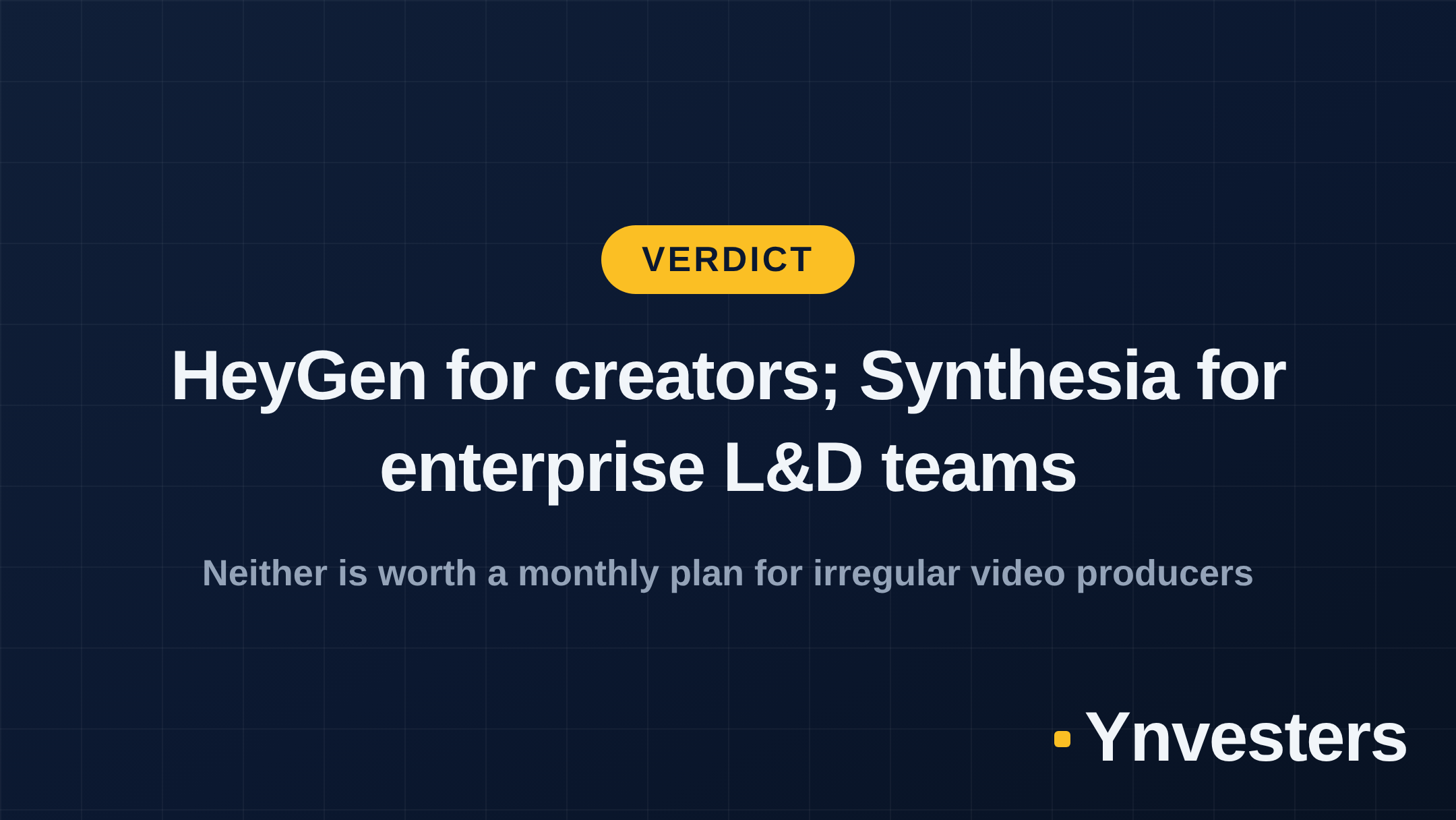
Our take: HeyGen is the right default for solo creators and freelancers who produce regular video content, especially if multilingual reach is part of the plan. The video translation feature is a genuine competitive advantage, the custom avatar quality is strong, and the entry-level pricing is more accessible than Synthesia’s.
Synthesia is the right call for corporate L&D and training teams who need brand consistency, template-driven production at scale, and LMS integration. It’s not built for individuals — and trying to use it as an individual subscription often means paying for workflow infrastructure you’ll never use.
If you’re a solo creator spending $20–60/month on AI tools and avatar video is only occasionally relevant to your work, skip both monthly plans. Use HeyGen’s free tier for occasional needs, or buy credits on demand. The worst outcome is locking into a $30–50/month subscription for a tool you open twice before canceling.
Frequently Asked Questions
Is HeyGen worth it for freelancers in 2026?
For freelancers producing multilingual explainers, course content, or client-facing video at scale, HeyGen's mid-tier plans offer strong value — especially the video translation feature, which alone can justify the cost. Casual or one-off users should verify the current free tier limits before committing to a paid plan.
HeyGen vs Synthesia: which is better?
HeyGen leads on avatar expressiveness, video translation, and pricing flexibility for individuals. Synthesia leads on enterprise workflow features, template libraries, and compliance-friendly avatar options. The right choice depends entirely on whether you're an individual creator or part of a corporate L&D team.
How much does Synthesia cost?
Synthesia's pricing starts with a Starter plan and scales to Enterprise tiers; exact figures change regularly, so check the official Synthesia pricing page at synthesia.io/pricing for current numbers before purchasing.
Can HeyGen translate videos automatically?
Yes. HeyGen's video translation feature can dub and lip-sync existing video footage into multiple languages, which is one of its most distinctive capabilities not matched at the same quality level by Synthesia as of mid-2026.