The Cheapest AI Stack for YouTube Creators in 2026 (Under $40/Month)
Build a complete AI workflow for YouTube — scripts, thumbnails, SEO, editing — for under $40/month. Real tools, real pricing, zero fluff.
Scrolling through your analytics at midnight, wondering why a video you spent two days on got half the views of something you threw together in three hours — that’s the moment most creators start questioning everything. The production, the title, the thumbnail, the SEO. And then someone tells you “just use AI” without explaining which tools, at what cost, or in what order they actually help.
This article is the answer to that conversation. We’ve mapped out a complete AI-assisted YouTube workflow that costs under $40/month, using tools with verifiable free tiers or affordable entry-level plans. No enterprise pricing, no annual-only traps, no tools that require you to already have an audience to justify the cost.
The Four Jobs AI Needs to Do for a YouTube Creator
Before listing tools, it’s worth being specific about the workflow. A YouTube video requires:
- Ideation and scripting — coming up with angles, writing hooks, structuring the video
- Thumbnail creation — designing something that earns the click
- SEO and keyword research — finding the right title, tags, and description language
- Post-production assistance — chapters, descriptions, repurposing content for Shorts or social
Most “AI stack” articles try to assign a premium tool to each job. We’re doing the opposite — finding the minimum effective tool for each, then adding paid upgrades only where they move the needle.
The Stack
1. Scripting: ChatGPT Free (GPT-4o)
Cost: $0
ChatGPT’s free tier gives access to GPT-4o with usage limits that, for a creator publishing two to four videos per week, are workable. You can draft hooks, write full scripts, generate title variations, and create description copy — all in one place.
The honest limitation: free-tier rate limits mean that during heavy production days you may hit a wall and need to switch to a different session or wait. If you’re publishing more than eight to ten videos per month and doing significant back-and-forth editing in the same session, you’ll feel the constraint.
When to upgrade: ChatGPT Plus costs $20/month (verify current pricing at openai.com/chatgpt/pricing) and removes most practical rate limits. It only makes financial sense once your free tier bottleneck is costing you real time — not just occasional inconvenience.
For the budget stack, we keep this at $0.
2. Thumbnails: Canva Free
Cost: $0
Canva’s free tier includes thousands of YouTube thumbnail templates, AI-powered background removal, and enough design flexibility that most solo creators never genuinely need the Pro plan for thumbnails alone.
The things Canva Free does well: resizing for YouTube’s 1280×720 spec, adding text overlays, using stock photos from their free library, and exporting at the right resolution. The things it doesn’t do: brand kits across multiple channels, unlimited premium elements, and the full Magic Studio AI suite.
When to upgrade: Canva Pro is priced at roughly $15/month (check canva.com/pricing for current figures). It earns its cost if you’re managing two or more channels, need consistent brand templates your team can access, or use premium stock imagery regularly. For a single-channel solo creator, Free is genuinely sufficient.
Budget stack cost so far: $0
3. YouTube SEO: TubeBuddy (Entry Paid Tier)
Cost: ~$4–9/month (verify at tubeBuddy.com)
This is where we recommend spending actual money. TubeBuddy is a browser extension and platform that overlays keyword data, search volume estimates, competitor tag analysis, and A/B testing tools directly onto YouTube Studio.
The free tier of TubeBuddy is useful but limited — you get some keyword suggestions without the volume data that makes them actionable. Their entry paid tier unlocks the keyword explorer with search volume and competition scores, which is the feature that actually changes how you title and tag videos.
Why prioritize this over an AI writing upgrade? Because a well-optimized title and tags affect discoverability for the lifetime of a video. Better scripting helps quality; better SEO helps whether anyone finds the video at all. For a growing channel, SEO tooling has higher leverage.
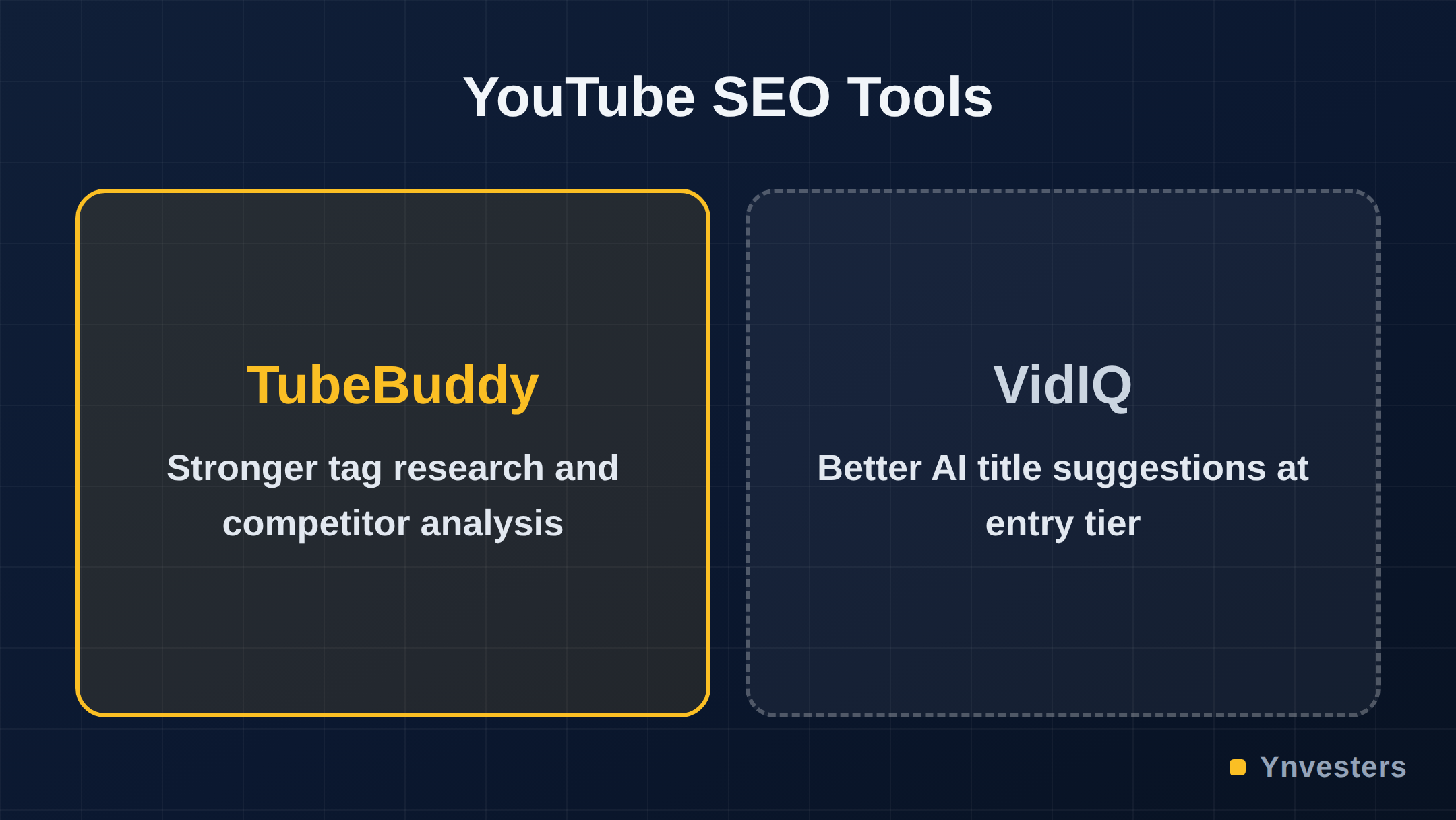
VidIQ is a comparable alternative — VidIQ’s free tier includes a daily keyword idea feed and basic analytics, and their entry paid plan is similarly priced. Either works; TubeBuddy has a slight edge on the tag research interface, VidIQ on the AI-generated title and description suggestions at equivalent price points. Check both current pricing pages before committing.
Budget stack cost so far: ~$4–9/month
4. Post-Production Assistance: Claude Free or ChatGPT Free
Cost: $0
For writing YouTube chapter timestamps, repurposing scripts into Shorts descriptions, drafting community post copy, or generating five title variations to test — the free tier of either Claude (Anthropic) or ChatGPT handles this well.
We recommend keeping a second free AI account (Claude if you use ChatGPT for scripting, or vice versa) specifically for post-production tasks. This effectively doubles your free-tier throughput without paying for an upgrade, since the two accounts operate independently.
Claude’s free tier uses Claude 3.5 or the equivalent current model — verify at anthropic.com — and tends to produce tighter, more structured long-form output than ChatGPT on many tasks. For chapter generation and description writing specifically, it’s worth testing both.
Full Stack Summary Table
| Job | Tool | Tier | Monthly Cost |
|---|---|---|---|
| Scripting and hooks | ChatGPT (GPT-4o) | Free | $0 |
| Thumbnail design | Canva | Free | $0 |
| YouTube SEO and keywords | TubeBuddy | Entry paid | ~$4–9 |
| Post-production copy | Claude | Free | $0 |
| Total | ~$4–9/month |
That’s the lean version. If you want to add one meaningful upgrade, here’s what we’d layer in next:
The Optional Upgrade That Earns Its Cost
Scripting upgrade: ChatGPT Plus — $20/month
If you’re publishing consistently and hitting free-tier limits, ChatGPT Plus at $20/month (current pricing at openai.com) brings your total to roughly $24–29/month — still comfortably under $40.
What you actually get: higher usage limits, access to Advanced Voice and the full suite of GPT-4o capabilities without throttling, and the ability to build custom GPTs for your specific channel style and format. That last point matters — a custom GPT trained on your channel’s tone, typical video structure, and audience vocabulary will produce scripts that need less editing than a generic prompt.
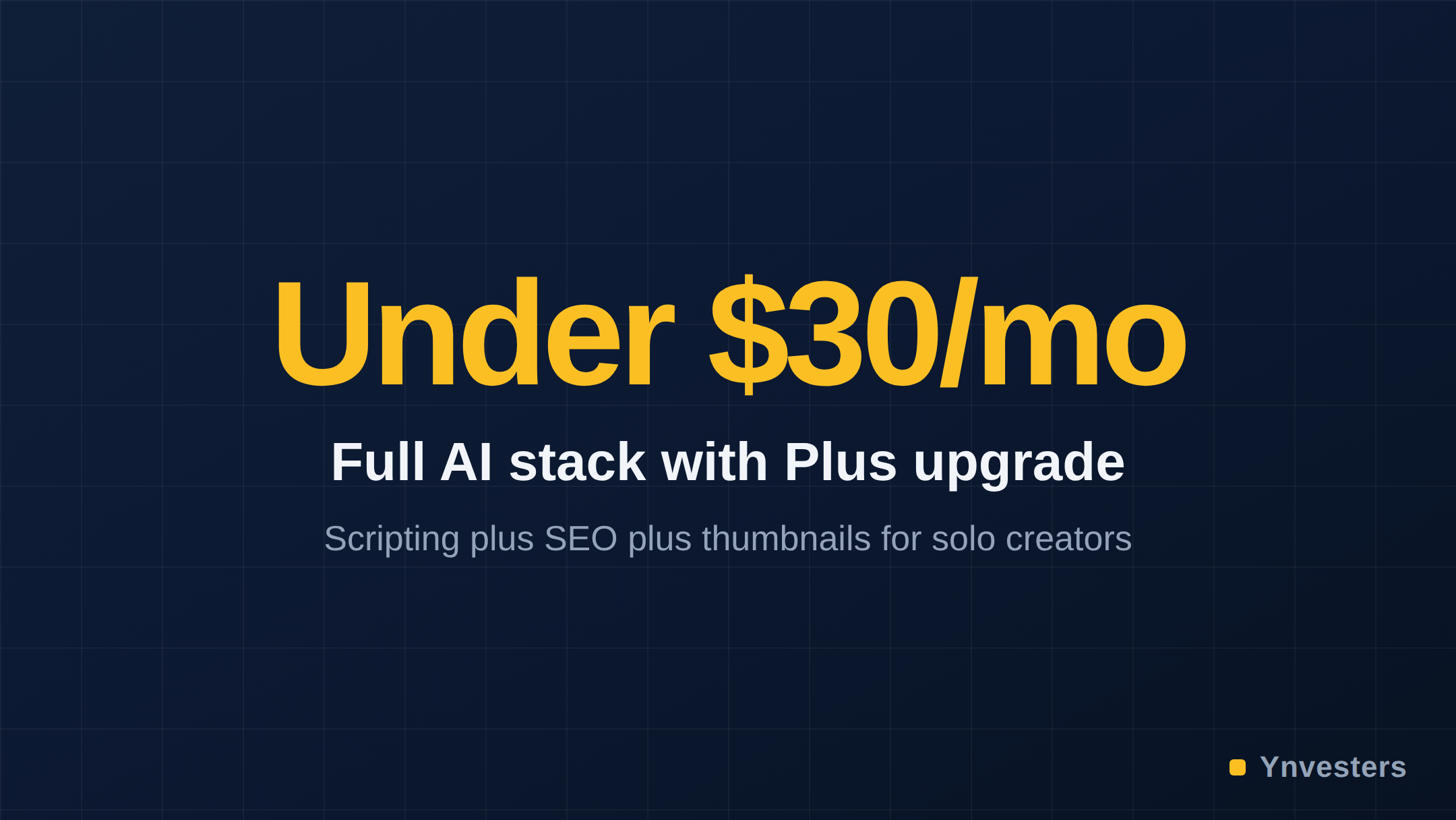
At $24–29/month total, you have scripting, SEO research, thumbnail design, and post-production assistance covered. That’s a full workflow for less than most creators spend on a single stock footage subscription.
What We’d Skip at This Budget
Descript or Opus Clip for editing: Both are genuinely useful tools — Descript for transcript-based video editing and Opus Clip for automated Shorts clipping. But their paid tiers start at prices that would push you over the $40 ceiling, and their free tiers have export limits that make them impractical for regular publishing. These belong on the list once you’re monetizing and can justify the cost from revenue.
Midjourney for thumbnails: At roughly $10/month for the basic plan (verify at midjourney.com), Midjourney produces impressive AI-generated imagery, but YouTube thumbnails that convert typically feature a real face, readable text, and a clear visual hierarchy — areas where a good Canva template beats a Midjourney render for most channels. Save this budget for later.
Expensive all-in-one platforms: Several platforms market themselves as “complete YouTube AI tools” at $30–50/month. In our assessment, the feature sets at those prices don’t exceed what the free-tier stack above provides, and you lose flexibility by locking into one vendor’s roadmap.
Conclusion
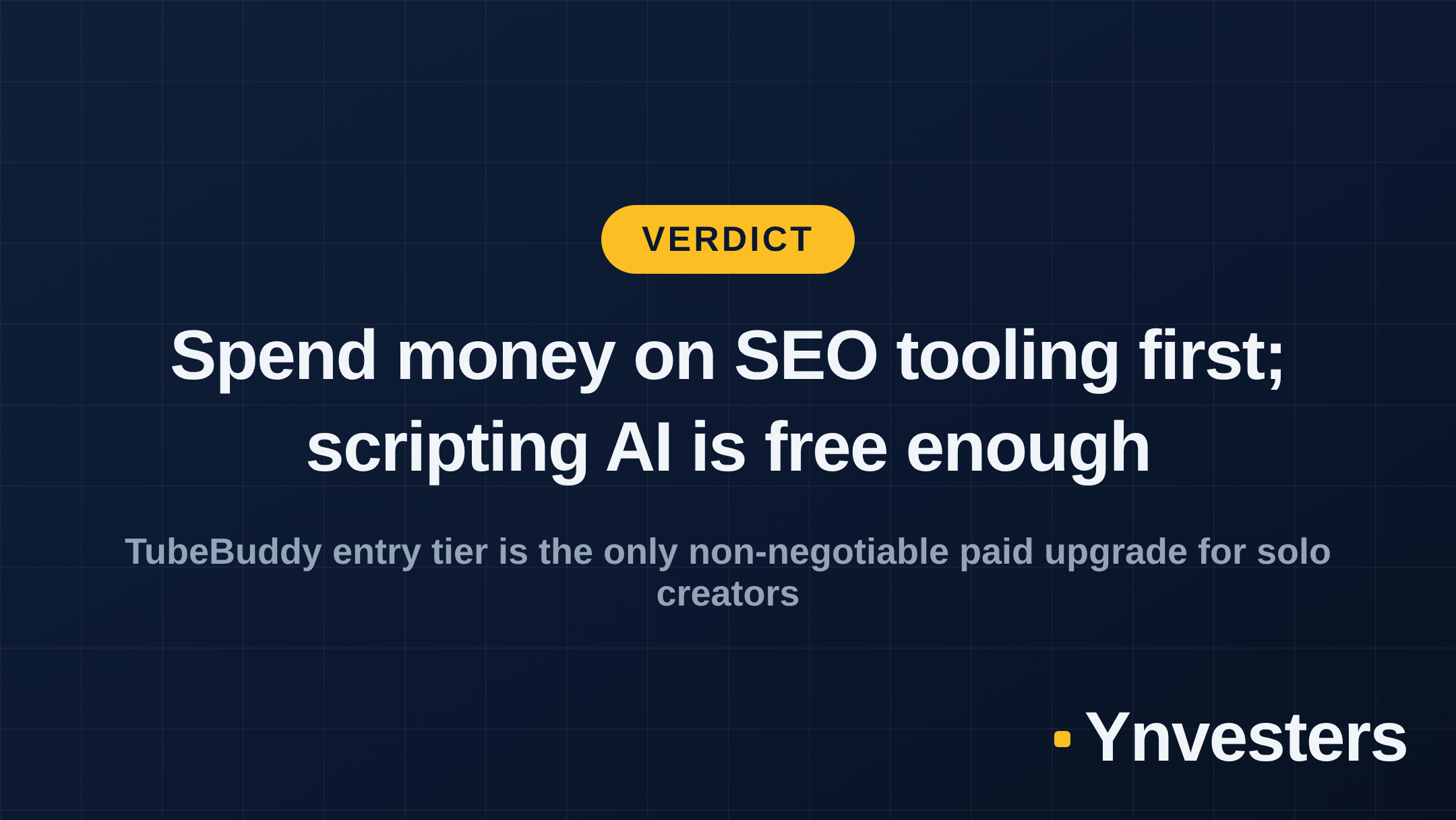
The cheapest effective AI stack for YouTube creators in 2026 costs between $4 and $9/month at the minimum — just TubeBuddy’s entry tier — and under $30/month with ChatGPT Plus added for high-volume scripting. Everything else in the workflow (thumbnails, post-production copy, ideation) is genuinely covered by free tiers from Canva and Claude or ChatGPT.
Our recommendation by creator type:
-
Publishing 1–2 videos per week, under 5,000 subscribers: Stay entirely on free tiers plus TubeBuddy’s entry plan. Total cost: under $10/month. Put the rest toward better audio equipment or a lighting upgrade — both will move your metrics more than a premium AI plan at this stage.
-
Publishing 3–5 videos per week, actively growing: Add ChatGPT Plus and stay on free Canva. Total: roughly $24–29/month. The scripting throughput is worth it at this publishing cadence.
-
Running multiple channels or producing Shorts at volume: At that point, Canva Pro and potentially a Descript or Opus Clip plan become justified — but you’re also likely generating revenue that changes the calculation entirely.
The tools exist. The budget works. The only thing that actually requires more than $40/month is a workflow that has already outgrown the freelancer stage — and at that point, you’ll know it.
Frequently Asked Questions
Can you actually run a YouTube channel with AI tools for under $40/month?
Yes. By combining free tiers from ChatGPT, Canva, and VidIQ with a single paid plan like TubeBuddy's entry tier, most solo creators can cover scripting, thumbnails, and SEO research well under $40/month. The constraint is output volume, not capability.
Is TubeBuddy worth paying for in 2026?
For solo creators focused on growth, TubeBuddy's paid entry tier is one of the highest-ROI AI-adjacent upgrades available — keyword research and competitor tag data directly affect whether your videos get found. Check current pricing at tubeBuddy.com.
ChatGPT Free vs ChatGPT Plus for YouTube creators — which is better?
ChatGPT Free (GPT-4o access) is sufficient for creators publishing fewer than 8–10 scripts per month. ChatGPT Plus at $20/month adds higher usage limits and priority access — worth it only if you're hitting rate limits regularly.
What is the cheapest AI tool for YouTube thumbnails?
Canva Free is the most capable free thumbnail tool available, with AI background removal and a large template library. It covers the needs of most solo creators without any paid upgrade.