Notion AI Isn't Worth $10/Month — Unless You're This Kind of User
Notion AI costs $10/month on top of your Notion plan. We break down exactly who gets value from it and who's better off skipping it.
You pay for Notion. You probably use it every day. And then Notion puts an AI button right in your sidebar and asks for another $10 a month — and suddenly you’re wondering whether you’re the kind of person who should click “upgrade” or the kind of person who’s about to waste $120 a year on a feature they’ll use twice.
That question deserves a real answer, not a features list.
What Notion AI Actually Is
Notion AI is not a standalone product. It is an add-on layer that sits on top of your existing Notion workspace — whether you’re on the Free, Plus, Business, or Enterprise plan. As of this writing, the add-on is priced at $10 per member per month on a monthly billing cycle, with a lower rate available on annual billing. Check Notion’s official pricing page for current figures, since Notion has adjusted its pricing structure more than once.
What you get for that add-on fee includes:
- AI writing assistance — draft, edit, summarize, translate, and rewrite text inside any Notion page
- Q&A over your workspace — ask a question and Notion AI searches your own pages to surface an answer
- Meeting notes and action items — summarize meeting transcripts and auto-generate follow-up tasks
- Auto-fill database properties — have AI populate fields like “summary” or “sentiment” across database entries
- Notion AI connectors — in supported plans, connect to tools like Slack or Google Drive so AI can reference content outside Notion
This is a meaningful feature set. The question is whether it’s a meaningful feature set for you specifically — and at $10/month stacked on top of an existing subscription, the bar for “meaningful” is higher than it looks.
The Case For Paying
Let’s be direct about who actually gets value here.
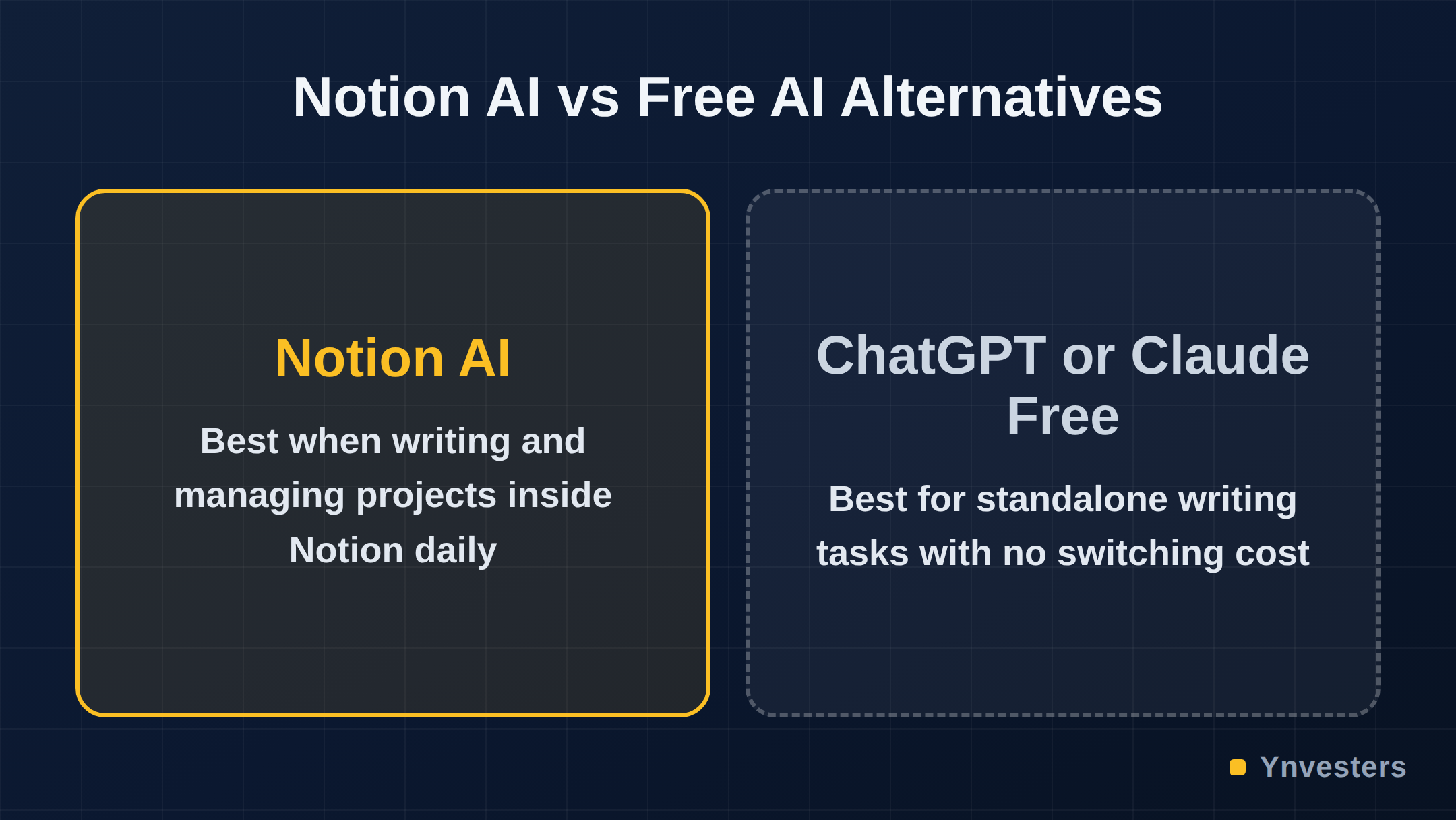
Heavy writers who already live in Notion. If your Notion workspace is where you draft client deliverables, write blog posts, build SOPs, or produce any volume of text regularly, the AI writing tools reduce friction that is genuinely costly. You don’t have to switch tabs to ChatGPT, paste your draft, get a response, and paste it back. The integration is seamless and that seamlessness has real time value for people doing it dozens of times a week.
People who use Notion for meeting documentation. The meeting summary and action-item generation feature is one of the stronger arguments for the add-on. If you’re recording calls and need structured follow-ups quickly, having AI that can work directly inside the document where your notes live is a workflow advantage. This is not a marginal benefit for the right user — it can remove a meaningful chunk of post-meeting admin time.
Database-heavy teams auto-filling properties. If you maintain large Notion databases — a CRM, a content calendar, a project tracker — and you’re manually tagging or summarizing entries, the auto-fill feature can reduce repetitive work. This is more relevant to business plan users than to solo creators, but it’s worth noting.
Anyone who would otherwise pay for a separate AI writing tool. If you’re currently paying for a tool like Jasper or Copy.ai in addition to Notion, and your use case overlaps with what Notion AI offers, consolidating into one subscription at $10/month could actually save money. That arithmetic is worth running before dismissing the add-on.
The Case Against Paying
Here’s where we think most solo creators and freelancers in the $20–60/month AI spend bracket should pump the brakes.
If Notion is your storage system, not your workspace. A lot of people use Notion as a place where things go to be saved and rarely revisited — clipped articles, reference docs, archived notes. If that describes your relationship with the tool, Notion AI has almost nothing to offer you. The features are built around active, ongoing use: writing, querying, summarizing live content.
If your main frustration is with Notion’s chart limits. This is a real user pain point that Notion AI does not address at all. Charts and advanced database views are gated behind Notion’s paid plans, but Notion AI is a separate purchase that does nothing for visualization. Paying $10/month for AI when your actual bottleneck is charting capability is paying for the wrong problem.
If you already have ChatGPT, Claude, or Gemini in your workflow. ChatGPT’s free tier and Claude’s free tier handle the majority of what Notion AI does for writing and summarization — just one tab away. For a solo user who is disciplined about switching contexts, the $10/month premium for in-app integration may not clear the bar. The convenience is real; whether it’s worth $120/year depends on how much that context-switching actually costs you.
If you don’t write inside Notion. This sounds obvious but it’s easy to miss. If your writing happens in Google Docs, Notion AI is irrelevant to your core output. Some users keep Notion for project management and write elsewhere — that split workflow makes the AI add-on nearly useless.
What Real Users Say
The community conversation around Notion AI’s value is revealing precisely because it splits so clearly along usage patterns. One r/Notion user put the frustration plainly: “I just wish charts weren’t limited on the free version. I don’t want to pay $120/year just to have a few more graphs in my notes.” That comment is doing a lot of work — it reveals that users conflate Notion’s paid plan gates with the AI add-on, and that the chart limitation feels like the more pressing problem for a significant portion of the user base.
Another r/Notion user echoed the cost-to-value calculus from a solo perspective: “If there was a one-time option or a less expensive subscription, as a single user, I’d pay right away. So I struggle to justify the cost for what I use it for.” The recurring monthly model is the sticking point — not the features themselves.
But the clearest endorsement came from a sales professional who described a specific, repeatable workflow: “I’m in sales and I paid for it for myself. The meeting recorded is brilliant then with the AI you can question the recording and then get it to write a follow up email. This alone has saved me hours of work.” That is the Notion AI use case in its sharpest form — a defined, high-frequency task where the AI shortens a loop that previously required multiple steps.
The pattern is consistent: users with a concrete, recurring task inside Notion find the add-on worthwhile; users with a vague sense that AI should be useful to them do not.
How It Compares to the Competition
It’s worth situating Notion AI against what else exists in this price range, because the $10/month figure only makes sense in context.
| Tool | Monthly Cost | AI Included | Standalone or Add-on |
|---|---|---|---|
| Notion AI | $10 (add-on) | Writing, Q&A, summaries, DB auto-fill | Add-on to Notion plan |
| Obsidian + plugins | Free to $4/month | Via community plugins (varies) | Standalone notes app |
| Coda AI | Included in paid plans | Writing, summarization, formula help | Integrated |
| ChatGPT Plus | $20/month | Broad AI capabilities, no native doc integration | Standalone |
| Mem AI | Check current pricing | AI-first notes with auto-organization | Standalone |
The table makes one thing clear: Notion AI is not expensive in absolute terms, but it is an add-on tax on a tool you’re already paying for. Coda integrates AI into its paid plans without a separate surcharge, which is a structural advantage for users who are considering switching workspaces. Coda’s pricing is worth checking if you’re evaluating alternatives.
For users who want AI-assisted note-taking without a recurring fee, Obsidian remains a genuinely capable free alternative — though its AI features depend on community plugins and require more setup than Notion’s polished integration.
The Features That Don’t Justify the Price Alone
Two features in Notion AI sound compelling in marketing copy but deserve scrutiny in practice.
Q&A over your workspace. In theory, being able to ask “what did we decide about the rebranding?” and have Notion surface the answer from your pages is powerful. In practice, it works well when your workspace is well-organized and pages are clearly written. If your Notion is a sprawling collection of half-finished notes — which describes a lot of real workspaces — the Q&A feature returns mediocre results because the underlying content is mediocre. The AI cannot fix disorganized knowledge.
AI connectors to external tools. This feature is on the more capable plans and allows Notion AI to pull context from Slack, Google Drive, and similar tools. It’s genuinely useful for teams. For a solo creator on the Free or Plus plan, it’s largely irrelevant — and worth verifying which plan tier unlocks it before purchasing.
Conclusion
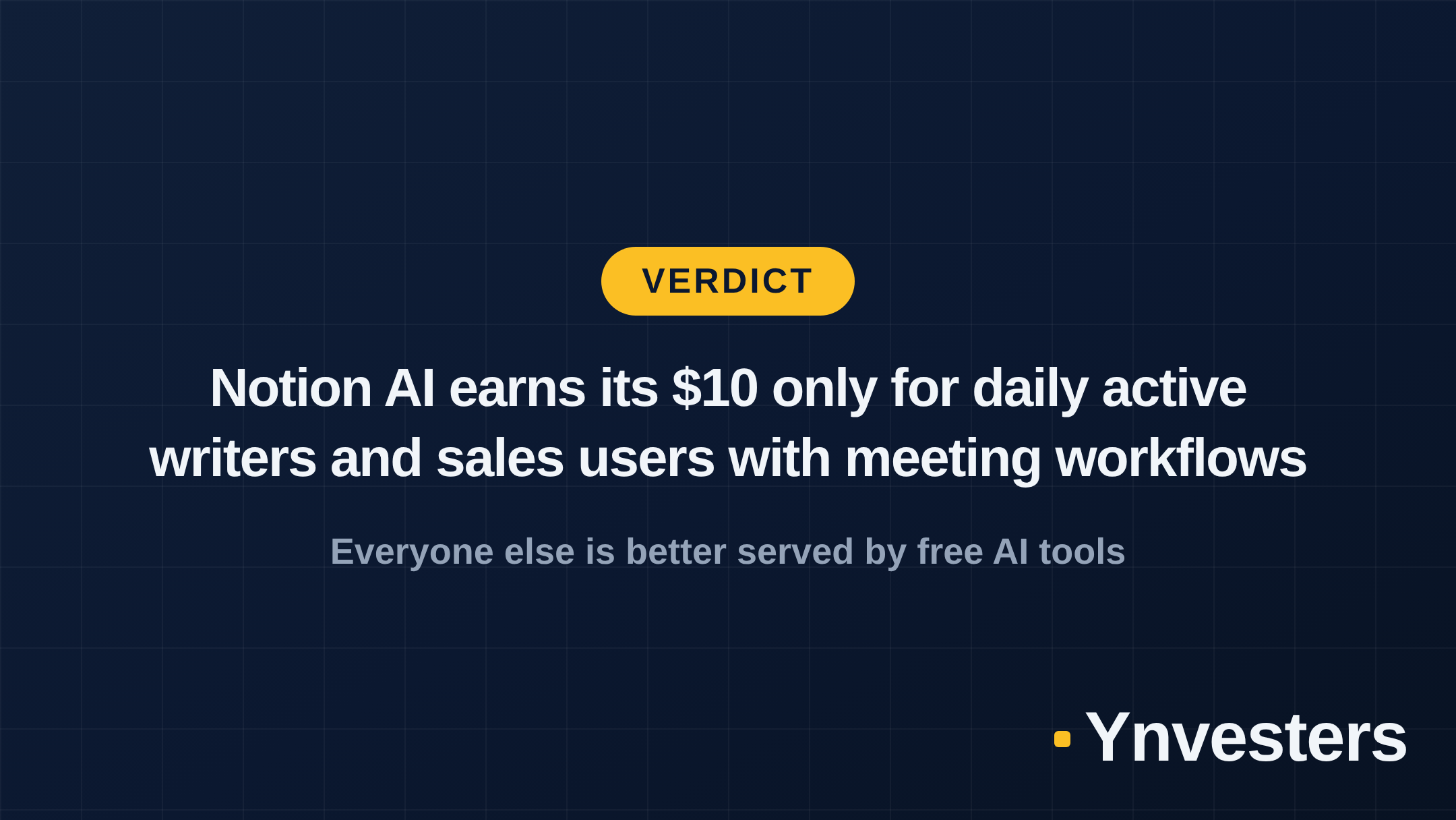
Our take: Notion AI is a well-executed feature that solves a real problem — but only for a specific user who was already using Notion as an active workspace for writing and documentation.
Pay for it if: You write inside Notion regularly, you handle meeting notes and follow-ups, or you maintain large databases that benefit from auto-filled AI properties. Sales professionals with a recurring meeting-to-email workflow are the clearest winner here.
Skip it if: You use Notion mainly as a read-only archive, your biggest frustration is chart limitations (Notion AI won’t help), or you’re already fluent in ChatGPT or Claude and don’t mind a tab switch. Put that $10/month toward a ChatGPT Plus subscription if you need broader AI capabilities outside any single tool.
What to do instead if you skip it: keep using Notion’s free plan for organization, use the free tier of Claude or ChatGPT for writing and summarization, and revisit Notion AI only if your workflow genuinely evolves to the point where the in-app integration removes friction you’re actually feeling — not friction you imagine you might feel someday.
Frequently Asked Questions
Is Notion AI worth it?
Only if you live inside Notion and use it for active writing, summarization, or meeting follow-ups. Passive users who treat Notion as a storage system will find the $10/month add-on hard to justify.
How much does Notion AI cost?
Notion AI is an add-on priced at $10 per member per month (billed monthly), or less when billed annually. It stacks on top of your existing Notion plan — Free, Plus, Business, or Enterprise.
What can Notion AI actually do?
Notion AI can draft and edit text, summarize pages and meeting notes, answer questions about your workspace content, auto-fill database properties, and generate action items from transcripts.
What is a good free alternative to Notion AI?
ChatGPT's free tier handles most writing and summarization tasks outside Notion. If charts and databases are your bottleneck, Obsidian with free plugins or Coda's free plan may cover your needs without an AI surcharge.