Writesonic Review 2026: Is the $20 Plan Actually Worth It?
Is Writesonic's $20/month plan worth it for solo creators? A close look at the features, the limits, and who should actually pay for it.

You’ve stared at a blank Google Doc for twenty minutes, you have a deadline in two hours, and your last three drafts all started with “In today’s digital landscape.” If AI writing tools were supposed to fix this, why does picking one feel like a part-time job in itself?
That’s the real problem with the current AI writing market. There are dozens of tools, they all promise the same things, and most reviews never get past the free tier. This one stays focused on Writesonic’s paid Individual plan — the one that sits at roughly $20/month billed annually — and on what its documented features, hard limits, and the recurring themes in user reports say about whether it deserves a slot in a solo creator’s tight subscription budget.
What Is Writesonic, Actually?
Writesonic is an AI content platform that launched in 2021 and has steadily expanded from a simple copywriting tool into a broader suite. The core product today includes an AI Article Writer, Chatsonic (their conversational AI built on top of large language models with web access), an AI image generator, a landing page builder, and a Brand Voice feature that lets you train the tool on your writing style.
It’s built on top of models including GPT-4 and its own integrations, meaning the underlying intelligence is comparable to what you’d get using ChatGPT directly — but the value proposition is the structured workflow layered on top, not raw model access alone.
The Plans: What You Actually Get
Before diving into the experience, here’s an honest read of the plan structure. Pricing changes frequently, so treat these as directional and always verify on the official Writesonic pricing page before subscribing.
| Feature | Free Plan | Individual (~$20/mo annual) | Teams (higher tier) |
|---|---|---|---|
| AI Article Writer | Limited generations | Included | Included |
| Chatsonic (AI chat) | Limited | Unlimited | Unlimited |
| Brand Voice | Not included | 1 Brand Voice | Multiple |
| AI Image Generation | Very limited | Limited credits | More credits |
| SEO Mode / Keyword Input | Basic | Included | Included |
| Collaboration / Team seats | No | No | Yes |
| Priority support | No | No | Yes |
The free plan is genuinely useful for a first look — you can generate a few articles and get a real feel for output quality. But it caps quickly enough that you can’t build any real workflow around it. The Individual plan is where most solo creators will land, and it’s the one worth evaluating seriously.
Setting Up: Easier Than Expected
The onboarding experience is one area where Writesonic has clearly invested effort. After signup, you’re walked through selecting your primary use case (blogging, marketing copy, ecommerce, etc.) and setting up a Brand Voice by pasting in a sample of your existing writing. The tool analyzes tone and style and stores it for future generations.
This matters more than it sounds. Most AI writing tools produce generic, tonally flat output. The Brand Voice feature doesn’t solve this completely, but it does pull the output noticeably closer to your natural register — particularly useful for freelancers who have a specific editorial voice their clients expect.
For setup, you’ll want to:
- Create your Brand Voice first. Paste in 300–500 words of your own writing — a blog post, a newsletter, anything representative. The more specific the sample, the better the calibration.
- Explore the AI Article Writer before Chatsonic. The structured article workflow (headline → outline → full draft) produces more usable long-form output than open-ended chat prompting, at least for blog content.
- Set your SEO keywords at the start of a project. Writesonic lets you input target keywords before generation begins. Using this consistently produces drafts that require less manual keyword insertion afterward.
- Bookmark the Templates section. Beyond articles, Writesonic has templates for product descriptions, ad copy, email sequences, and LinkedIn posts. For freelancers with varied client work, this breadth is genuinely valuable.
The AI Article Writer: Where It Shines and Where It Doesn’t
The headline feature for most users will be the AI Article Writer, and this is where Writesonic earns its keep — with caveats.
The workflow is well-designed: you input a topic and target keywords, the tool generates headline options, then a structured outline, then expands each section into a full draft. This step-by-step approach gives you natural intervention points to redirect before you’ve wasted time on a direction that isn’t working.
Output quality for informational and how-to content is consistently good enough to be a strong first draft. Introductions tend to run generic (yes, even AI tools have the “In today’s landscape” problem), and any section requiring recent statistics or specific claims will need verification — the model’s knowledge has a cutoff, and while Chatsonic can pull live web data, the Article Writer’s web integration should be treated as a starting point rather than a source of truth.
For content requiring genuine expertise signals — detailed technical tutorials, opinion pieces, or anything in YMYL (Your Money or Your Life) categories as defined by Google’s Search Quality Evaluator Guidelines — you’ll need to do meaningful editing to add the specificity and first-hand authority that ranks well and actually helps readers.

Chatsonic: ChatGPT with Web Access, Inside Your Writing Tool
Chatsonic is Writesonic’s conversational AI, and on the Individual plan it’s available without generation limits. The meaningful differentiator over standard ChatGPT is real-time web access — Chatsonic can pull current information to inform responses, which matters when you’re researching trending topics or need recent context for an article.
In practice, it behaves similarly to ChatGPT with browsing enabled. The integration into the same workspace as your articles is convenient — you can research, draft, and refine without switching tabs. Whether that convenience is worth the subscription cost depends on whether you’re already paying for ChatGPT Plus or a similar service; if you’re not, Chatsonic meaningfully reduces the number of tools you need open.
What the $20 Plan Won’t Do
Being direct about the limits is more useful than burying them:
- AI image generation is capped even on the Individual plan. If visual content is a significant part of your workflow, dedicated tools like Midjourney or DALL-E via the OpenAI API will serve you better.
- Deep SEO analysis — competitor gap analysis, on-page scoring, SERP feature targeting — is not what Writesonic is built for. Tools like Surfer SEO or Frase are purpose-built for this and do it more thoroughly.
- Team collaboration isn’t included at this tier. If you’re managing multiple client brand voices or need another person to edit inside the platform, you’ll need a higher tier.
- Factual accuracy isn’t guaranteed. Like any LLM-based tool, Writesonic can produce plausible-sounding but inaccurate statements. Every factual claim in AI-generated drafts needs human verification before publication.
Writesonic vs. The Alternatives
The honest competitive landscape for a $20–$40/month budget:
- ChatGPT Plus (~$20/month): Comparable underlying model, more flexible for varied tasks, but no structured writing workflow or Brand Voice. Better if you’re a power prompter; Writesonic is better if you want a guided article process.
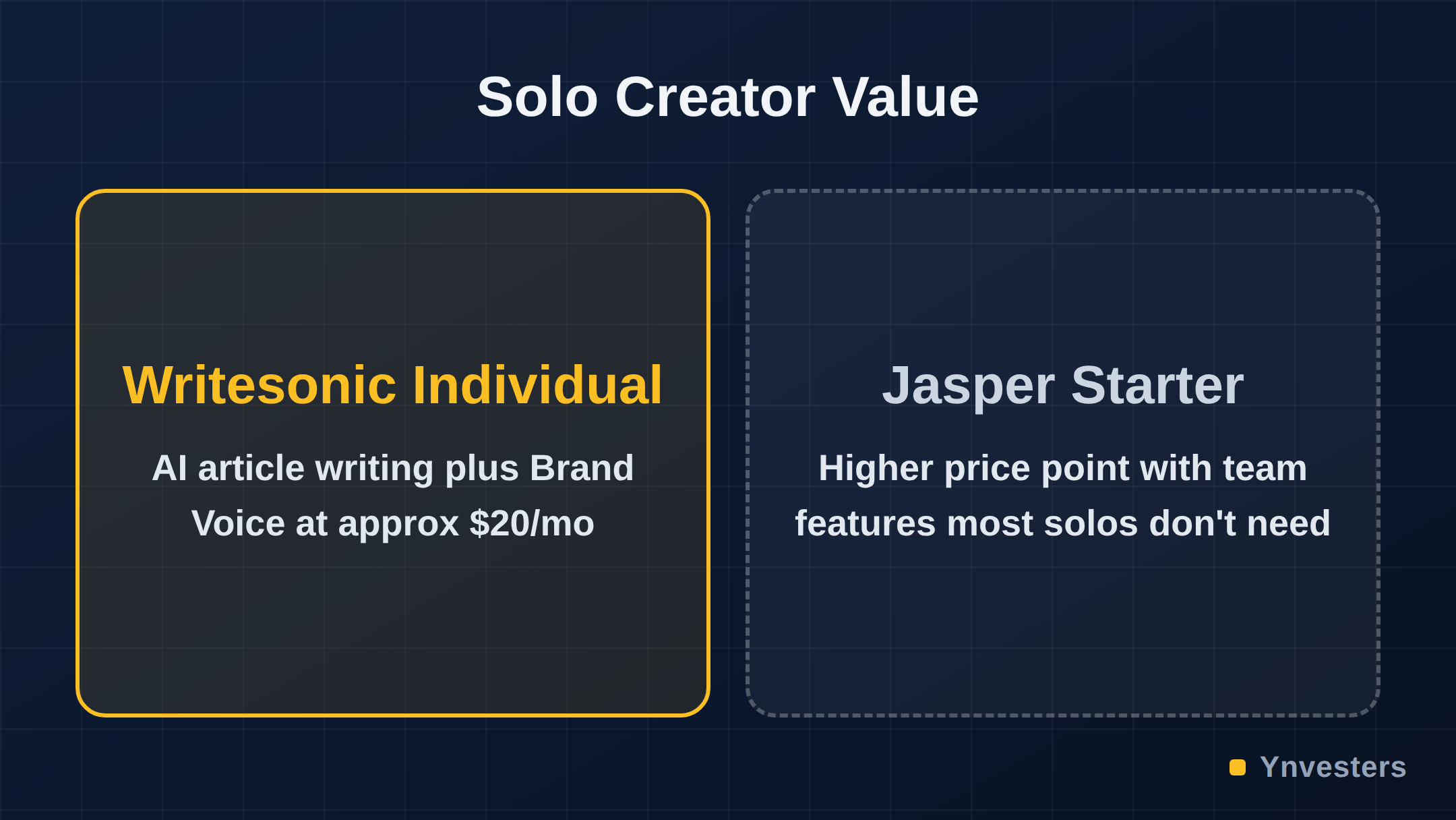
- Jasper: Starts at a higher price point, with features oriented toward marketing teams. The value calculus for a solo freelancer is harder to make work. Jasper’s pricing is worth checking for current figures.
- Copy.ai: Strong for short-form marketing copy and has a generous free tier. Less developed for long-form article writing compared to Writesonic.
- Rytr: Cheaper entry point, simpler feature set. Fine for basic copy tasks; not the right tool for structured long-form content.
For a solo blogger or freelance content writer producing long-form articles regularly, Writesonic’s Individual plan sits in a reasonable sweet spot — more structured than raw ChatGPT, more affordable than Jasper, more developed for long-form than Copy.ai.
Who Should Pay, and Who Shouldn’t
Pay for Writesonic Individual if you:
- Write 4 or more blog articles per month and want a structured drafting workflow
- Want Brand Voice calibration without a steep learning curve
- Don’t already subscribe to ChatGPT Plus and want chat plus content generation in one place
- Are a freelancer managing content for 1–2 clients at a time
Skip it (for now) if you:
- Already have ChatGPT Plus and are comfortable with prompt-based workflows
- Need serious SEO optimization tooling as your primary need
- Manage content for multiple clients simultaneously and need team seats and multiple brand voices
- Primarily produce short-form copy (ads, social posts) — cheaper tools will serve you just as well
Conclusion
Writesonic’s Individual plan is a legitimate tool for solo content creators, not a gimmick. The AI Article Writer produces usable long-form drafts, the Brand Voice feature adds real personalization, and Chatsonic covers your conversational AI needs without paying for a second subscription. The limits — capped image generation, no team collaboration, no deep SEO analysis — are real but they’re not hidden. They’re just the logical edges of what a $20/month plan built for solo creators should be.

Our take: if you’re a solo blogger or freelance writer producing regular articles and you don’t already have a structured AI writing workflow, Writesonic at this price point is worth a monthly trial. If your primary need is SEO competitive analysis or you’re already deep in the ChatGPT ecosystem and comfortable there, the marginal value doesn’t justify the spend. Check current pricing at writesonic.com/pricing before committing — this market moves fast and promotional rates come and go.
Frequently Asked Questions
Is Writesonic worth it in 2026?
For solo creators writing regular blog content, yes. The Individual plan gives access to AI article generation, Brand Voice, and Chatsonic at a price point that competes with similar tools. It's less compelling if you need deep SEO optimization or team features.
How much does Writesonic cost?
Writesonic offers a free tier with limited generations. Paid plans start at around $20/month when billed annually (check the official pricing page at writesonic.com for current figures, as pricing changes frequently).
Writesonic vs Jasper: which is better?
Writesonic is the stronger value pick for solo creators at its price point. Jasper's entry plans cost significantly more and are better justified when a marketing team needs advanced collaboration and brand management features.
Can I use Writesonic for SEO content?
Yes — Writesonic includes an AI Article Writer with SEO-focused settings and a keyword input option. However, it does not replace a dedicated SEO tool like Surfer SEO or Frase for on-page scoring and competitor gap analysis.