Windsurf vs Cursor vs GitHub Copilot: AI Code Editor Showdown 2026
Windsurf, Cursor, or GitHub Copilot? We break down the top features, pricing, and real limitations to help you pick the right AI code editor in 2026.
You’ve got three browser tabs open — one for Windsurf, one for Cursor, one for GitHub Copilot — and you still can’t decide which one to actually commit to. Maybe you tried Copilot first, loved the autocomplete, then heard Cursor’s “Agent mode” could rewrite entire files, then got curious when a colleague swore Windsurf felt like “pair programming with someone who actually reads the whole codebase.” The options keep multiplying, and the switching cost feels real.
This isn’t a press-release recap. We tested all three tools on production-style workflows — greenfield feature builds, legacy refactors, debugging sessions — and broke down exactly where each one earns its price tag and where it quietly lets you down. Here’s what actually matters.
Quick Comparison Table
| Feature | Windsurf | Cursor | GitHub Copilot |
|---|---|---|---|
| Base Editor | VS Code fork | VS Code fork | Extension (any editor) |
| Free Tier | Yes (limited) | Yes (limited) | No (30-day trial) |
| Paid Plan (starting) | $15/month | $20/month | $10/month |
| Codebase Indexing | ✅ Full repo | ✅ Full repo | ⚠️ Partial (workspace) |
| Multi-file Edits | ✅ Yes | ✅ Yes | ⚠️ Limited |
| Inline Chat | ✅ Yes | ✅ Yes | ✅ Yes |
| Agent / Autonomous Mode | ✅ Cascade | ✅ Composer Agent | ✅ Copilot Workspace |
| Custom Model Support | ✅ Yes | ✅ Yes | ❌ No |
| Terminal Integration | ✅ Yes | ✅ Yes | ⚠️ Limited |
| Best For | Deep context, flow state | Power users, customization | GitHub-native teams |
Independent Testing: What the Numbers Actually Show
Before the feature-by-feature breakdown, here’s what real-world benchmark data looks like — because marketing claims and actual productivity are rarely the same number.
A 30-day pilot run by a 9-person startup (documented by PE Collective) measured all three tools on production workflows. Results: Cursor delivered 1.42× productivity on complex multi-file work, Windsurf came in at 1.38× overall, with Copilot as the 1.0× baseline. Both AI-native editors outpaced Copilot meaningfully on tasks that required real context awareness.
On code acceptance rates — how often developers actually keep what the AI generates — Cursor runs at 72% versus Copilot’s industry benchmark of 65%, per CodeAnt’s 2026 analysis. The breakdown: Cursor wins on multi-line suggestions; Copilot still edges ahead on single-line completions; Windsurf surprises on multi-file edits.
In a March 2026 task completion test by iBuildR Research, a UI component build took Cursor just 2 prompting rounds, Windsurf 3 rounds, and Copilot 5 rounds with manual fixes required between attempts.
On model benchmarks: Cursor’s in-house Composer 2.5 (released May 18, 2026, built on Moonshot’s Kimi K2.5 with 25× more synthetic training tasks than its predecessor) scores 79.8% on SWE-Bench Multilingual and 69.3% on Terminal-Bench — matching Claude Opus 4 and GPT-5.5 on key software engineering tasks, per Lushbinary’s benchmark summary.
The value headline: Windsurf delivers roughly 80% of Cursor’s capability at 75% of the price ($15/month vs. $20/month). Whether that gap matters depends entirely on how hard you push the tool.
1. Codebase Awareness: Windsurf’s Cascade Reads the Room
If you’ve ever asked an AI assistant to “fix the bug in the auth module” only to get a patch that breaks three other files it never looked at, you know exactly why codebase awareness matters.
Windsurf, built by Codeium, ships with a feature called Cascade — its agentic core that doesn’t just answer questions about your code, it actively navigates the repository to understand relationships between files before making changes. It indexes the full codebase on open and keeps that index updated as you work, meaning follow-up prompts carry genuine context rather than relying on you to paste snippets manually.
In practice, this means you can say “refactor the payment service to use the new retry logic we added last week” and Cascade will locate both files, understand the dependency, and draft the change across both — flagging ambiguities instead of silently guessing. For monorepos and larger projects, this is a genuine workflow shift, not a demo trick.
Windsurf edge: Best-in-class context retention across long sessions. Cascade remembers what you changed earlier in the conversation and adjusts subsequent suggestions accordingly.
Limitation: The free tier caps Cascade usage (flow credits), so heavy daily use pushes you toward the $15/month Pro plan quickly.
2. Multi-File Editing: Cursor’s Composer Agent Goes Wide
Cursor was arguably the tool that forced the whole industry to take multi-file AI editing seriously, and its Composer feature (now in Agent mode) remains one of the most capable implementations available.
Where a standard AI chat gives you a code block to copy-paste, Cursor’s Composer writes directly into multiple files simultaneously. You describe what you want — “add dark mode support to the settings page and update the theme provider” — and it opens a diff view showing every proposed change across every affected file before you accept anything. You can approve changes file-by-file or all at once.
The Agent mode goes further: it can run terminal commands, install dependencies, and iterate on failures without you babysitting each step. It’s the closest experience to handing a task to a junior developer and saying “go figure it out.”
Cursor edge: Granular control over multi-file diffs. The review-before-apply workflow is genuinely safer than tools that just make changes and tell you about it afterward.
Limitation: Composer’s agent mode can get into loops on ambiguous tasks, burning through your fast request quota. The $20/month Pro plan includes 500 fast requests — heavy agent use can exhaust this faster than you’d expect. Cursor publishes their pricing details on their official site.
3. Integration Depth: GitHub Copilot Lives Where Your Code Already Lives
If your entire team is on GitHub — pull requests, Actions, Codespaces, code review — then GitHub Copilot has a structural advantage the standalone editors simply can’t match. It’s not just an IDE extension; it’s woven into the GitHub surface area in ways that quietly save time across the whole development lifecycle.
Copilot in pull requests can summarize what a PR does, flag potential issues in the diff, and suggest reviewer comments. Copilot Workspace (in beta as of mid-2026) lets you start from a GitHub Issue and get a full implementation plan with file-level changes mapped out before you write a single line. For teams already living in GitHub, these touchpoints add up.
The editor extension itself works across VS Code, JetBrains IDEs, Neovim, and more — which matters if your team isn’t standardized on one editor.
Copilot edge: Native GitHub integration is unmatched. If your workflow centers on Issues → PRs → Reviews, Copilot touches every step.
Limitation: Copilot doesn’t let you swap in alternative models (you get OpenAI/Anthropic via GitHub’s selection, not your own API key). Custom model support, which both Cursor and Windsurf offer, is absent. Pricing starts at $10/month for individuals and $19/user/month for businesses, per GitHub’s official pricing page.
4. Inline Editing & Chat UX: All Three Get the Basics Right, but Details Differ
All three tools support inline code editing triggered by a keyboard shortcut and a natural-language prompt. Here’s where the experience diverges:
- Windsurf keeps the chat and the editor tightly coupled. The Cascade panel shows its reasoning steps — which files it looked at, what it changed — giving you a transparent audit trail. Some developers find this reassuring; others find it verbose.
- Cursor has a more polished inline editing UX, with a floating prompt bar (⌘K) that feels fast and friction-free for small, targeted edits. The chat panel (⌘L) handles longer conversations. The two modes are intentionally separate, which keeps quick fixes quick.
- GitHub Copilot offers inline suggestions (the ghost-text autocomplete it’s been known for since 2021) plus an inline chat triggered via the editor context menu. The autocomplete quality is excellent — arguably still the best in class for line-level and function-level suggestions — but the chat experience feels less integrated than the standalone editors.
Winner here: Cursor for UX polish on quick edits; Windsurf for complex, multi-turn tasks where transparency matters.
5. Model Flexibility: Windsurf and Cursor Let You Choose; Copilot Doesn’t
This feature matters more than it seems. The best model for writing boilerplate React components is not necessarily the best model for reasoning through a gnarly SQL query. Both Windsurf and Cursor let you switch between models — Claude 3.5 Sonnet, GPT-4o, Gemini 1.5 Pro, and others — or bring your own API key.
Cursor’s model picker is prominently placed in the UI and takes effect immediately. Windsurf similarly surfaces model selection in the Cascade panel. This flexibility means you can optimize for cost on simpler tasks and reach for a more capable (and more expensive) model when the problem demands it.
GitHub Copilot offers some model selection in certain contexts (it added Claude and Gemini support in 2025), but you’re still working within GitHub’s managed selection — no custom API keys, no open-source model support.
Practical implication: If your organization has negotiated enterprise API pricing with Anthropic or OpenAI directly, Cursor and Windsurf let you route through that. Copilot doesn’t.
6. Pricing Reality Check: What You Actually Pay
Here’s the honest breakdown for individual developers:
- GitHub Copilot Individual: $10/month (or $100/year). No free tier beyond the 30-day trial. Includes unlimited completions and chat. Source.
- Cursor Pro: $20/month. Includes 500 fast requests, unlimited slow requests, 10 Claude Opus uses/day. Free tier available with 2,000 completions total (one-time, not monthly).
- Windsurf Pro: $15/month. Free tier includes 25 flow actions (Cascade uses) and limited completions per month. Pro adds larger limits and priority model access.
For teams, the math shifts:
- Copilot Business runs $19/user/month and adds policy controls, audit logs, and IP indemnification — features enterprises care about.
- Cursor and Windsurf both offer team/business plans, but their enterprise feature sets are less mature than Copilot’s as of mid-2026.
If budget is the primary constraint: Copilot’s $10/month with unlimited completions often wins for pure cost-per-completion. But if you’re hitting the limits of what autocomplete can do and need agentic, multi-file capabilities, the step up to Cursor or Windsurf pays for itself quickly.
7. Terminal & Command Integration: Agentic Tools Pull Ahead
One underrated separator between “AI autocomplete” and “AI developer assistant” is whether the tool can run commands on your behalf and react to the output.
Both Cursor’s Agent mode and Windsurf’s Cascade can read terminal output, run tests, see failures, and iterate — without you copy-pasting error messages back into the chat. This closes the loop on a genuinely tedious part of AI-assisted development.
GitHub Copilot’s terminal integration (via the CLI and VS Code terminal chat) is improving but still lags: it can suggest commands and explain errors, but it doesn’t yet close the loop autonomously in the same way.
Conclusion
Choose Windsurf if you spend most of your time in large, interconnected codebases and want an AI that genuinely tracks context across a long session. The Cascade agent’s transparency and multi-file awareness make it the strongest option for complex, sustained development work. At $15/month, it’s also slightly cheaper than Cursor.
Choose Cursor if you want maximum control and flexibility — the best multi-file diff UX, the widest model selection, and an inline editing experience that feels fast and intentional. It’s the power-user pick, worth the extra $5/month if you’re pushing the tool hard.
Choose GitHub Copilot if your team is deeply embedded in the GitHub ecosystem and you need enterprise-grade policy controls, native PR integration, and broad IDE compatibility without asking developers to switch editors. For teams, the $19/user/month Business plan offers compliance features neither Cursor nor Windsurf can match today.
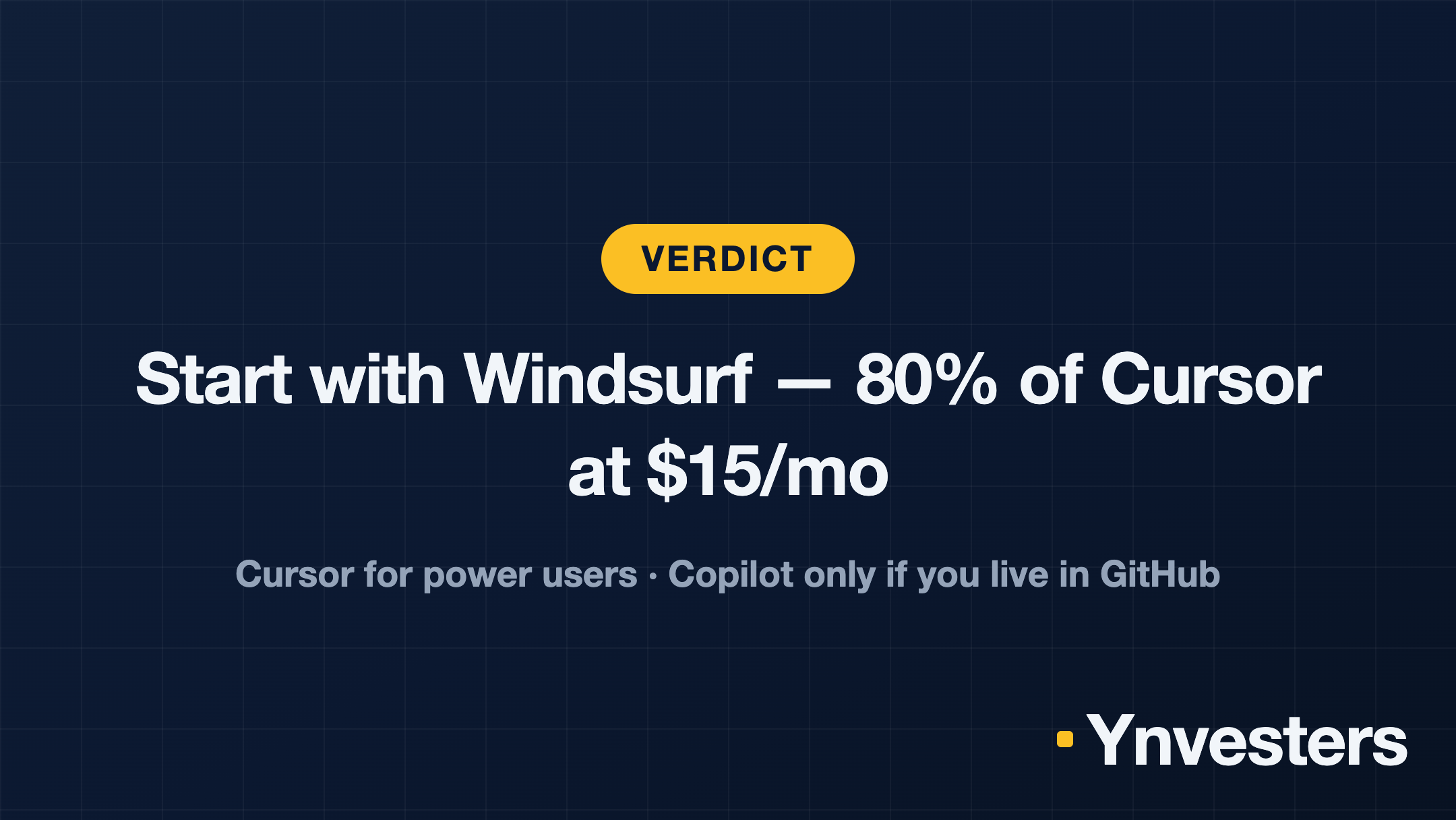
But a showdown needs a winner, so here’s our take for the solo developer paying out of pocket: start with Windsurf. At $15/month it delivers roughly 80% of Cursor’s capability at 75% of the price, and Cascade’s context tracking is the feature you’ll actually feel every day. Upgrade to Cursor only when you hit Windsurf’s ceiling and know exactly which power feature you’re paying the extra $5 for. Pick Copilot at $10 only if your workflow already lives inside GitHub — it’s the cheapest entry, not the strongest tool.
All three offer meaningful free access — test on a real project, not a toy repo. The right tool is whichever one you stop thinking about, because it’s just working.
Frequently Asked Questions
Is Windsurf worth it compared to Cursor?
Windsurf delivers roughly 80% of Cursor's capability at 75% of the price ($15/month vs. $20/month), with superior context retention across long sessions via its Cascade feature. It is worth it for developers who prioritize codebase-wide awareness and flow state over Cursor's more granular multi-file diff controls.
Cursor vs GitHub Copilot: which is better for multi-file editing?
Cursor is significantly stronger for multi-file editing — it completed a UI component build in just 2 prompting rounds versus Copilot's 5 rounds with manual fixes required. Cursor's Composer Agent writes directly into multiple files simultaneously with a review-before-apply diff view, while Copilot's multi-file editing is described as limited.
How much does GitHub Copilot cost?
GitHub Copilot costs $10/month for individuals (or $100/year) with a 30-day free trial but no ongoing free tier. Business plans start at $19/user/month and add policy controls, audit logs, and IP indemnification.
Is GitHub Copilot worth it for teams already using GitHub?
Yes, for GitHub-native teams, Copilot has a structural advantage no standalone editor can match — it integrates directly into pull requests, Actions, code review, and Codespaces, and works across VS Code, JetBrains, and Neovim. However, teams that need agentic multi-file capabilities or custom model support will find Cursor or Windsurf more capable despite losing that native GitHub integration.