Zapier Is Overkill for Most Solopreneurs — Make Is the Smarter Buy
Zapier vs Make for solopreneurs: why Make's visual builder and lower pricing make it the smarter automation tool for solo creators in 2026.

You set up your first automation years ago — a simple “when a form is submitted, send an email” Zap — and it felt like magic. Then you looked at your bill and realized you were paying enterprise-tier prices for a workflow that fires maybe forty times a month. That specific sting, the moment your “simple” automation costs more than your project management app, is exactly why this conversation needs to happen.
This article lays out the core questions solopreneurs ask when they’re deciding between Zapier and Make — and gives you direct answers based on what each platform actually offers, what they actually charge, and where each one genuinely earns its keep.
Q: What is Make, and how is it different from Zapier at a fundamental level?
A: Both tools connect apps and automate workflows without code, but their design philosophies diverge sharply.
Zapier is linear. You build a “Zap” as a chain: Trigger → Action → Action. It reads like a checklist. That simplicity is its biggest selling point and, for complex work, its biggest limitation.
Make is visual and graph-based. You build “scenarios” on a canvas where modules connect like a flowchart. You can branch logic, run parallel paths, loop through data arrays, handle errors gracefully, and route information in ways that would require multiple separate Zaps in Zapier. The Make help center describes the scenario builder as a way to visualize your entire workflow at once — which matters when you’re debugging something that broke at 2 a.m.
The practical upshot: Make has a steeper initial learning curve. If you’ve never thought about data structures, the first hour with Make feels more demanding than Zapier’s point-and-click flow. But most solopreneurs clear that curve within a weekend.
Q: How does the pricing actually compare?
A: This is where the conversation gets concrete. Pricing changes, so always verify current figures on Zapier’s pricing page and Make’s pricing page before you commit. That said, here’s the structural difference that has been consistent:
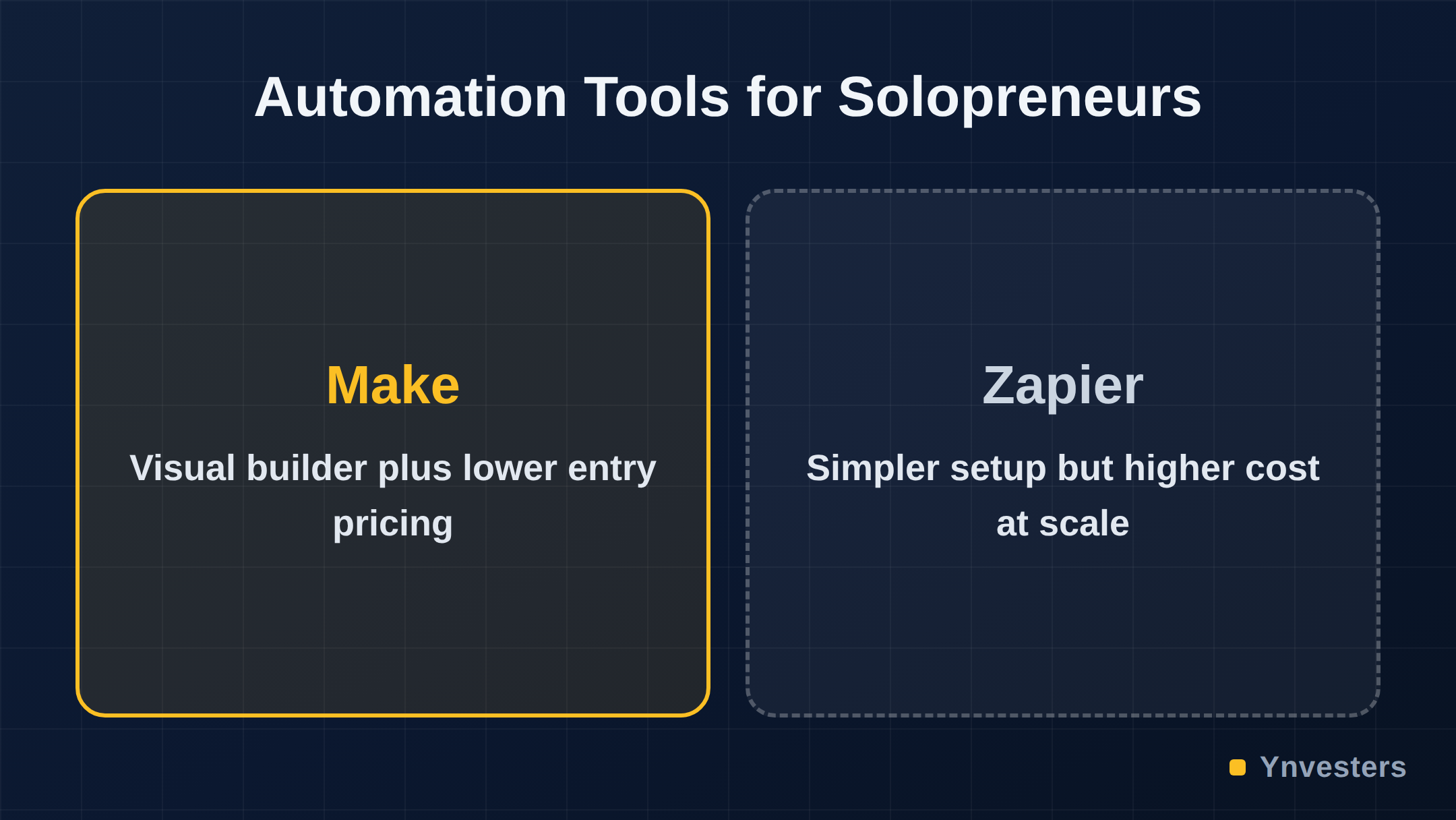
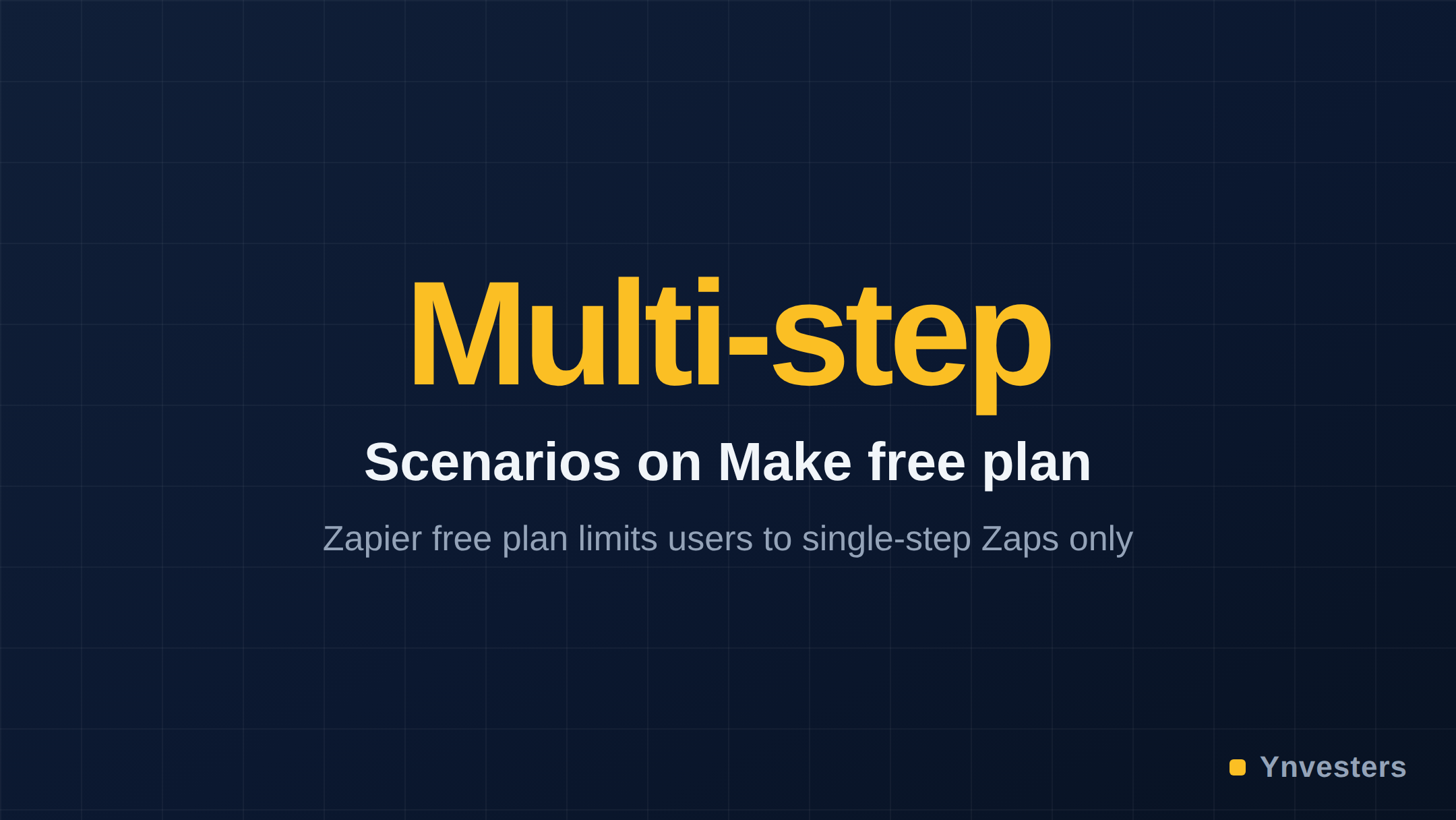
Zapier prices by tasks (each action in a Zap that processes data counts as one task). Make prices by operations (each module execution in a scenario). The critical difference is that Make’s free plan includes a meaningful number of operations per month and supports multi-step scenarios — Zapier’s free plan caps you at single-step Zaps.
At the paid tier, Make’s entry-level plan has historically been priced significantly lower than Zapier’s comparable entry plan, while offering more operations and unlimited active scenarios. For a solopreneur running a handful of moderate-complexity automations, that gap can be the difference between a tool that fits your budget and one that doesn’t.
Q: What does Make’s free plan actually let you do?
A: Make’s free plan includes a set number of operations per month (check the current figure on their pricing page, as it has changed), supports multi-step scenarios, and gives you access to most of their app integrations. That last point matters: you’re not locked into “premium” connectors behind a paywall on the free tier for most common tools.
For a solopreneur testing whether automation will actually save them time, that’s a legitimate trial — not a crippled demo. You can build a real workflow, run it for a month, and make an informed decision before spending anything.
Zapier’s free tier, by contrast, limits you to single-step Zaps. That means you can automate “when X happens, do Y” but not “when X happens, do Y, then check a condition, then do Z.” Most meaningful automations for a business require at least two or three steps.
Q: What kinds of automations does a typical solopreneur actually need?
A: Based on what solo creators and freelancers commonly automate, the list looks roughly like this:
- New lead from a form → add to CRM → send a welcome email → notify yourself in Slack
- New invoice paid → update a spreadsheet → trigger a thank-you sequence
- New blog post published → share to multiple social channels → log in Notion
- Client fills out onboarding form → create project folder → send next-steps email
Every single one of those is a multi-step workflow. That immediately puts Zapier’s free plan out of the picture and pushes you toward their paid tier just for basic operations. Make handles all of these on its free or entry-level paid plan, with room to make them more sophisticated — adding filters, error handlers, or conditional branches — without jumping to a higher tier.
Q: Where does Zapier still win?
A: Honestly? A few places, and it’s worth being direct about them.
Ease of setup for absolute beginners. If you have never automated anything and the word “module” makes you nervous, Zapier’s guided interface will get you to a working automation faster on day one. The cognitive load is lower.
Some niche integrations. Zapier has been building its integration library longer and has a larger raw count of connected apps. If you rely on a very specific or obscure tool, verify it exists on Make before switching. Make’s library is large and growing, but Zapier’s breadth is still a real advantage for edge cases.
Team-oriented features at scale. If your “solopreneur” situation is about to become a small team with shared workflows, role-based permissions, and centralized billing, Zapier’s higher tiers are designed for that context in ways Make’s comparable tiers are not quite as polished for (verify current feature sets on each site, as both platforms update frequently).
For most solo operators running standard business workflows, though, none of these advantages justify a price gap that can be two to three times higher at comparable usage levels.
Q: Is Make reliable enough for mission-critical automations?
A: Make is used by businesses well beyond the solopreneur tier — their public customer list includes companies running high-volume operations. Make’s status page is publicly accessible, and checking historical uptime there gives you a real-world read on reliability rather than a marketing claim.
The more relevant reliability question for solopreneurs isn’t uptime — both platforms have acceptable uptime records — it’s error handling. When an automation fails because an API returned an unexpected response, what happens?
Make’s scenario builder includes dedicated error-handler routes. You can tell Make: “if this module fails, go down this path instead, send me an alert, and log the error.” Zapier has error notification features, but the granular, branching error-handling that Make offers natively requires workarounds or separate Zaps in Zapier’s model.
For a solopreneur whose automation touches client-facing deliverables — sending proposals, processing payments, triggering onboarding — that error-handling architecture is not a minor detail.
Q: What about AI-native features? Both platforms are adding AI tools.
A: Both Zapier and Make have been integrating AI capabilities — connecting to OpenAI, running AI steps inside workflows, and offering AI-assisted scenario building. This space is moving quickly, and specific feature lists will shift between the time this is written and the time you read it.
What we can say confidently: Make’s visual canvas is structurally better suited to AI-augmented workflows that involve branching logic. If you’re building a workflow where an AI model classifies an incoming request and then routes it differently based on the output, Make’s graph model handles that cleanly. In Zapier’s linear model, the same workflow requires more Zaps or filter steps that add to your task count — and therefore your bill.
For solopreneurs building AI-enhanced pipelines (say, a content workflow where AI drafts a post, you get a Slack notification to approve, and then it publishes automatically), Make’s architecture is a genuine advantage. Check both platforms’ current AI feature documentation before deciding, but the structural argument for Make holds.
Q: What’s the actual switching cost if I’m already on Zapier?
A: Lower than you might fear, but not zero.
Your existing Zaps don’t import directly into Make. You’ll rebuild your automations as Make scenarios. For simple workflows, that’s an hour of work. For complex ones with many steps and filters, budget a weekend. Make’s community forums and YouTube tutorials walk through common migration patterns, and the Make template library has ready-built scenarios for many standard workflows.
The recurring cost savings, if you’re currently on a mid-tier Zapier plan, typically recoup that rebuild time within the first billing cycle. Run that math for your own usage before deciding.
Q: Who should stay on Zapier?
A: We’d say stay on Zapier if:
- You rely on a specific integration that Make doesn’t support (verify this — Make’s library is large)
- You have zero tolerance for any learning curve and automation is a tiny part of your week
- You’re already embedded in Zapier’s ecosystem with dozens of complex Zaps and the rebuild cost genuinely outweighs the savings
- You’re scaling toward a team and Zapier’s collaboration features at higher tiers fit your roadmap
None of those conditions apply to the median solopreneur paying monthly for an automation tool they use for a handful of workflows.
Comparison Table: Make vs. Zapier for Solopreneurs
| Feature | Make | Zapier |
|---|---|---|
| Free plan multi-step workflows | Yes | No (single-step only) |
| Workflow builder style | Visual canvas (graph) | Linear (step-by-step) |
| Entry-level paid pricing | Lower (verify current rate) | Higher (verify current rate) |
| Error handling | Built-in branching error routes | Notifications; workarounds needed for branching |
| AI workflow support | Yes, suits branching AI logic | Yes, better for simple linear AI steps |
| App integrations | Large library, growing | Larger library, longer track record |
| Learning curve | Moderate | Low |
| Best for | Solopreneurs with multi-step needs | Teams scaling up; beginners with simple needs |
Pricing and feature details change. Verify at make.com/en/pricing and zapier.com/pricing before purchasing.
Conclusion
The case against Zapier for most solopreneurs isn’t that it’s a bad product — it’s that its pricing model was built for teams running thousands of tasks, and its linear workflow builder starts to strain when your automations grow beyond the basics. Most solopreneurs aren’t running simple, one-step automations. They’re connecting forms to CRMs to email sequences to Slack. That’s Make’s wheelhouse.
Our take: if you’re a solo creator or freelancer paying mid-tier Zapier prices for multi-step workflows, you should spend one weekend migrating to Make. The visual scenario builder will feel unfamiliar for the first few hours and then genuinely better. The price difference at comparable usage levels is real and recurring.
If you’ve never automated anything and want the simplest possible on-ramp, Zapier’s beginner experience is hard to argue with — but graduate to Make once your workflows have more than two steps.
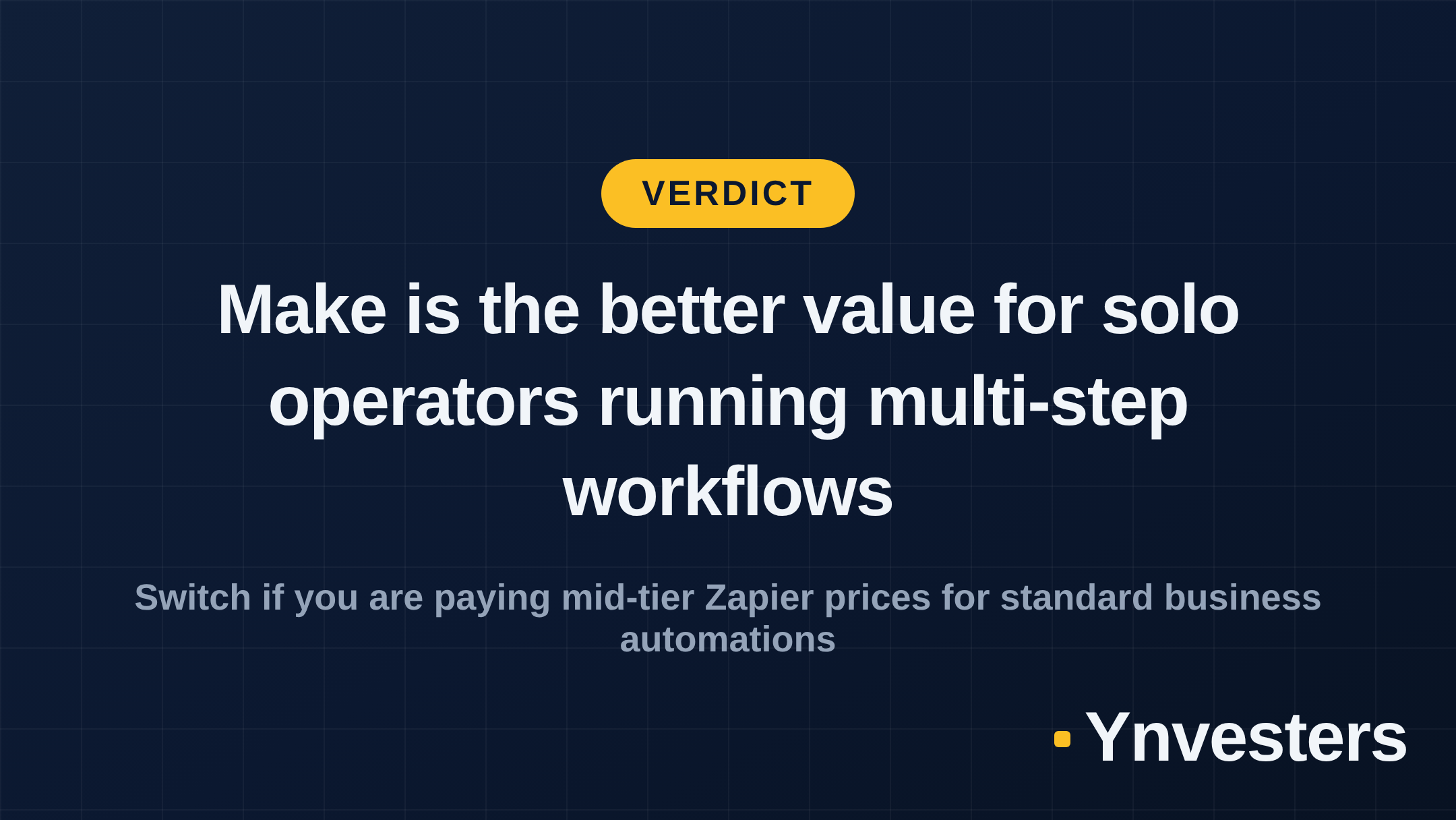
If you’re a team of five or more with shared workflows and compliance requirements, this article isn’t really for you. But if you’re one person running a real business on a tight tools budget, Zapier is charging you for a seat at a table you don’t need. Make is the smarter buy.
Frequently Asked Questions
Is Make worth it for solopreneurs over Zapier?
Yes, according to the article. Make offers multi-step workflows on its free plan, built-in error handling, and a lower entry-level paid price, making it better suited to the multi-step automations most solopreneurs actually need.
Make vs Zapier: which is easier to use?
Zapier has a lower learning curve and is better for absolute beginners who want a working automation on day one. Make has a moderate learning curve due to its visual canvas, but the article says most solopreneurs clear it within a weekend.
How much does Make cost compared to Zapier?
The article states Make's entry-level paid plan has historically been priced significantly lower than Zapier's comparable entry plan, but advises verifying current figures at make.com/en/pricing and zapier.com/pricing before purchasing.
Who should stay on Zapier instead of switching to Make?
The article recommends staying on Zapier if you rely on a specific integration Make doesn't support, have zero tolerance for any learning curve, are already embedded with dozens of complex Zaps where rebuild costs outweigh savings, or are scaling toward a team that needs Zapier's higher-tier collaboration features.