Murf AI Review 2026: Worth It or Just Another TTS Tool? A Blunt Verdict
Murf AI review 2026: real features, honest pricing, and a blunt verdict on whether this AI voice generator is worth your subscription money.
You record a rough voiceover, cringe at how you sound, re-record it four times, and still end up with something that sounds like a podcast from 2009. Or you outsource it to a freelancer, wait three days, get back something that is technically fine but completely off in tone. Sound familiar? That frustration is exactly why AI voice generators exploded in popularity — and why Murf AI keeps showing up at the top of every shortlist.
But shortlists are not verdicts. This review is. We spent time inside Murf AI’s actual product, tested its voice controls, and compared it honestly against what competitors offer at similar price points. Here is what you actually need to know before you hand over your subscription fee.
What Is Murf AI, and Who Is It Actually For?
Murf AI is a browser-based AI voice generator that converts text into natural-sounding speech. It is not just a plain text-to-speech engine — it positions itself as a full voiceover studio, with tools to sync audio to video, adjust pacing and emphasis, and produce broadcast-quality narration without a microphone.
The core audience Murf targets is clear from the interface: course creators, marketers, product teams making demo videos, and content creators who need professional narration fast. It is not built for developers who want a raw API, and it is not trying to be a voice cloning tool primarily. It is a workflow product that happens to use excellent AI voices.
Getting Started: Your First Project in Murf AI
The onboarding experience is genuinely beginner-friendly. Here is how to get your first voiceover from zero:
Step 1: Create a Free Account
Go to murf.ai and sign up. No credit card is required for the free plan. You get access to a limited set of voices and a capped number of voice generation minutes per month — enough to properly evaluate the product before committing.
Step 2: Create a New Project
Once inside the dashboard, click Create Project. You can start from a blank script or paste existing text. The editor looks like a document with a voice controls panel on the side — not overwhelming for someone new to voiceover tools.
Step 3: Choose Your Voice
Murf’s library includes voices across multiple languages and accents. Each voice has a preview clip. The voices are organized by use case — some tagged for narration, some for conversational content, some for promotional material. Spend time here. Picking the right voice is the biggest single factor in your final output quality.
Voices vary in expressiveness. Some sound measured and authoritative (good for explainer videos), others are warmer and conversational (better for podcasts or social content). You can audition as many as you like before committing.
Step 4: Adjust Pitch, Speed, and Emphasis
This is where Murf separates itself from basic TTS tools. After generating your audio, you can:
- Increase or decrease speaking speed per sentence or globally
- Add emphasis to specific words, making them sound naturally stressed
- Insert pauses between sentences or within them
- Adjust pitch to make the voice sound warmer or more neutral
- Edit pronunciation for brand names, technical terms, or unusual words
These controls are not gimmicks. A well-placed pause or a slightly slower pace on a key sentence changes how authoritative the narration sounds. This is the layer of craft that separates Murf from dumping text into a free TTS widget.
Step 5: Sync to Video (Optional but Powerful)
Murf includes a built-in media editor where you can upload a video or a series of images and sync your generated voice to the visuals. You can slide the audio timeline to match cuts or scene changes. For solo creators who would otherwise need a separate tool like a video editor just to line up narration, this is a genuine time-saver.
It is not a replacement for full video editing software, but for product demos, course slideshows, or social content, it covers the workflow end-to-end inside one tab.
Step 6: Export
When you are satisfied, export the audio as an MP3 or WAV file, or export the entire video project. Export quality is high — suitable for publishing directly to YouTube, uploading to a course platform, or embedding in a presentation.
Murf AI Pricing: What You Actually Get at Each Tier
Murf AI offers a free plan and multiple paid tiers. We are not going to print specific dollar amounts here because SaaS pricing changes frequently and we will not lock in a number that may be wrong by the time you read this. Check murf.ai/pricing for current figures.
What we can tell you is how the tiers structure access:
| Plan | Voice Minutes | Downloads | Commercial Use | Team Members |
|---|---|---|---|---|
| Free | Limited monthly cap | Limited | No | 1 |
| Creator / Individual | Higher monthly limit | Unlimited | Yes | 1 |
| Business | Higher still | Unlimited | Yes | Multiple |
| Enterprise | Custom | Custom | Yes | Custom |
The commercial use restriction on the free plan is the most important detail for freelancers. If you are producing voiceover for a client or for monetized content, you need at minimum the entry-level paid plan. Using free-plan audio commercially almost certainly violates Murf’s terms — verify at murf.ai/terms-of-service before publishing anything.
What Murf AI Does Well
Voice naturalness. The voices are among the more natural-sounding in the mid-market TTS space. They do not have the robotic cadence of older TTS systems. Longer passages hold up well without the strange rhythm breaks that plague cheaper tools.
The studio workflow. Having script editing, voice generation, emphasis controls, and video sync in one place removes the need to juggle multiple apps. For a solo creator, that consolidation has real value.
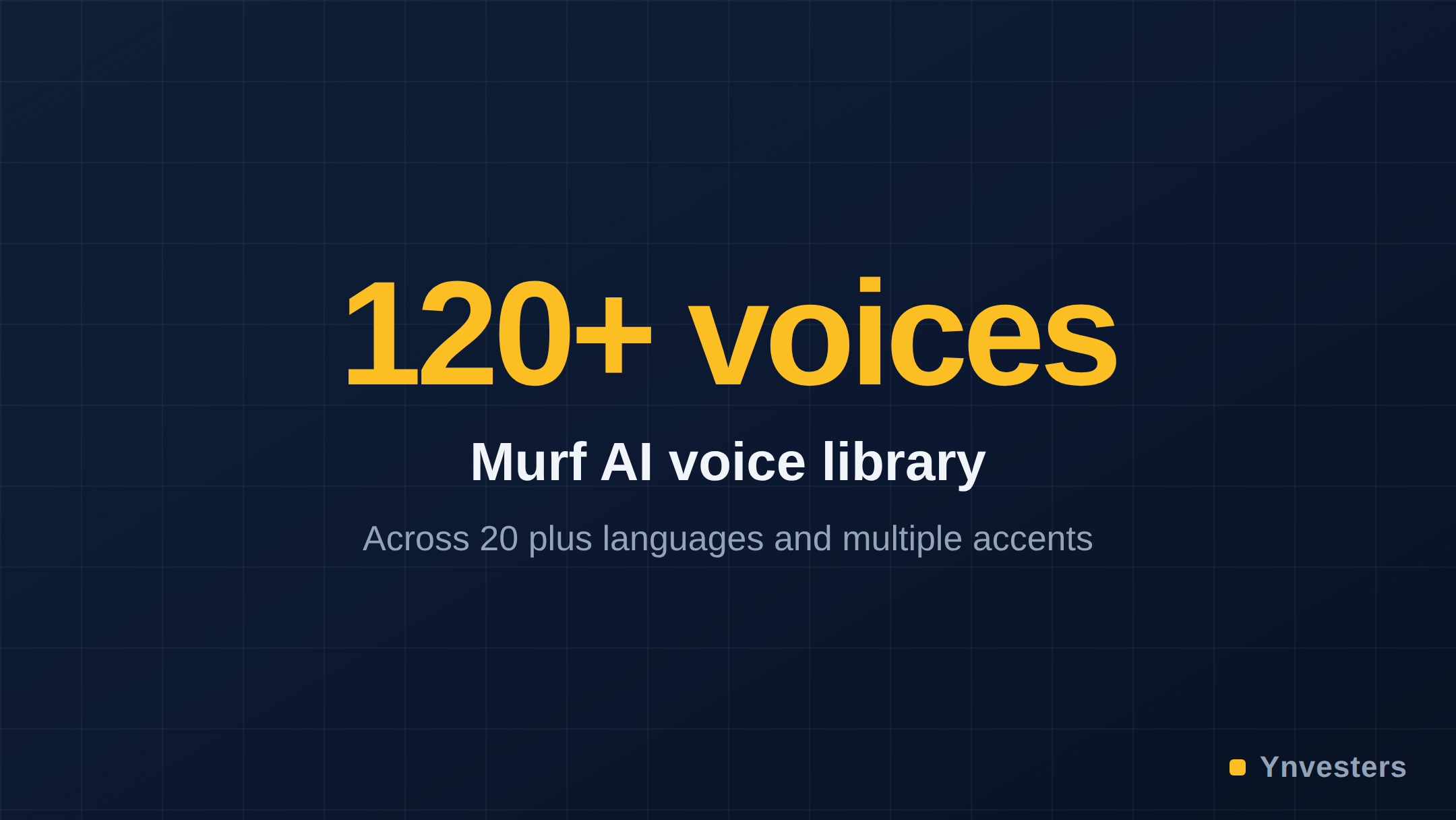
Language and accent range. Murf supports a wide range of languages and regional accents — useful for creators producing content for international audiences. Check their current language list on the official site, as they add voices regularly.
Collaboration on paid plans. Business and enterprise tiers allow multiple team members to work inside shared projects. For small marketing teams, this removes the “send me the Murf file” back-and-forth.
What Murf AI Does Not Do Well
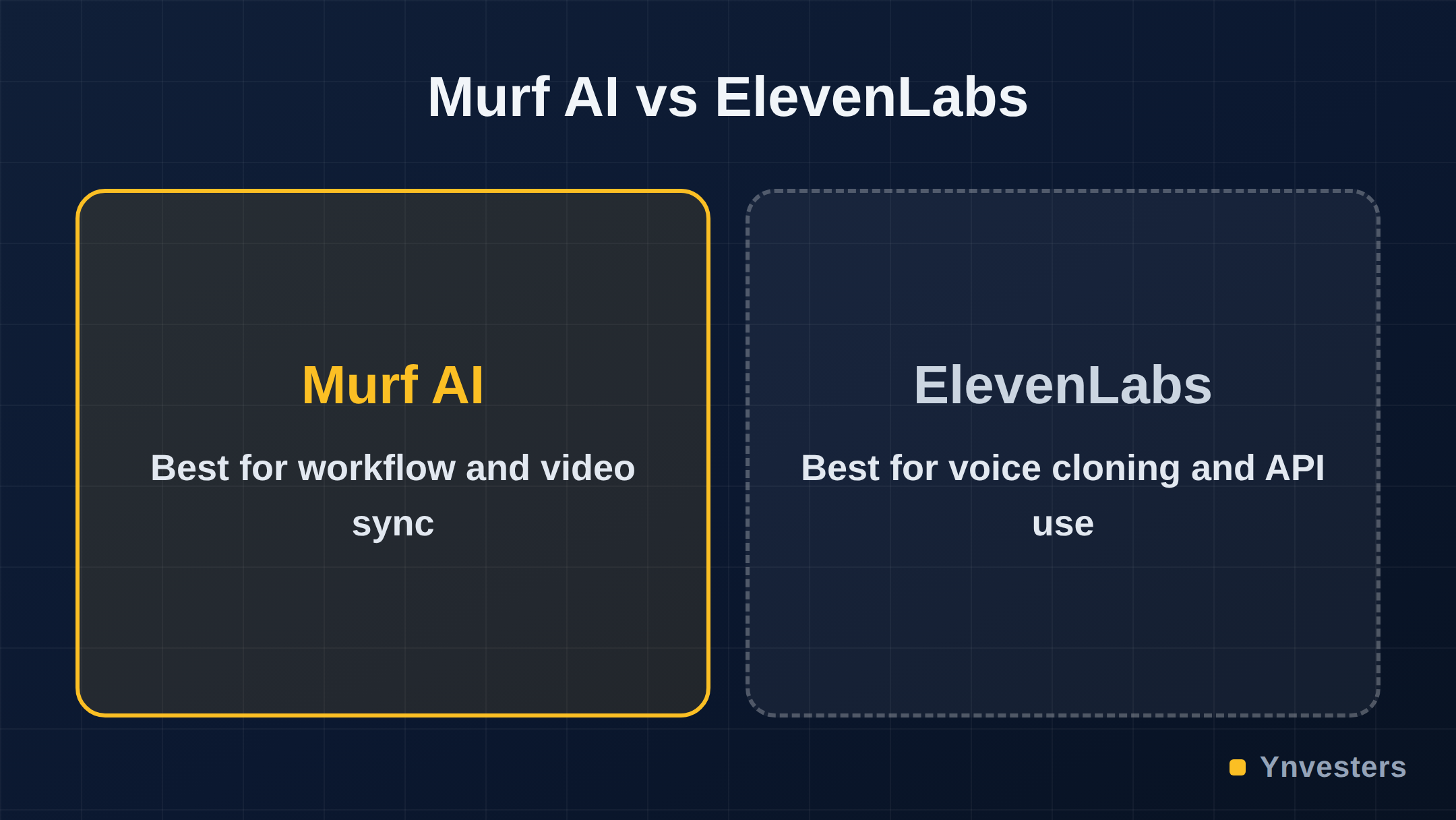
Voice cloning. Murf does offer a voice cloning feature, but it is not the headline reason to choose the product. If voice cloning accuracy is your primary need, ElevenLabs is the specialist tool and does it better.
API access. Developers looking to integrate TTS into their own applications will find Murf’s API capabilities more limited compared to alternatives like ElevenLabs or Google Cloud Text-to-Speech. Murf is designed for human operators using a visual interface, not programmatic pipelines.
Offline use. There is no desktop app or offline mode. Everything runs in the browser. If your internet connection is unstable, your workflow is interrupted.
Free plan ceiling. The free plan is generous enough to evaluate the product honestly, but content creators will hit the minute cap faster than expected — especially if you are iterating through multiple takes on a long script.
How Murf Compares to Key Alternatives
For a broader look at the TTS landscape, Wikipedia’s comparison of speech synthesis tools provides useful context on the technology underpinning these products. The practical differences between the major tools in 2026 come down to three factors: voice quality, workflow integration, and pricing model.
| Tool | Best For | Voice Cloning | Built-in Video Sync | API-First |
|---|---|---|---|---|
| Murf AI | Non-technical creators, studio workflow | Basic | Yes | No |
| ElevenLabs | Voice cloning, developer use | Advanced | No | Yes |
| Google TTS | Developer integrations | No | No | Yes |
| Descript | Podcast and video editing | Yes | Yes | No |
Descript is the closest direct competitor in terms of workflow positioning, though it emphasizes podcast and video editing more broadly. Murf’s edge is the depth of its voice controls and its focus specifically on narration quality.
The Learning Curve: Honest Assessment
Murf AI takes about thirty minutes to get comfortable with. The interface is clean and the controls are labeled clearly. Someone who has never used a TTS tool before can produce a usable voiceover on their first session.
The nuance takes longer. Learning when to add emphasis versus when to slow the pace, how to edit pronunciation for technical terms, and how to structure a script so the AI voice sounds natural — that is a skill that develops over a few projects. It is not a steep curve, but it exists.

Conclusion
Our take: Murf AI is not just another TTS tool, but it is also not magic. What it does genuinely well — voice naturalness, layered customization controls, and an integrated video sync workflow — is exactly what content creators need and what free alternatives fail to deliver consistently.
Pay for Murf AI if: You script and produce voiceover content at least a few times per month, you need commercial-use rights, and you want to stop juggling a script editor, a TTS tool, and a video editor separately. Course creators, YouTube narrators, and marketing teams producing demo videos will get clear value from a paid plan.
Skip Murf AI if: You need advanced voice cloning for realistic persona work (try ElevenLabs instead), you are a developer wanting API integration (Google Cloud TTS or ElevenLabs serve that use case better), or you produce voiceover so rarely that the free plan’s cap is never a real constraint.
The free plan is the right first step — create an account at murf.ai, run a real project through it, and judge the output against your actual quality bar. If it clears that bar, the paid plan is a straightforward decision. If it does not, no money lost.
Frequently Asked Questions
Is Murf AI worth it in 2026?
For anyone producing regular voiceover content — course creators, marketers, YouTubers — Murf AI is worth it because of its voice quality, customization controls, and video sync editor. Casual users who need a voice clip once a month will likely find the free tier or a cheaper tool sufficient.
How much does Murf AI cost?
Murf AI offers a free plan with limited monthly voice generation minutes. Paid plans tier upward from an entry-level individual plan to team and enterprise options. Check murf.ai/pricing for current figures, as these change periodically.
Murf AI vs ElevenLabs: which is better?
ElevenLabs leads on voice cloning realism and API flexibility for developers. Murf AI leads on its built-in studio workflow, video sync editor, and ease of use for non-technical creators. Your choice depends on whether you need a workflow tool or raw voice quality.
What are Murf AI's biggest limitations?
Murf AI does not offer real-time voice changing, its voice cloning feature is limited compared to ElevenLabs, and free-plan users face a hard cap on export minutes. It also requires an internet connection — there is no offline mode.