Grammarly Premium Is Too Expensive — Here's Exactly When It's Worth It
Grammarly Premium costs a significant chunk of your monthly AI budget. Here's a feature-by-feature breakdown of when it earns its price — and when it doesn't.
You’ve sent a proposal, a pitch, or a client email — and the reply comes back with a correction you should have caught yourself. Or worse, no reply at all. That sting is exactly what Grammarly Premium promises to prevent. But when you’re already paying for ChatGPT, Notion AI, or a dozen other subscriptions, “another $30-something a month” for a writing assistant deserves a harder look than most people give it.
This isn’t a feature tour written by Grammarly’s marketing team. It’s a practical breakdown of the features that actually justify the cost — and the ones that don’t — so you can make a call that fits your real workload and budget.
What You’re Actually Paying For
Grammarly offers a free tier, a Premium individual plan, and a Business tier. As of publication, Premium is priced as a monthly subscription with a significantly lower annual rate — check Grammarly’s official pricing page for current figures, since these change. The free plan handles basic spelling and grammar. Premium unlocks the features below. Whether those features are worth the delta depends entirely on your use case.
Here’s a feature-by-feature breakdown — the cases where Premium earns its keep, and the ones where you’re probably paying for things you’ll never use.
1. Advanced Clarity and Rewriting Suggestions
The free tier catches typos and basic grammar errors. Premium goes further with sentence-level clarity rewrites — it doesn’t just flag a convoluted sentence, it suggests a cleaner version inline.
Who this is for: If you’re producing a high volume of written output — client deliverables, articles, proposals, cold emails — this feature alone can meaningfully compress your editing time. The suggestions tend to target wordiness and passive constructions, which are exactly the habits most people have trained into their writing over years of academic or corporate prose.
Who this isn’t for: If you’re already a strong editor, or if you’re using a long-form AI writer that already produces clean drafts, you may find these suggestions redundant. Tools like Claude or ChatGPT can rewrite sentences on request, though they require a prompt rather than working inline.
2. Tone Detection and Adjustment
Premium includes a tone detector that reads your writing and labels its emotional register — “confident,” “formal,” “direct,” “diplomatic,” and so on. More usefully, it flags when your tone might land poorly given your stated goal.
Who this is for: Freelancers and consultants who write to multiple audiences in a single day — a casual Slack update for one client, a formal proposal for another, a firm follow-up to a late payer — will find real value here. Tone-blindness is a genuine professional risk, and having a second set of eyes (even algorithmic ones) catches the email that reads angrier than you intended.
Who this isn’t for: Creative writers, marketers who deliberately push unusual tones, or anyone writing primarily in a single consistent register. If all your writing is informal or all of it is formal, you won’t use this much.
3. Plagiarism Detection
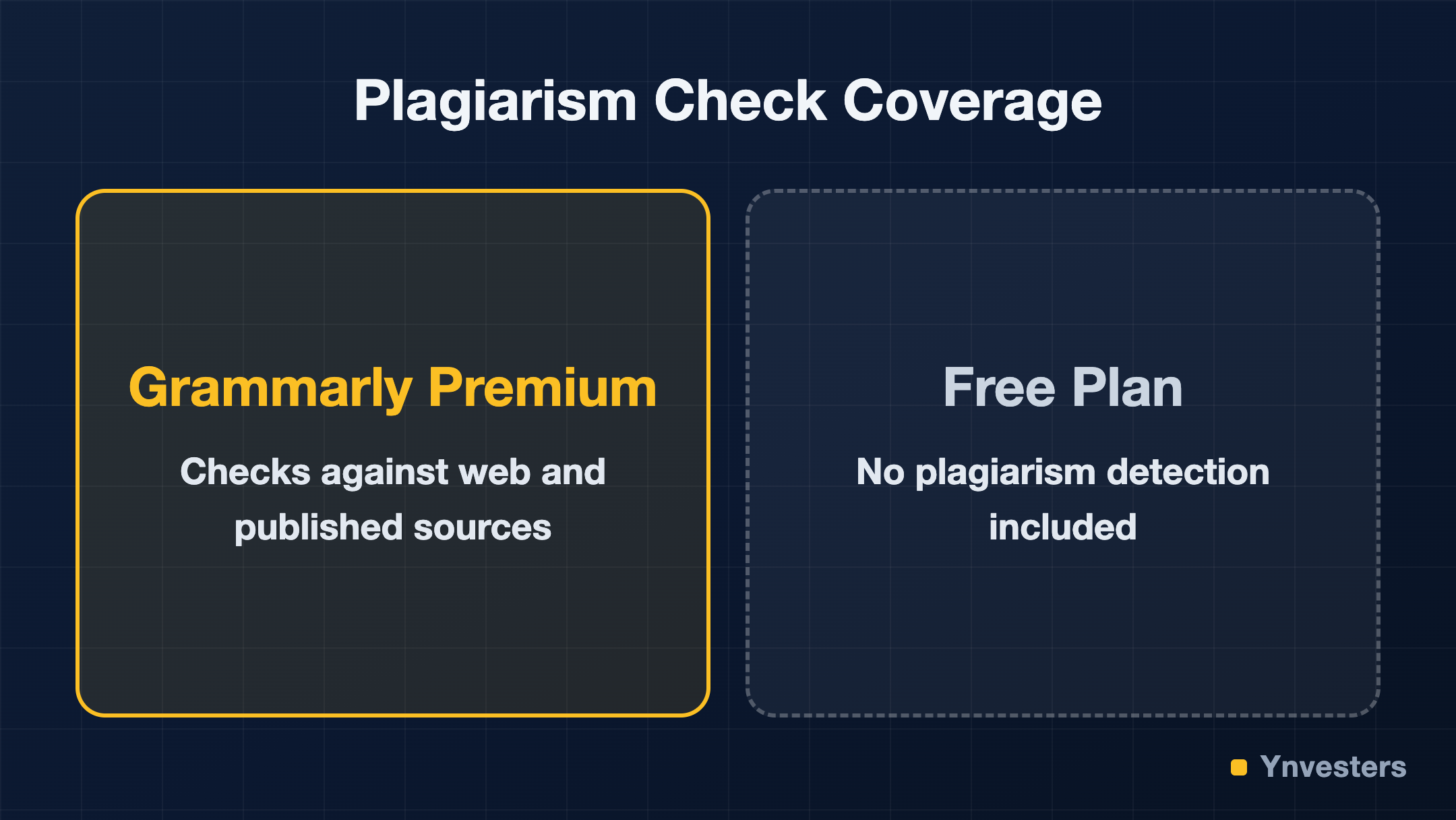
Grammarly Premium includes a plagiarism checker that compares your text against a large database of web content and published material. This is one of the most concrete, verifiable differentiators from the free plan — the free version has no plagiarism check at all.
Who this is for: Freelance content writers, ghostwriters, and anyone producing work that goes under a client’s name. If a client ever discovers duplicated content in a piece you delivered, the professional damage is severe. Running a plagiarism check before delivery is cheap insurance. It’s also useful for researchers and students, though Turnitin remains the standard in academic contexts.
Who this isn’t for: Developers, product managers, or anyone whose primary writing output is internal — Slack messages, Jira tickets, meeting notes. Plagiarism risk is essentially zero in those contexts.
4. Full-Sentence Rewrites (GrammarlyGO)
GrammarlyGO is Grammarly’s generative AI layer, available in Premium. It can draft responses, rewrite selected text with a specific goal (make it shorter, make it more formal, change the perspective), and generate content from a prompt within supported apps.
Who this is for: Anyone who writes a lot of repetitive professional content — response templates, follow-up emails, social posts, short-form summaries. GrammarlyGO is genuinely useful for breaking the blank-page problem on routine tasks, and its inline nature means you don’t have to context-switch to a separate tool.
Who this isn’t for: Users who are already subscribed to a capable generative AI tool and comfortable prompting it. Paying for both Premium and a full-featured LLM subscription means you’re partially duplicating generative capability. If you’re already fluent in ChatGPT or Claude, GrammarlyGO’s generative features may feel limited by comparison.
5. Style and Vocabulary Suggestions
Premium offers vocabulary enhancement suggestions — flagging overused words and proposing more precise or varied alternatives. It also includes style-level guidance that goes beyond grammar, targeting things like hedging language, unnecessary qualifiers, and filler phrases.
Who this is for: Non-native English writers who have strong ideas but sometimes default to simpler vocabulary than the situation calls for. Also useful for native speakers who’ve noticed their writing has become formulaic — same sentence structures, same transition words, same adjectives.
Who this isn’t for: Experienced writers with strong editorial instincts. At a certain skill level, vocabulary suggestions become noise rather than signal. Many professional writers find the suggestions tend toward the generic.
6. Consistency Checks
Premium tracks consistency across a document — hyphenation choices, capitalization of product names, number formatting — and flags when you’ve been inconsistent. This sounds minor until you deliver a 5,000-word piece with three different spellings of a client’s product name.
Who this is for: Long-form writers — content strategists, white paper writers, technical writers — who regularly produce documents over 2,000 words. Consistency errors at this length are nearly impossible to catch manually without a style guide check, and most freelancers don’t maintain per-client style sheets.
Who this isn’t for: Short-form writers. If your average output is under 500 words, consistency across a document is rarely a meaningful problem.
7. Works Where You Already Write
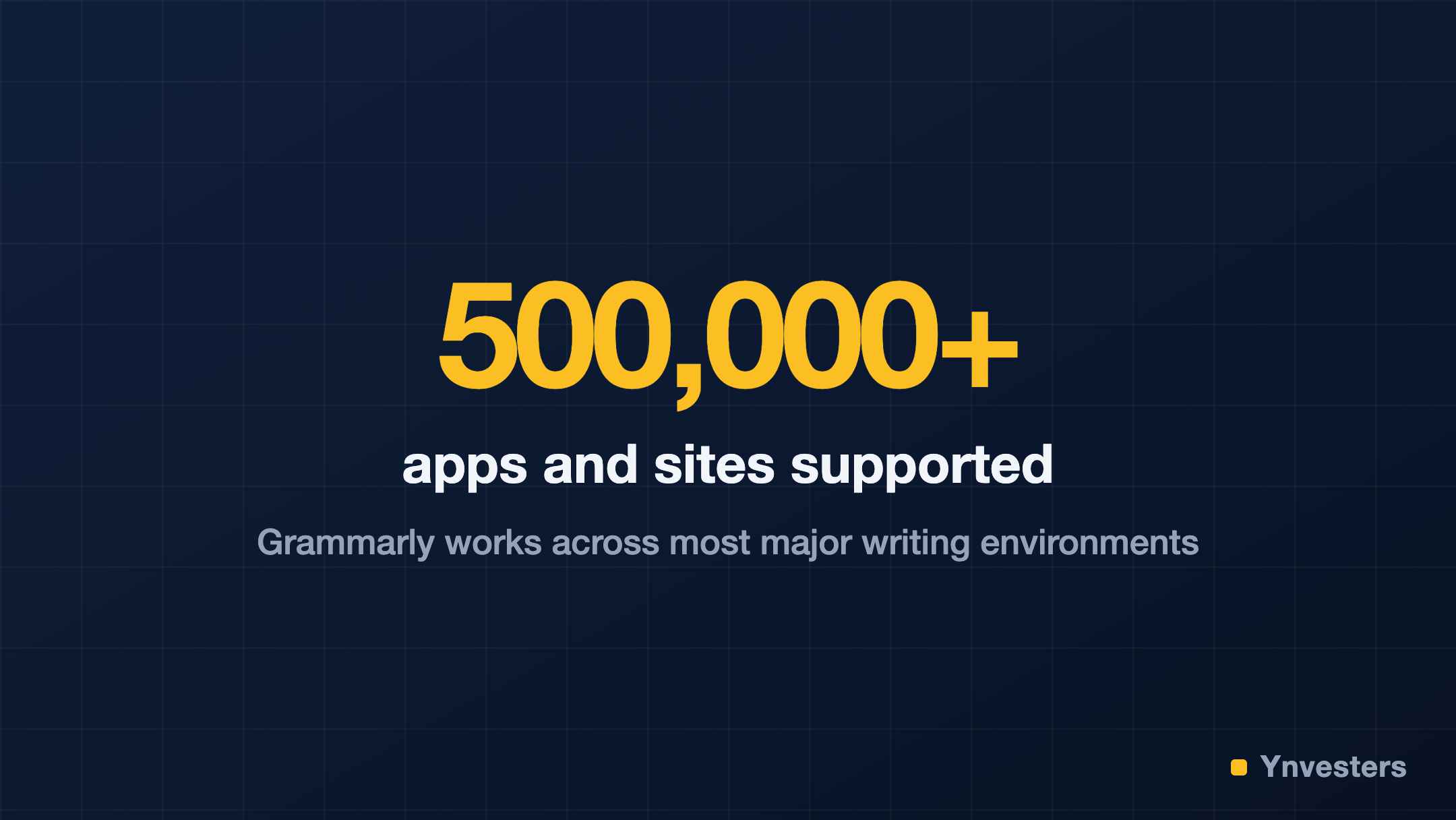
One of Grammarly’s legitimate competitive advantages — across all tiers, but more fully in Premium — is its integration footprint. It works across Gmail, Google Docs, Microsoft Word, Outlook, LinkedIn, Slack, and most browser-based text fields — Grammarly’s own count puts it at over 500,000 apps and websites supported. The Grammarly browser extension and desktop app mean you’re covered without switching contexts.
Who this is for: Anyone whose writing is distributed across multiple platforms. If you write in Gmail in the morning, Google Docs in the afternoon, and LinkedIn in the evening, having a single tool that follows you is genuinely valuable. Most competing writing tools require you to write in their own editor.
Who this isn’t for: Writers who work entirely in one environment (say, a dedicated writing app like Ulysses or Scrivener). Grammarly’s integration with those apps is limited or nonexistent, meaning you’d need to copy-paste to get suggestions — which defeats the convenience argument.
Comparison: Free vs. Premium at a Glance
| Feature | Free | Premium |
|---|---|---|
| Basic spelling and grammar | ✅ | ✅ |
| Advanced clarity rewrites | ❌ | ✅ |
| Tone detection | Limited | Full |
| Plagiarism checker | ❌ | ✅ |
| GrammarlyGO (generative AI) | Limited prompts | Expanded access |
| Vocabulary suggestions | ❌ | ✅ |
| Consistency checks | ❌ | ✅ |
| Browser/app integrations | ✅ | ✅ |
Verify current feature availability at grammarly.com/plans — feature access per tier changes periodically.
What You Can Use Instead (and When)
If you’re primarily looking for generative rewriting, a ChatGPT Plus or Claude Pro subscription provides more powerful and flexible output for comparable or lower cost — you just lose the inline, context-aware nature of Grammarly’s suggestions.
If you’re primarily a content writer worried about plagiarism, dedicated tools like Copyscape offer per-search plagiarism checking without a monthly subscription, which can be more economical if you check fewer than a dozen pieces a month.
If you’re a non-native English writer trying to improve overall accuracy and fluency, Grammarly Premium’s combination of correction density and explanation quality genuinely has few direct competitors at this price point.
Conclusion
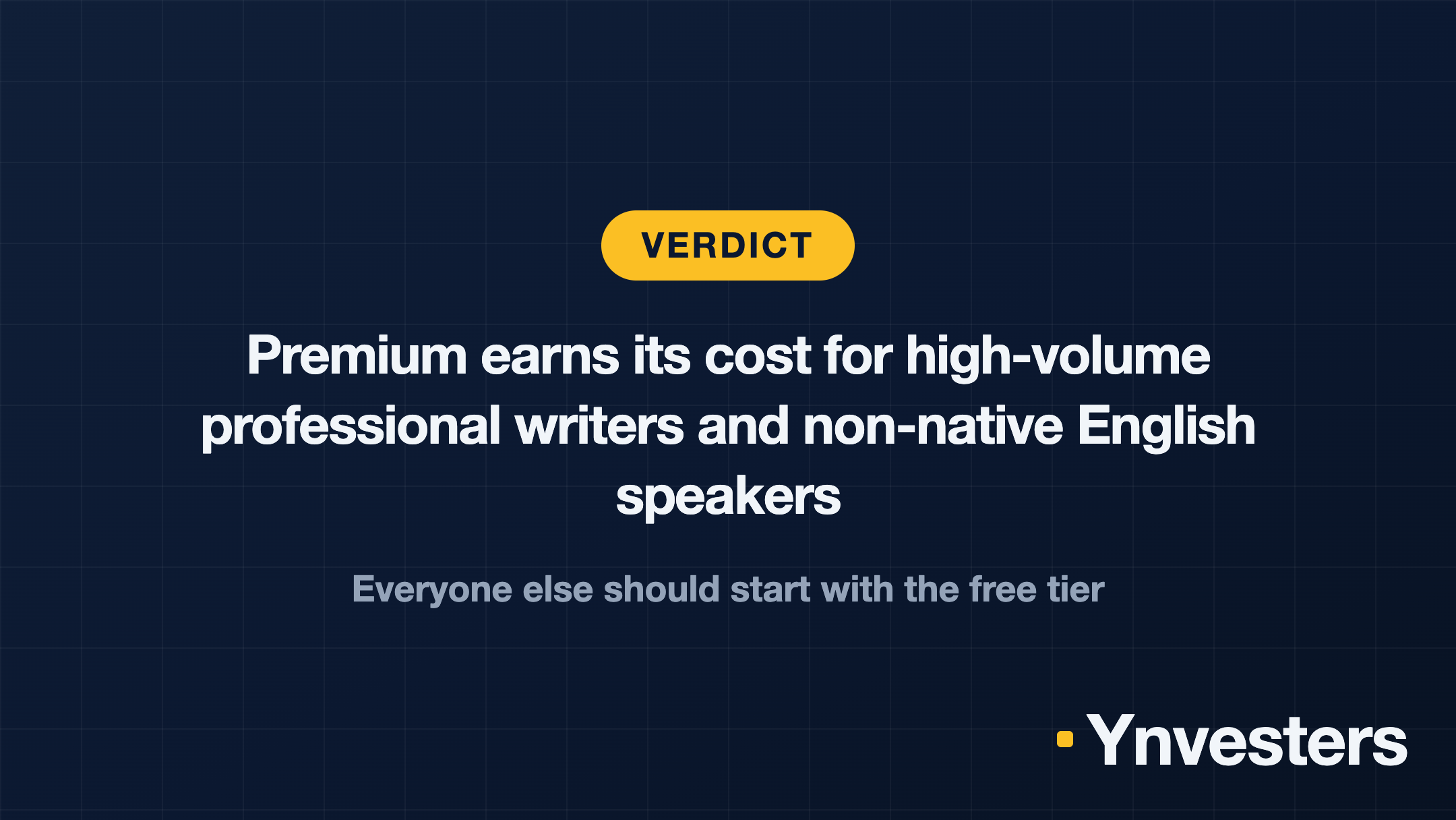
Our take: Grammarly Premium justifies its price tag for a specific profile — a freelancer or consultant producing significant written output across multiple platforms, especially if that writing goes directly to clients or public audiences where errors have professional consequences. The plagiarism checker alone is worth real money to content writers who deliver under a client’s name. The tone detection and consistency features are genuinely useful at volume.
If you write mostly internally, if your output is low-volume, or if you’re already paying for a capable generative AI tool and are comfortable using it for editing tasks, the free tier covers the use cases you’ll actually hit. Start there, feel the ceiling, and upgrade only when you bump into it consistently.
Don’t upgrade because the upsell is convincing. Upgrade when you can name the specific feature you’d use every week — and it’s not in the free plan.
Frequently Asked Questions
Is Grammarly Premium worth it?
According to the article, it is worth it for freelancers and consultants writing significant volumes of client-facing content across multiple platforms. It is not worth it for low-volume writers, those writing mostly internally, or users already comfortable using a separate generative AI tool for editing.
How much does Grammarly Premium cost?
The article describes it as 'another $30-something a month' with a significantly lower annual rate available, but directs readers to Grammarly's official pricing page for current figures since prices change.
Grammarly Premium vs. ChatGPT or Claude — which is better for rewriting?
The article says ChatGPT and Claude provide more powerful and flexible generative rewriting output, but lack Grammarly's inline, context-aware suggestions that work across 500,000+ apps and websites without requiring a context switch.
Is there a cheaper alternative to Grammarly Premium for plagiarism checking?
Yes — the article cites Copyscape as a per-search alternative with no monthly subscription, noting it can be more economical for writers who check fewer than a dozen pieces a month.